PVR 6000 Series
Professional Integrated Receiver Decoders
Page C-3
The resulting image is affected by the combination of four variables displayed in
the A/R Conversion Table:
• The actual Video Stream A/R (Stream column)
• Destination Monitor A/R (Monitor Column)
• Interpolation value, set in the Conversion Machine (Interpolation Column)
• Monitor Aspect Ratio value, set in the Conversion Machine (WSS Column)
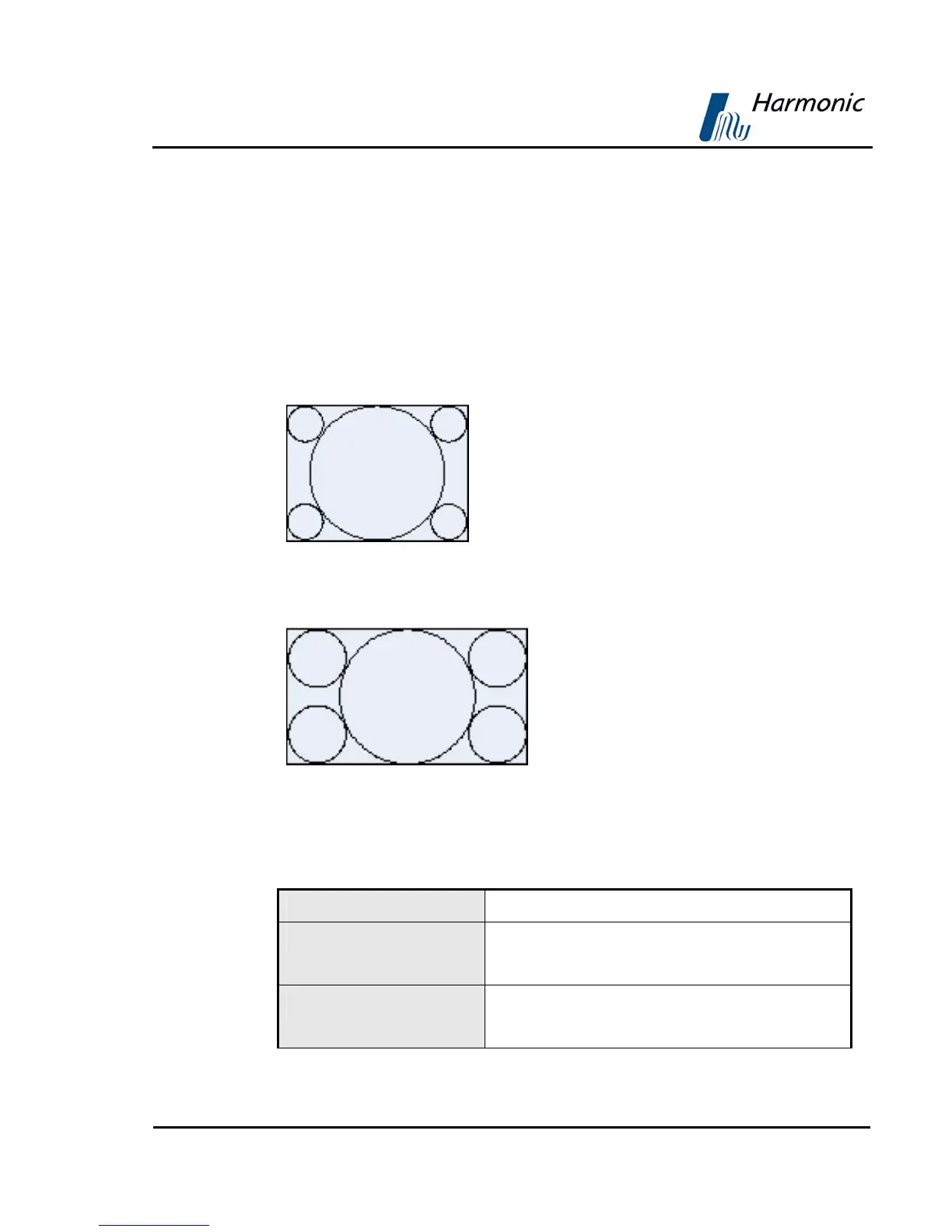
The following Video Bar figures are used in the table to demonstrate the image
format changes.
Figure C-2 illustrates a normal 4:3 Video image
Figure C-2: Normal 4:3 Aspect Ratio
Figure C-3 illustrates a normal 16:9 Video image
Figure C-3: Normal 16:9 Aspect Ratio
Table C-1: Table of Conversions - 4:3 Stream Option
STREAM
4:3
MONITOR
16:9 or
4:3
INTERPOLATION
Pan Scan or
Letter Box



 To Next Page