3Dimensions System User Guide
Chapter 4: Startup, Functional Tests, and Shutdown
Page 30 MAN-05085-002 Revision 002
DRAFT Preview Copy-Generated May 30, 2018
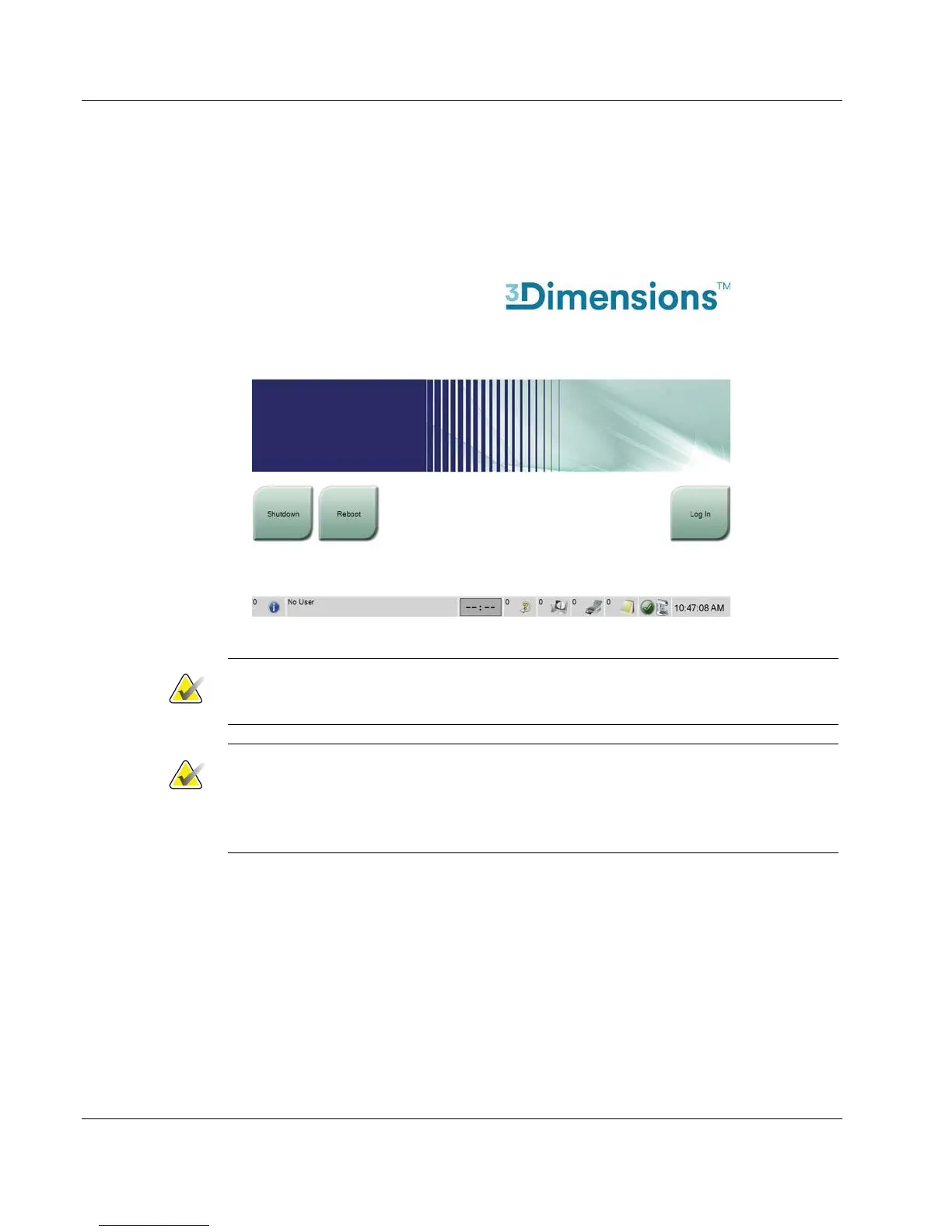
6. Press the computer power button (see the previous figure). The computer powers on
and the Startup screen opens on the Acquisition Workstation control monitor. The
Gantry then automatically powers on.
Figure 16: Startup Screen
Note
The Startup screen includes a Shutdown button that turns off the system, and a Reboot
button that restarts the system.
Note
The system can require between five minutes and fifteen minutes to prepare for image
acquisition. The wait time depends on the detector power configuration. A timer in the
Taskbar displays the wait time before the system is ready. Do not acquire clinical or QC
images unless the System Status Icon indicates that the system is Ready.













 To Next Page