3Dimensions System User Guide
Chapter 6: Images
MAN-05085-002 Revision 002 Page 69
DRAFT Preview Copy-Generated May 30, 2018
6: Images
6.1 Image Display Screen
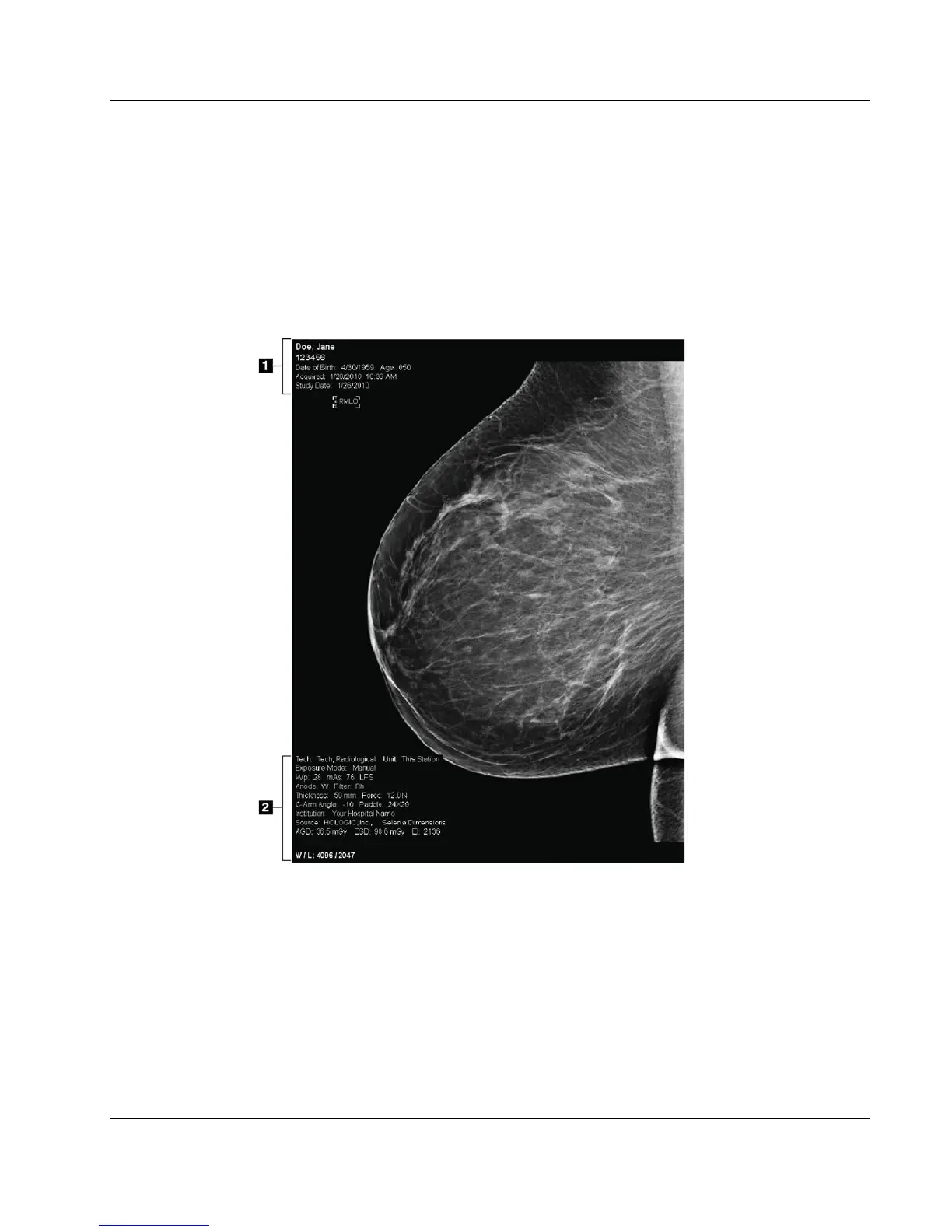
After you make an exposure, the acquired image opens on the Image Display monitor.
Patient and procedure information can be displayed on the screen. To turn the
information on or off, go to the Tools tab in the Procedure screen and select the Patient
Information button.
Figure 40: Image Display Screen
Figure Legend
1. Patient information and exam date
2. Exposure information, including:
x Exposure techniques
x Patient dose
x C-arm angle
x Compression thickness and force
x Facility and technologist information
Chapter 6













 To Next Page