3Dimensions System User Guide
Chapter 5: User Interface
MAN-05085-002 Revision 002 Page 63
DRAFT Preview Copy-Generated May 30, 2018
5.6 Output Groups
The accepted images are sent automatically to the output devices in the selected Output
Group. The system configuration controls if the images are sent after a patient is closed
or after the image is accepted.
Note
Tomosynthesis images are not sent to a print device in the selected Output Group. You
can print selected tomosynthesis images from the Print screen.
5.6.1 Select an Output Group
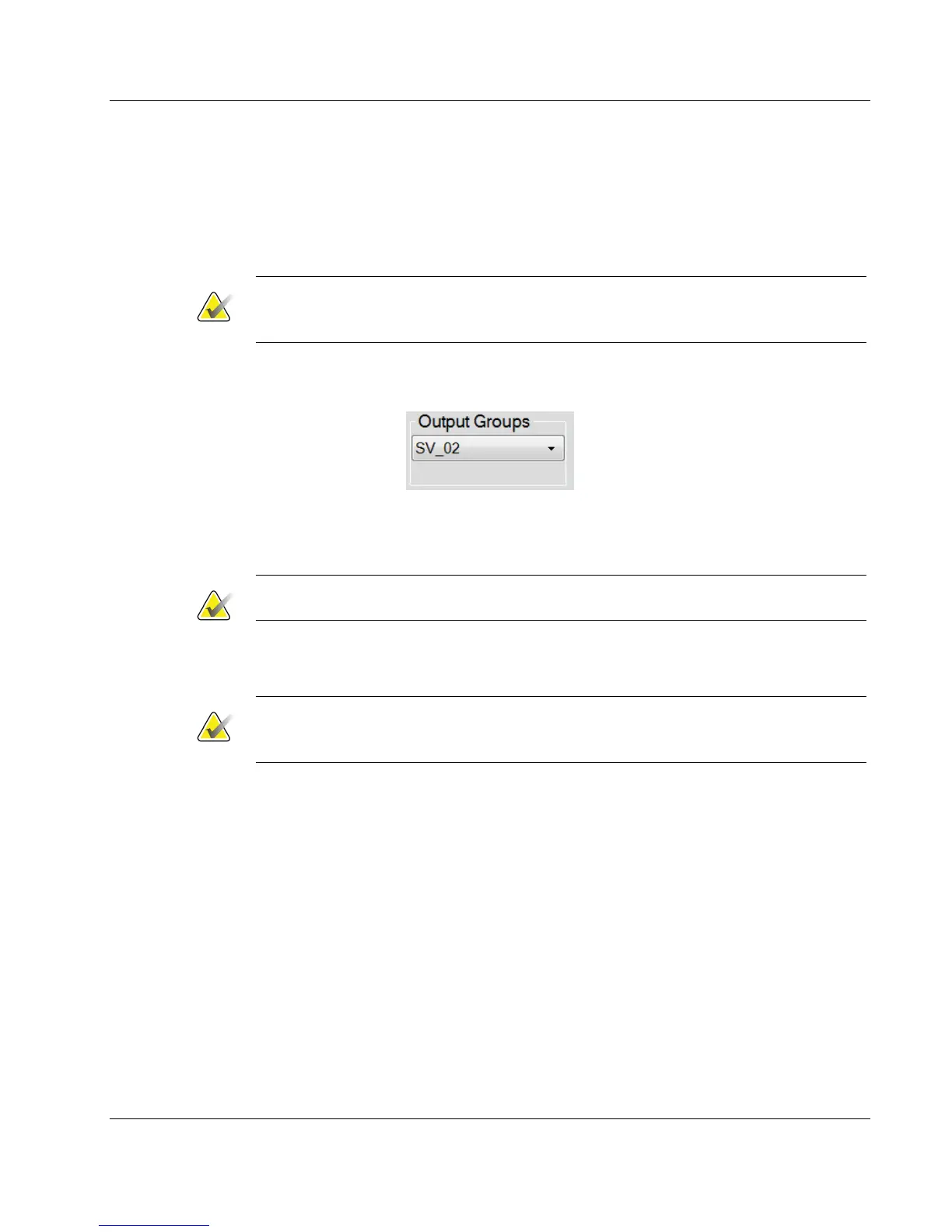
Figure 35: Output Groups Field
Select an output device group like PACS, Diagnostic Workstations, CAD devices and
printers from the Output Groups drop-down list in the Procedure screen.
Note
Images are not sent if an Output Group is not selected.
5.6.2 Add or Edit an Output Group
Note
The configuration of Output Groups occurs during installation, but you can edit
existing groups or add new groups.
To add a new Output Group:
1. Access the Admin screen.
2. Select the Manage Output Groups button.
3. Select the New button, enter the information, then select the output device(s).
4. Select Add, then select OK in the Update Successful message.
5. You can select any group to set as the default.
To edit an Output Group:
1. Access the Admin screen.
2. Select the Manage Output Groups button.
3. Select the Edit button, then make the changes.
4. Select Save, then select OK in the Update Successful message.













 To Next Page