3Dimensions System User Guide
Chapter 5: User Interface
MAN-05085-002 Revision 002 Page 45
DRAFT Preview Copy-Generated May 30, 2018
5: User Interface
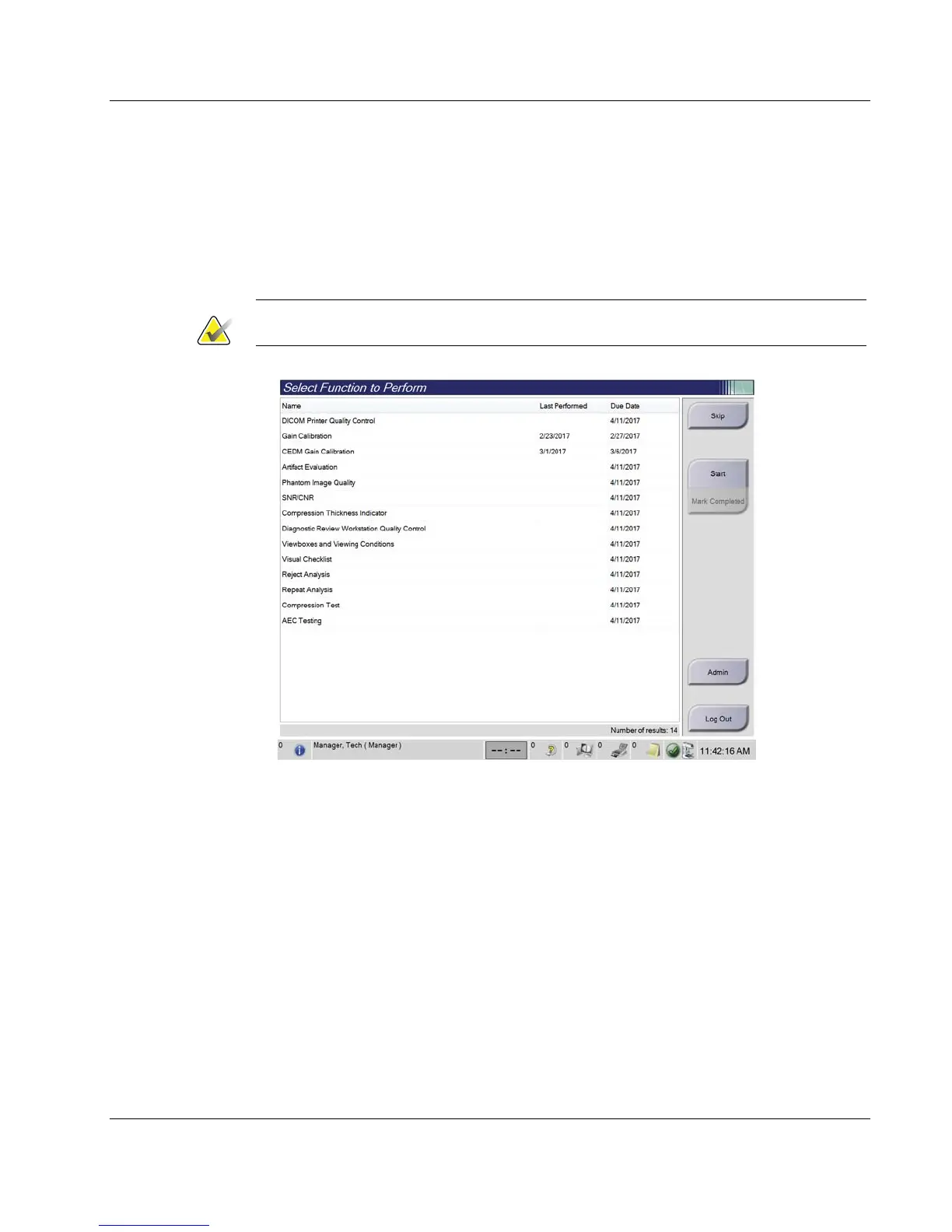
5.1 Select Function to Perform Screen
After login, the Select Function to Perform screen opens. This screen shows the quality
control tasks that are due.
Note
The Select Patient screen opens when no quality control tasks are scheduled to be done.
Figure 21: An Example Select Function to Perform Screen
To Complete a Scheduled Quality Control Task:
1. Select a Quality Control task from the list.
2. Select the Start button. Follow the messages to complete the procedure. (The Start
button is not available for all types of tests.)
- OR -
Select the Mark Completed button to mark the status of this procedure as finished.
Select Yes to confirm the selected procedure is completed.
3. Select End QC.
Chapter 5













 To Next Page