3Dimensions System User Guide
Chapter 5: User Interface
MAN-05085-002 Revision 002 Page 59
DRAFT Preview Copy-Generated May 30, 2018
5.4.4 Add a Procedure
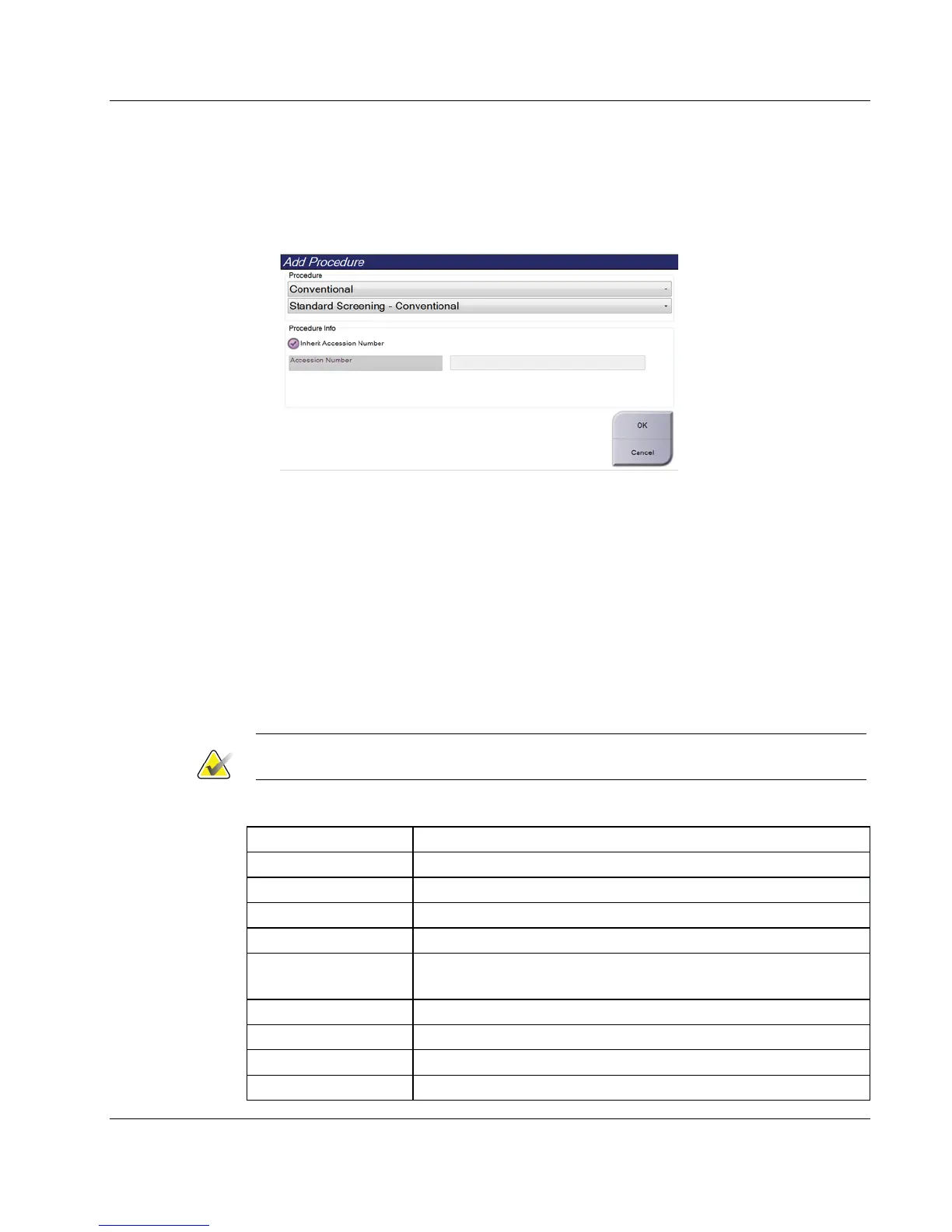
1. To add another procedure, select the Add Procedure button on the Procedure screen
to access the Add Procedure dialog box.
Figure 32: Add Procedure Dialog Box
2. Use the drop-down menus to select the type of procedure to add.
3. The current Accession Number is automatically used. To use a different Accession
Number, deselect the "Inherit Accession Number" check box and enter the desired
number.
4. Select the OK button. A new tab is added with the thumbnail views for the
procedure that was selected.
Available Procedures
The table that follows shows the major groups of procedures that are available on the
system.
Note
Some procedures in the list show only when the system is licensed for that procedure.
Table 16: Procedure Groups
Procedure Description
Conventional Digital mammography (2D) imaging only
Combo Digital mammography (2D) and breast tomosynthesis imaging
Tomo Breast tomosynthesis imaging only
TomoHD Breast tomosynthesis imaging and a generated 2D image
ComboHD Digital mammography (2D) and breast tomosynthesis imaging
and a generated 2D image
Stereo Biopsy Biopsy that uses stereotactic targeting
Tomo Guided Biopsy Biopsy that uses tomosynthesis targeting
Specimen Specialized specimen imaging
2D Contrast Contrast enhanced digital imaging













 To Next Page