3Dimensions System User Guide
Chapter 6: Images
MAN-05085-002 Revision 002 Page 71
DRAFT Preview Copy-Generated May 30, 2018
6.3 How to Acquire an Image
Refer to Clinical Procedures on page 99 for information about clinical procedures.
1. Select a view from the thumbnail views at the bottom of the Procedure screen.
2. Press and hold the x-ray button and/or the x-ray footswitch for the full exposure.
During the exposure:
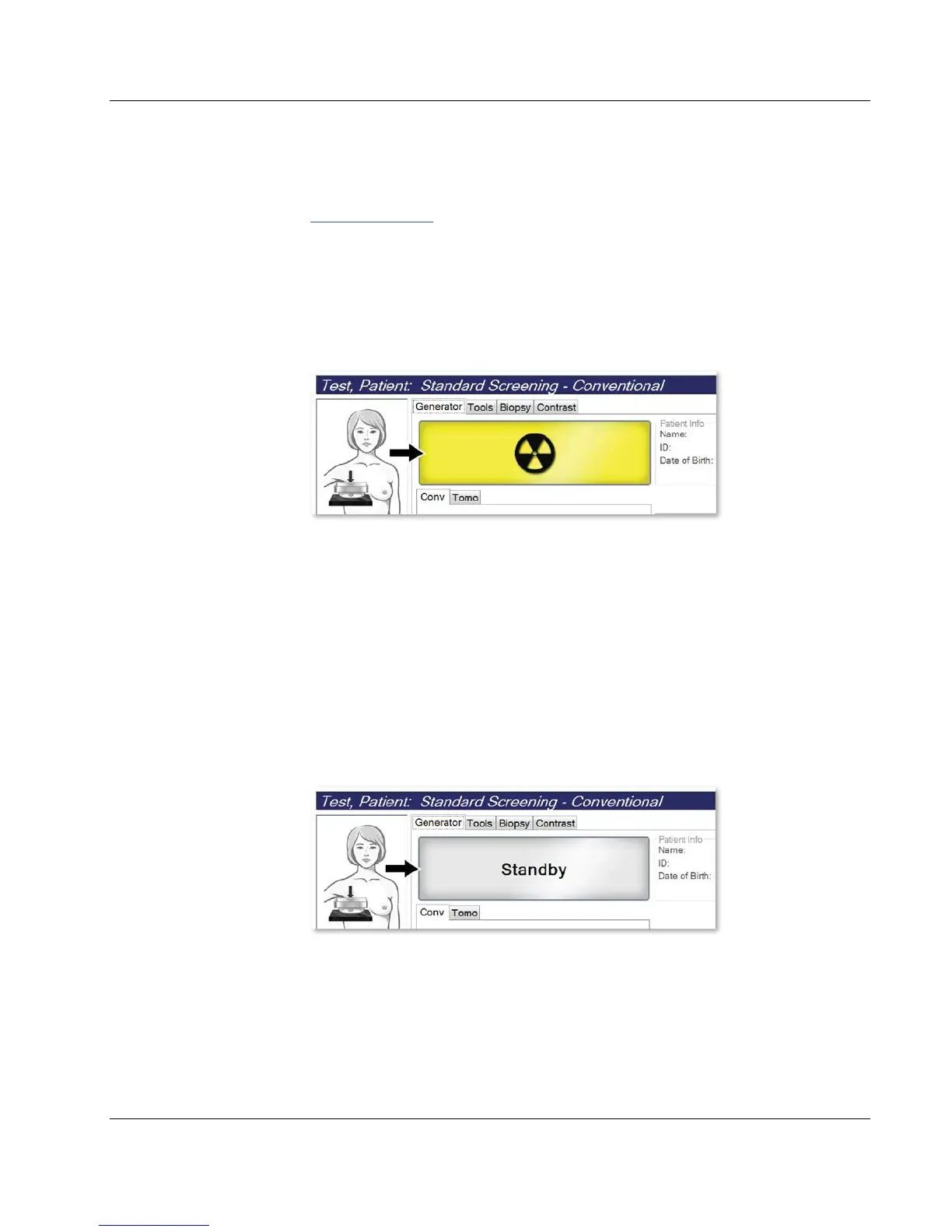
• The System Status bar shows the radiation symbol and a yellow background (see
the following figure).
Figure 41: Exposure In Progress
• An audible tone continues to sound during the exposure
The audible tone is a continuous sequence of tones. The tone sounds during the
entire combo acquisition from the initiation of the exposure to the end of the
conventional view. There is no interruption of the audible tone between breast
tomosynthesis and conventional digital mammography exposures. Do not
release the exposure switch during the audible tone.
3. When the tone stops and the System Status bar shows Standby (see the following
figure), release the x-ray button and/or the x-ray footswitch.
Figure 42: Exposure Complete













 To Next Page