3Dimensions System User Guide
Chapter 5: User Interface
Page 64 MAN-05085-002 Revision 002
DRAFT Preview Copy-Generated May 30, 2018
5.6.3 Custom Output
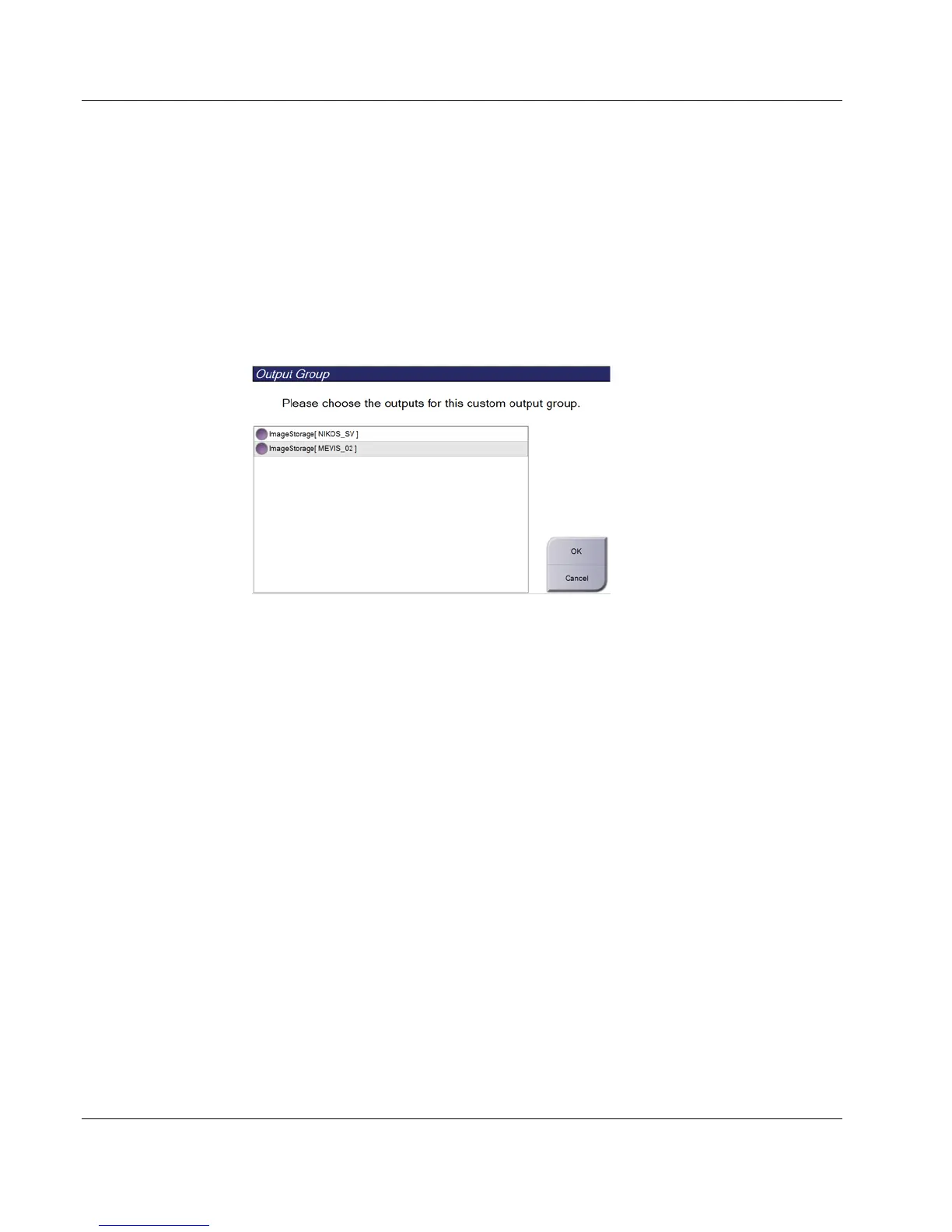
The Custom Output option lets you make an output group from the Procedure screen. The
custom group that you make stays as the Custom option until another custom group is
made.
To Make a Custom Group from the Procedure screen:
1. In the Procedure screen, select Custom from the Output Groups drop-down menu.
2. In the Output Group screen, select from the list of available devices, then select OK.
Figure 36: An Example Custom Output Group
5.7 On-Demand Outputs
The On-Demand Outputs are Archive/Export or Print. You can manually Archive,
Export, or Print the currently opened patient until the procedure is closed.
When you select an On-Demand Output button, you have the option to send images
from the patient that is open to any of the configured output devices.
5.7.1 Archive
1. Select the Archive/Export button.
2. Select the procedure or views in the On Demand Archive screen:
• Select All button selects all items that show in this screen.
• Clear button deselects items that are selected in this screen.
• Priors button shows previous procedures and views for this patient.
• Rejected button shows rejected views for this patient.













 To Next Page