3Dimensions System User Guide
Chapter 4: Startup, Functional Tests, and Shutdown
MAN-05085-002 Revision 002 Page 43
DRAFT Preview Copy-Generated May 30, 2018
4.3.4 Shifting Paddles
Note
Most paddles can be used with the Shifting Paddle function. The large 24 x 29 cm
Frameless Screening Paddle, the large 24 x 29 cm SmartCurve™ system paddle, and the
Magnification paddles are not compatible with the Shifting Paddle function.
Use the 18 x 24 cm Frameless Screening Paddle to test the Shifting Paddle function.
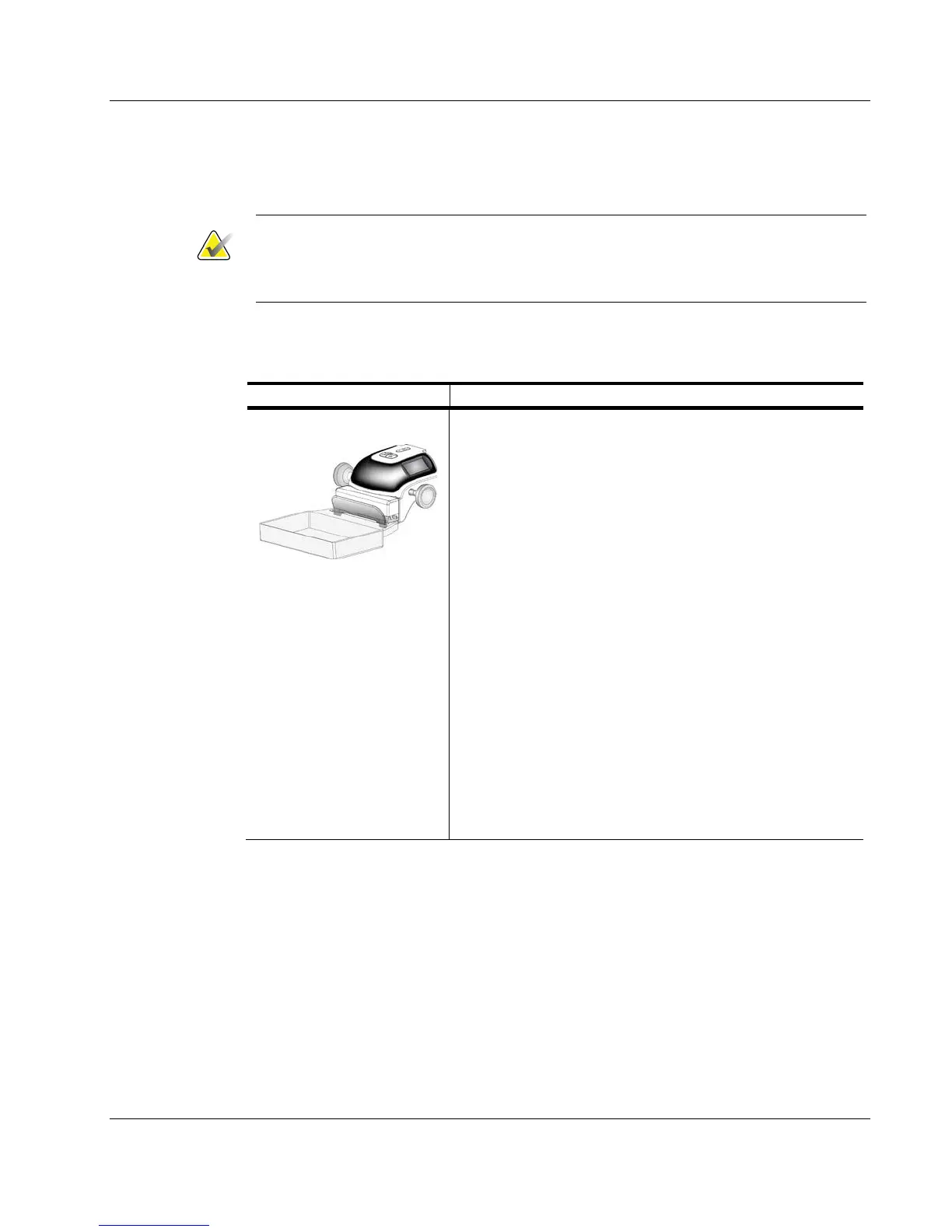
Table 11: Shifting Paddle
Function Functional Test
Paddle Shift
The 18 x 24 cm Screening Paddle moves approximately 2.5
cm into the left, center, or right position. While
compression is applied, you cannot move the paddle. The
collimator is programmed to follow the position of the
paddle.
To test this function:
1. Install the 18 x 24 cm paddle in the Compression
Device.
2. Select a view.
3. Use the Paddle Shift buttons on the Procedure screen
to override the position.
4. Verify that the paddle automatically moves to the new
position.
5. Turn on the light field lamp.
6. Confirm that the collimator position matches the
paddle position.
7. Repeat this procedure for the other paddle positions.













 To Next Page