3Dimensions System User Guide
Chapter 4: Startup, Functional Tests, and Shutdown
MAN-05085-002 Revision 002 Page 33
DRAFT Preview Copy-Generated May 30, 2018
Note
C-arm vertical movement and rotation are disabled when compression force
is applied. A Service Engineer can configure the lockout force from 22
Newtons (5 pounds) to 45 Newtons (10 pounds).
4.3.1 Compression Functional Tests
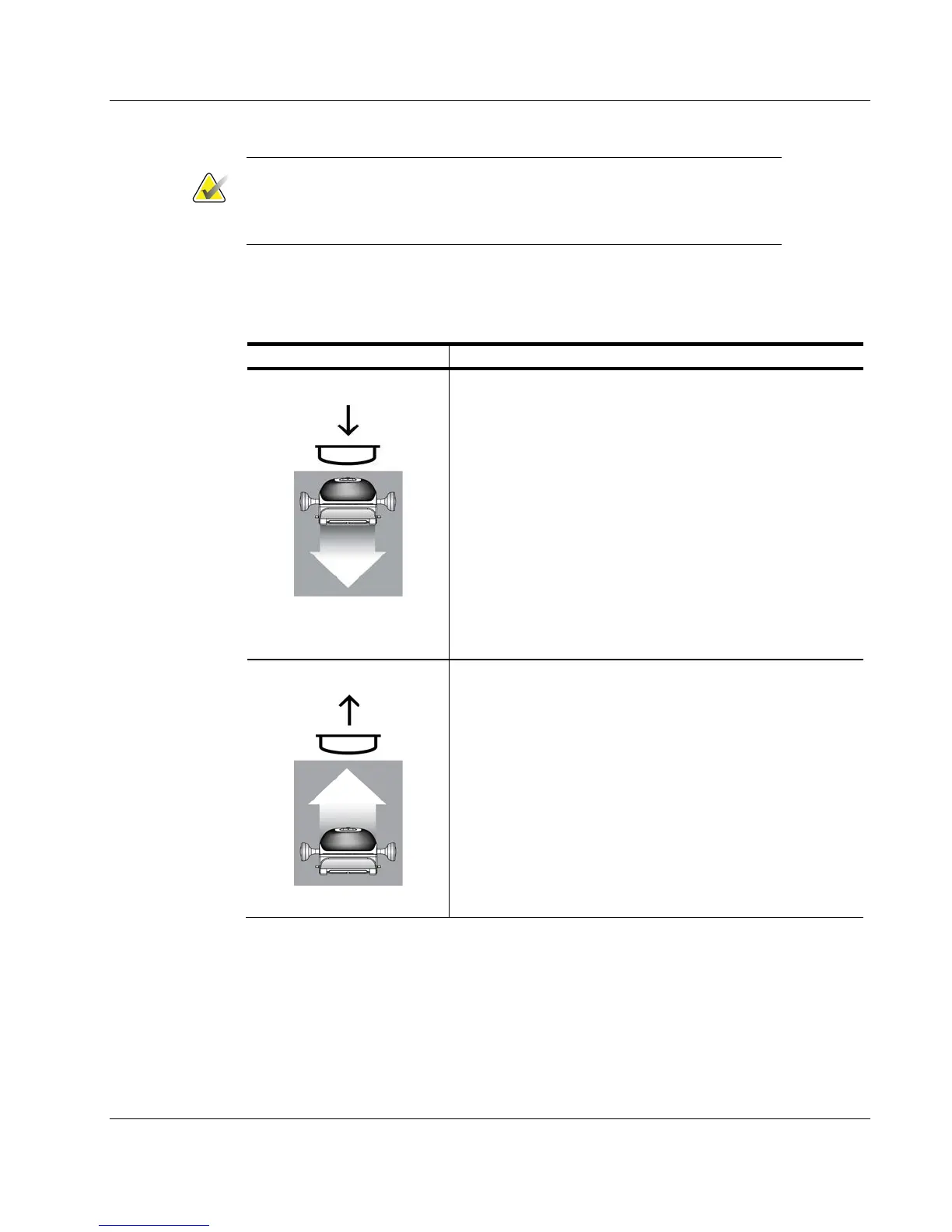
Table 2: Compression Tests
Function Functional Test
Compression Down
Press a Compression Down button:
x The compression brake engages.
x The light field lamp illuminates.
x The compression device lowers.
Note… When you press the Compression Down button, the
compression brake remains engaged until the Compression
Release button is pressed.
Compression down movement stops:
x When you release the button.
x When you reach the Down Force limit.
x When you reach the lower travel limit.
Compression Up
Press a Compression Up button:
x The Compression Device moves toward the top.
Note… The Compression Up button does NOT release the
Compression Brake.
Compression up movement automatically stops:
x When you release the button.
x When you reach the upper travel limit.













 To Next Page