3Dimensions System User Guide
Chapter 5: User Interface
MAN-05085-002 Revision 002 Page 53
DRAFT Preview Copy-Generated May 30, 2018
5.3.6 Delete a Patient
Note
Reclamation normally removes the requirement to delete patients manually. Refer to
About Reclamation on page 110
.
1. In the Select Patient screen, select one or more patients.
2. Select the Delete button.
3. When the confirmation prompt is shown, select Yes.
Note
The Technologists do not have permissions to delete patients.
5.3.7 Filters for Patients
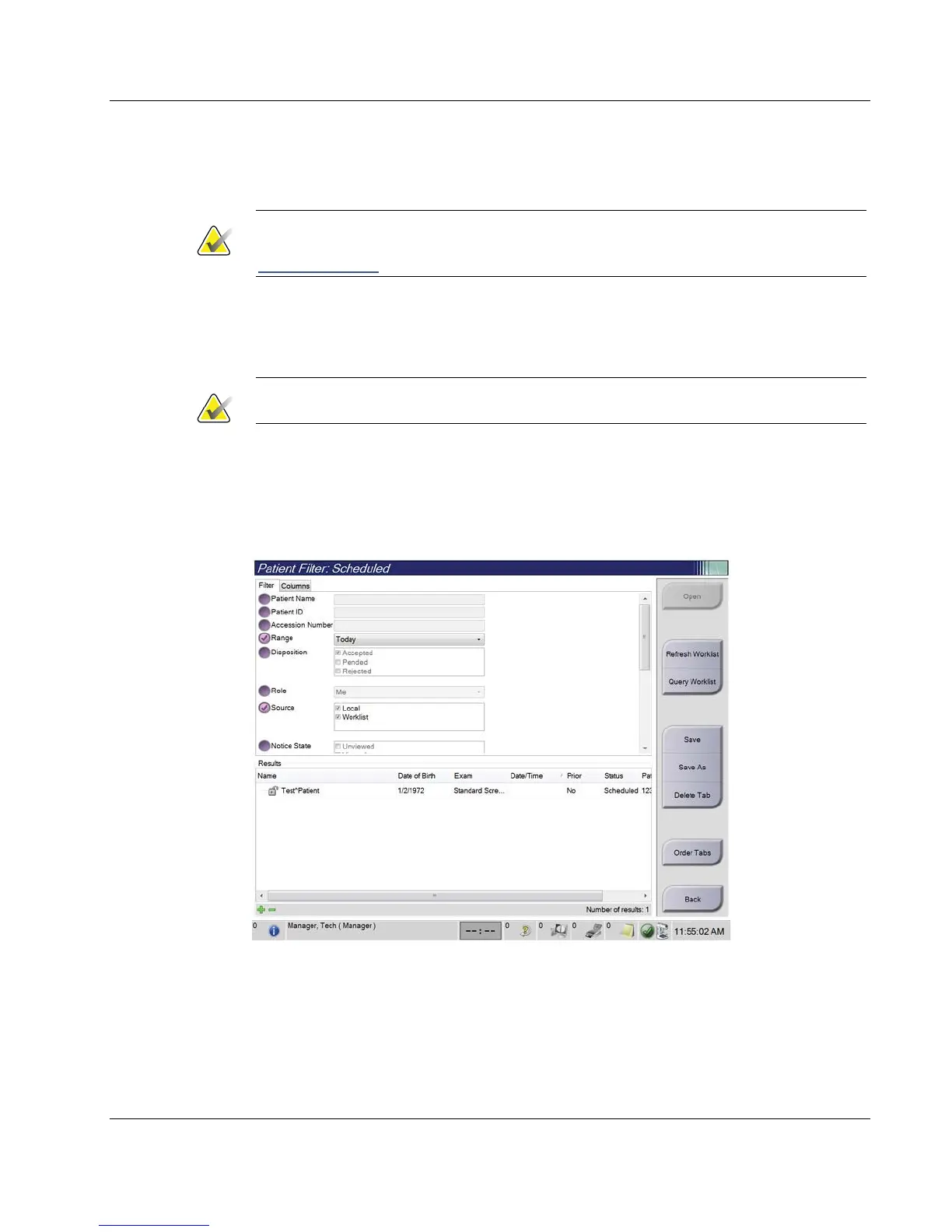
After selecting the Filter button in the Select Patient screen, the Patient Filter screen for the
selected patient list opens.
Figure 28: Filter Tab in the Patient Filter Screen













 To Next Page