3Dimensions System User Guide
Chapter 4: Startup, Functional Tests, and Shutdown
MAN-05085-002 Revision 002 Page 31
DRAFT Preview Copy-Generated May 30, 2018
4.2 Log In
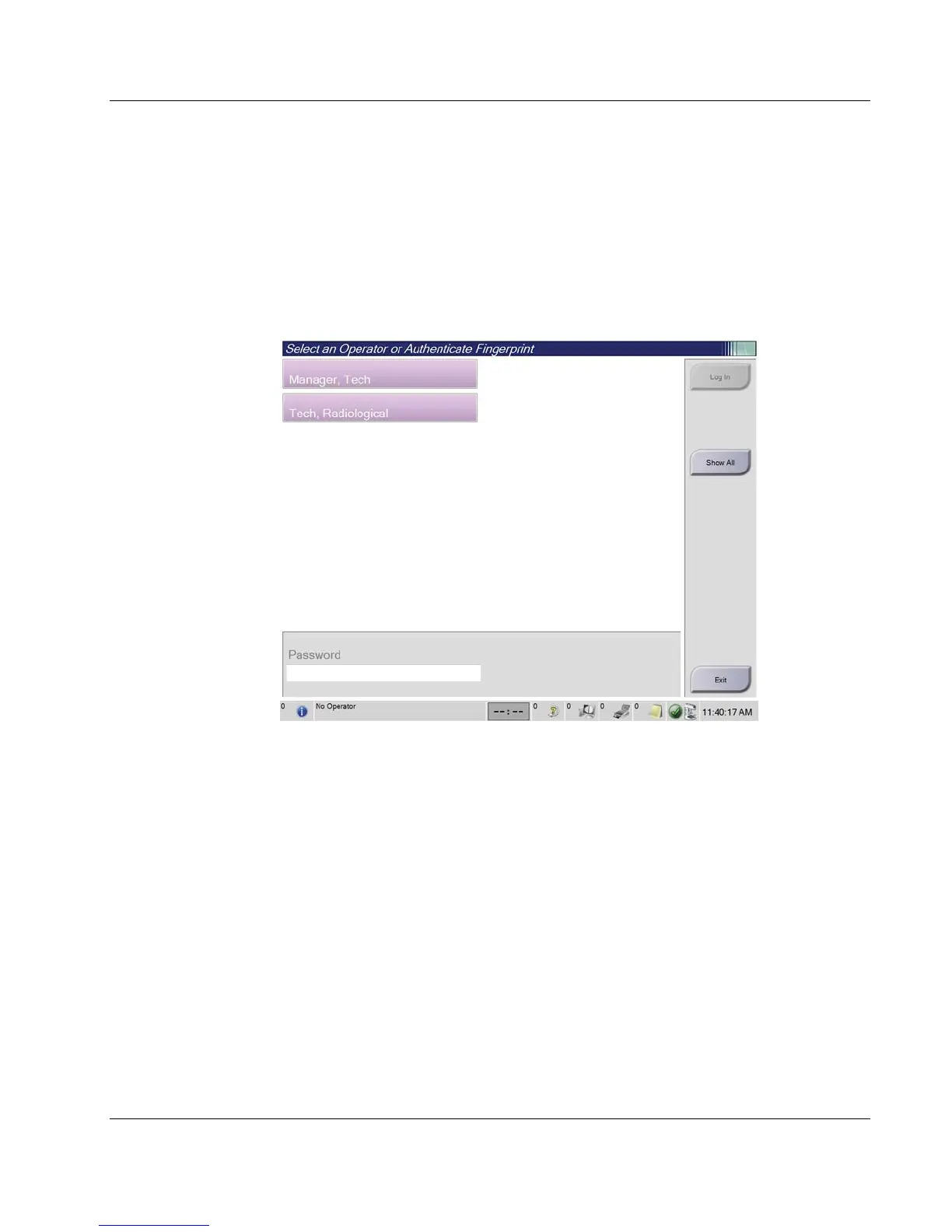
1. Select the Log In button on the Startup screen.
2. The Select an Operator (Log In) screen opens and shows a list of Manager and
Technologist user names. If necessary, select the Show All button to list the Service,
Applications, and Physicist user names.
3. Choose an operator by selecting the applicable user name.
Figure 17: Select an Operator (Log In) Screen













 To Next Page