P/N MAN-01964 Revision 001 15
DRAFT
Preview copy—Generated 7/9/2010
User Manual
Chapter 2—System Controls and Indicators
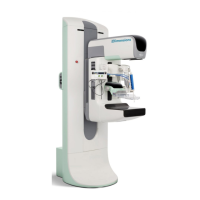
How to Turn On the Selenia Dimensions
4.0 How to Turn On the Selenia Dimensions
4.1 Preparation
1. Reset all three Emergency Off switches.
2. Make sure that both system circuit breakers are in the On position.
3. Remove any obstructions to the C-arm movement and to the view of the Operator.
4.2 Startup
1. Press the UPS button at the rear of the Acquisition Workstation if the UPS was shut
down.
2. Press the computer power button at the rear of the Acquisition Workstation (see
Figure 2-1, page 9, number 4).
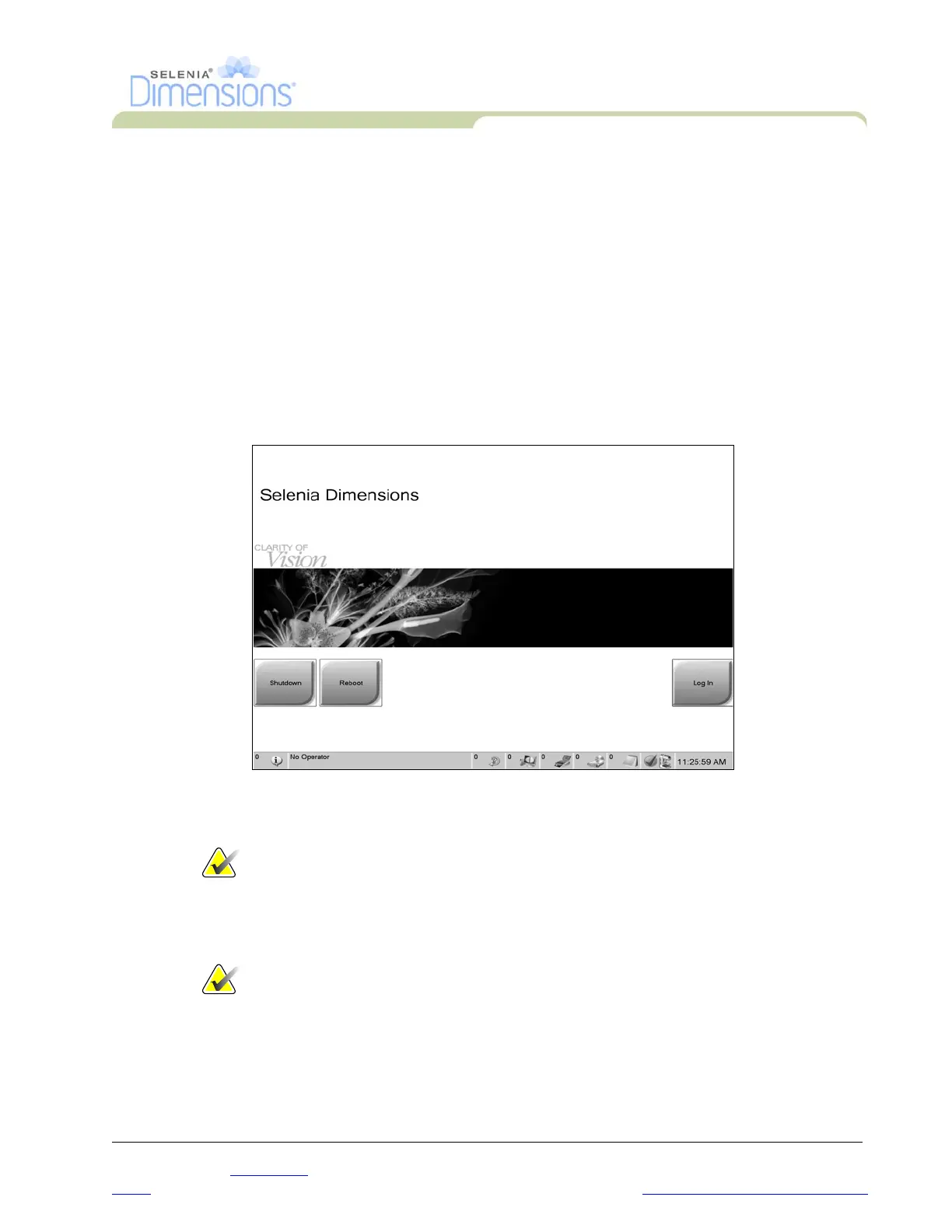
Figure 2-9: The Startup Screen
3. Select the Log In button.
Note…
The system requires between 5 minutes and 45 minutes to prepare for
image acquisition. The wait time depends on the detector power
configuration. A timer in the Taskbar displays the wait time before the
system is ready. Do not acquire clinical or QC images unless the System
Status Icon indicates the system is Ready.
Note… The Startup screen includes a Shutdown button that turns off the whole
system, and a Reboot button that restarts the system.




 To Next Page