P/N MAN-01964 Revision 001 41
DRAFT
Preview copy—Generated 7/9/2010
User Manual
Chapter 4—The Images
Introduction
Chapter 4—The Images
1.0 Introduction
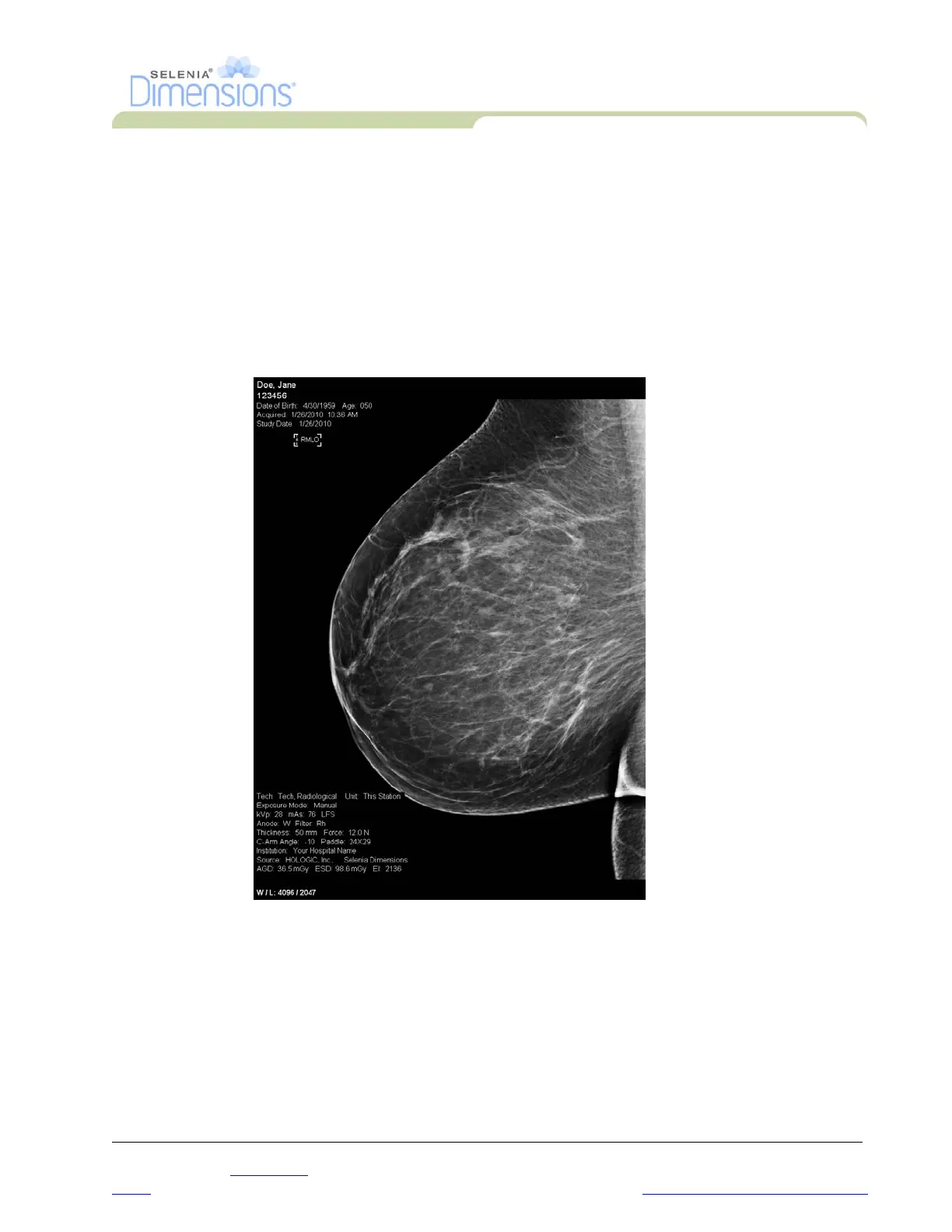
After you make an exposure, the acquired image displays on the Preview screen. Review the
image and add the annotations, then Accept, Reject, or Pend the image. A thumbnail image
appears in the Case Study area of the screen.
• If you select the Reject button, an “X” appears on the thumbnail image.
• If you select the Pend button, a question mark “?” appears on the thumbnail image.
Figure 4-1: The Preview Screen
1.1 Conventional Sequence of Events
• Review the image after the exposure.
• Accept, Reject, or Pend the image.
1.2 Tomosynthesis Sequence of Events (Tomosynthesis option)
• Wait for the image reconstruction to complete.
• Review a few slices from the reconstruction.
• Accept, Reject, or Pend the images.













 To Next Page