P/N MAN-01964 Revision 001 69
DRAFT
Preview copy—Generated 7/9/2010
User Manual
Chapter 8—System Administration Interface
How to Use the Admin Screen
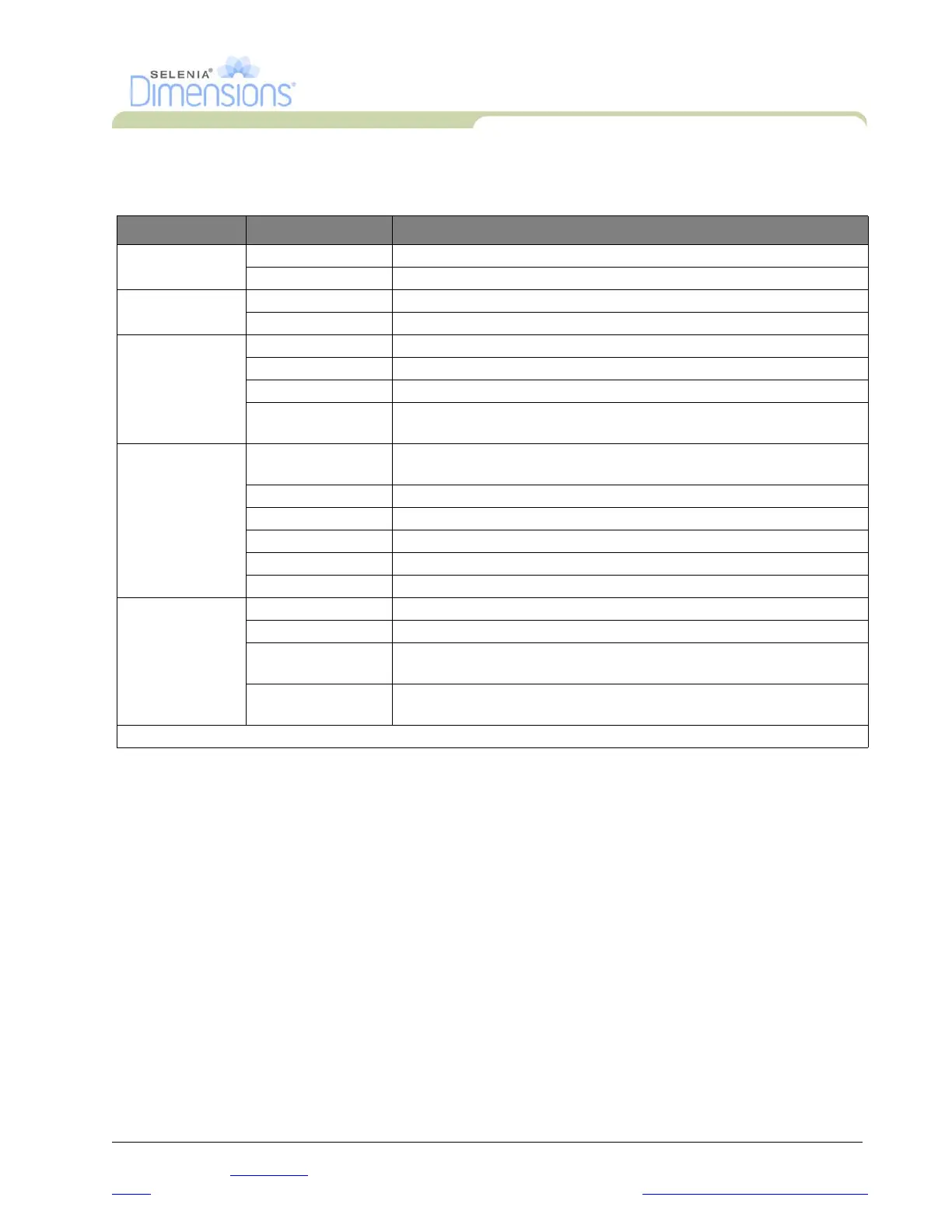
Table 8-1: Admin Screen Functions
Section Screen Function Description
Operators Manage Operators Add, delete or change Operator information.
My Settings Change the information for the current Operator.
Procedures Procedure Editor Add or Edit the procedures, or change the view order for each user.
Procedure Order Change the procedure list order.
Quality Control Quality Control Select a Quality Control task to perform or mark completed.
QC Report Create a QC Report.
Test Patterns Select and send the test patterns to output devices.
Reject and Repeat
Report
Create a Reject and Repeat Report.
System System Tools The Interface for Service for the configuration of and identification of
problems in the Acquisition Workstation.
Gantry Defaults Set the Gantry default values.
Subsystem Displays the status of all subsystems.
Log Viewer Review the system log files.
Preferences Set the system preferences.
About Describes the system.
Connectivity Query Retrieve Query the configured devices.
Import Import the data from a DICOM source.
Manage Output
Groups
Add, delete, or edit output groups.
Incoming Log Shows log entries for images that do not import during manual import
or DICOM store.
You must have permissions to access all features. The permission level controls the functions you can change.













 To Next Page