P/N MAN-01964 Revision 001 23
DRAFT
Preview copy—Generated 7/9/2010
User Manual
Chapter 2—System Controls and Indicators
How to Turn Off the System
6.0 How to Turn Off the System
1. Close any open patient procedures.
2. From the Select Patient screen, select the Log Out button.
3. From the Select an Operator screen, select the Exit button.
4. From the Startup screen, select the Shutdown button.
5. Select the Yes button in the confirmation screen.
7.0 How to Remove All Power from the Acquisition Workstation
Perform the procedures in this section after shutdown of the Acquisition Workstation.
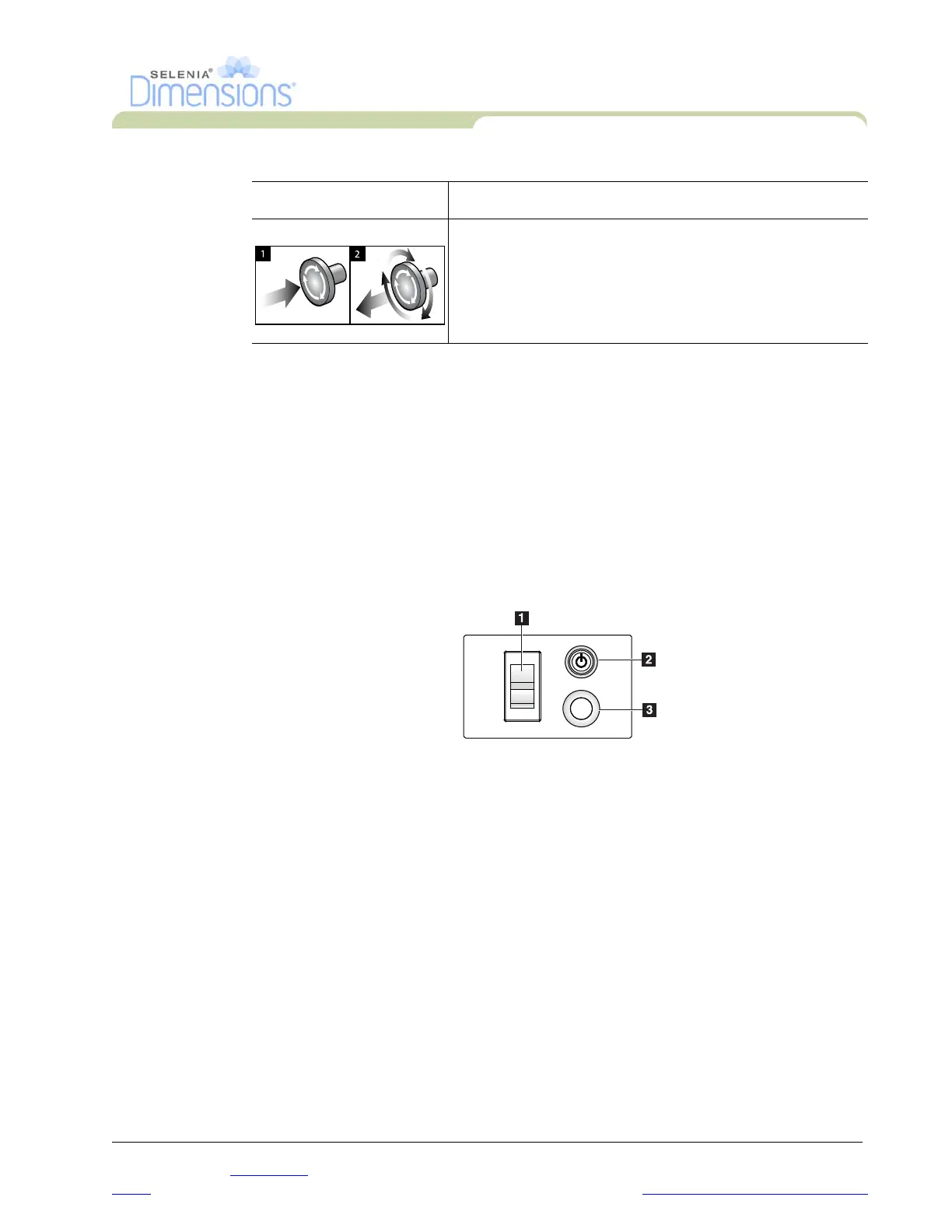
Figure 2-12: Power Buttons
1. After the system completes the shutdown, press the UPS button (Number 3) next to the
Acquisition Workstation circuit breaker.
2. Turn off the Acquisition Workstation circuit breaker (Number 1).
3. Disconnect the Acquisition Workstation power cable.
Emergency Off Switches There are three Emergency Off switches, one on each side of
the Gantry and one on the Acquisition Workstation.
Press any of the Emergency Off switches to turn Off the
Gantry.
Turn the Emergency Off switch by one-quarter turn to reset
the switch.
Table 2-1: C-arm Functional Tests
Function Functional Test













 To Next Page