P/N MAN-01964 Revision 001 45
DRAFT
Preview copy—Generated 7/9/2010
User Manual
Chapter 4—The Images
Send the Images to the Output Devices
2.2.3 Display Modes (Tomosynthesis option)
Use the CONV, PRJ, and REC buttons to select the type of view to display in the
Preview Screen. You can change between CONV (conventional), PRJ (projections),
and REC (reconstruction) to display the combination images.
•Use CONV (conventional) to display conventional images.
•Use PRJ (projections) to display the 15 projections.
• Use the REC (reconstruction) to display the reconstructed slices.
2.3 How to Correct and Reprocess Implant Images
You must correct the image if you acquire an implant or an implant displaced view without
the Implant Present button activated.
2.3.1 If You Did Not Accept the Image:
2.3.2 If You Accepted the Image:
1. Re-preview the image.
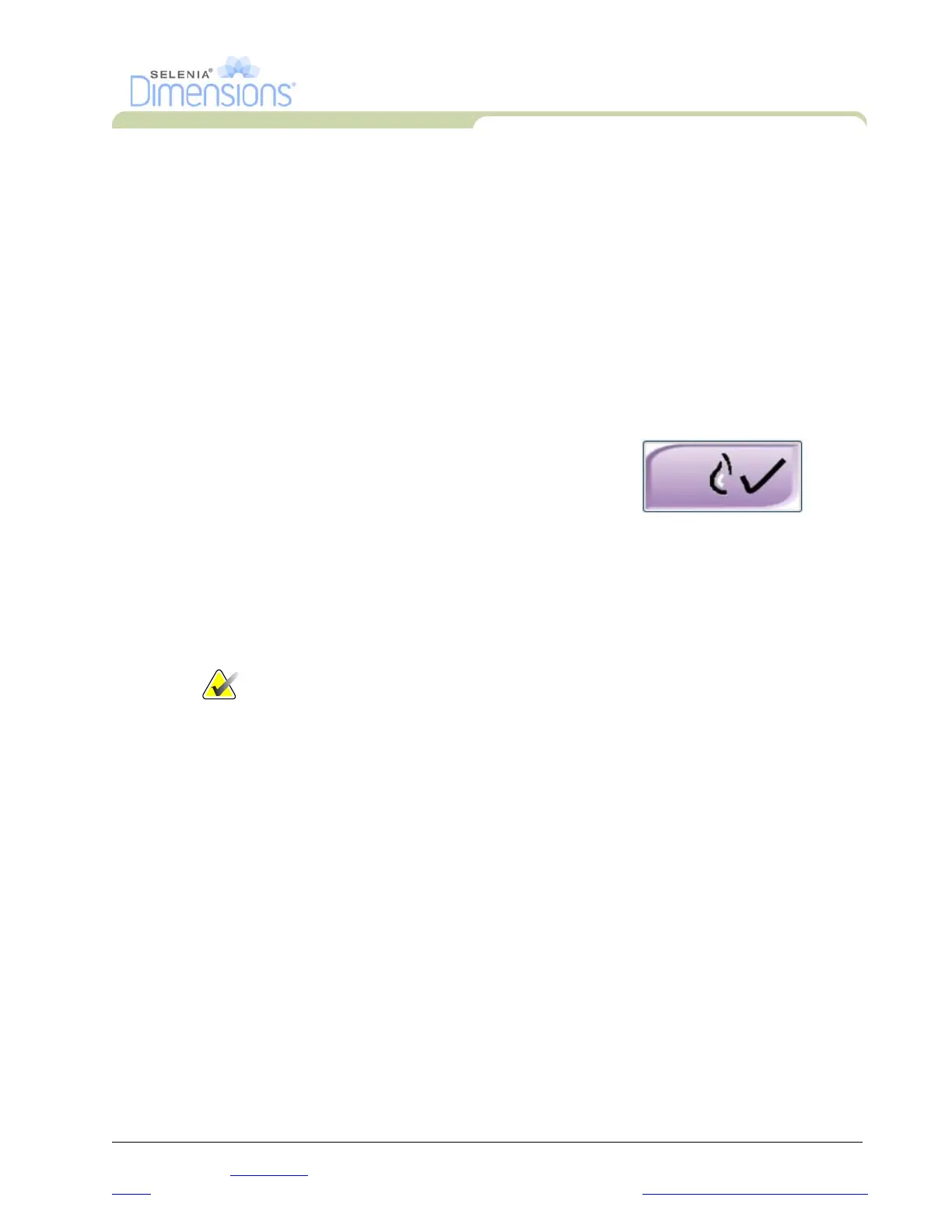
2. Select the Implant Present button on the Procedure screen to correct the image.
A checkmark appears on the button and the image reprocesses.
3. Select Accept to accept the changes.
Note… The corrected image is automatically sent to the selected output
devices.
3.0 Send the Images to the Output Devices
You can send the images to output devices or use the Export function to copy images to a
temporary storage device. See Chapter 3, Section 6.0, page 35 and Section 7.0, page 36 for
instructions.
Select the Implant Present button on the
Procedure screen to indicate an implant exists.
A checkmark appears on the button and the
image reprocesses.




 To Next Page