P/N MAN-01964 Revision 001 25
DRAFT
Preview copy—Generated 7/9/2010
User Manual
Chapter 3—The User Interface
Select the Function to Perform
Chapter 3—The User Interface
1.0 Select the Function to Perform
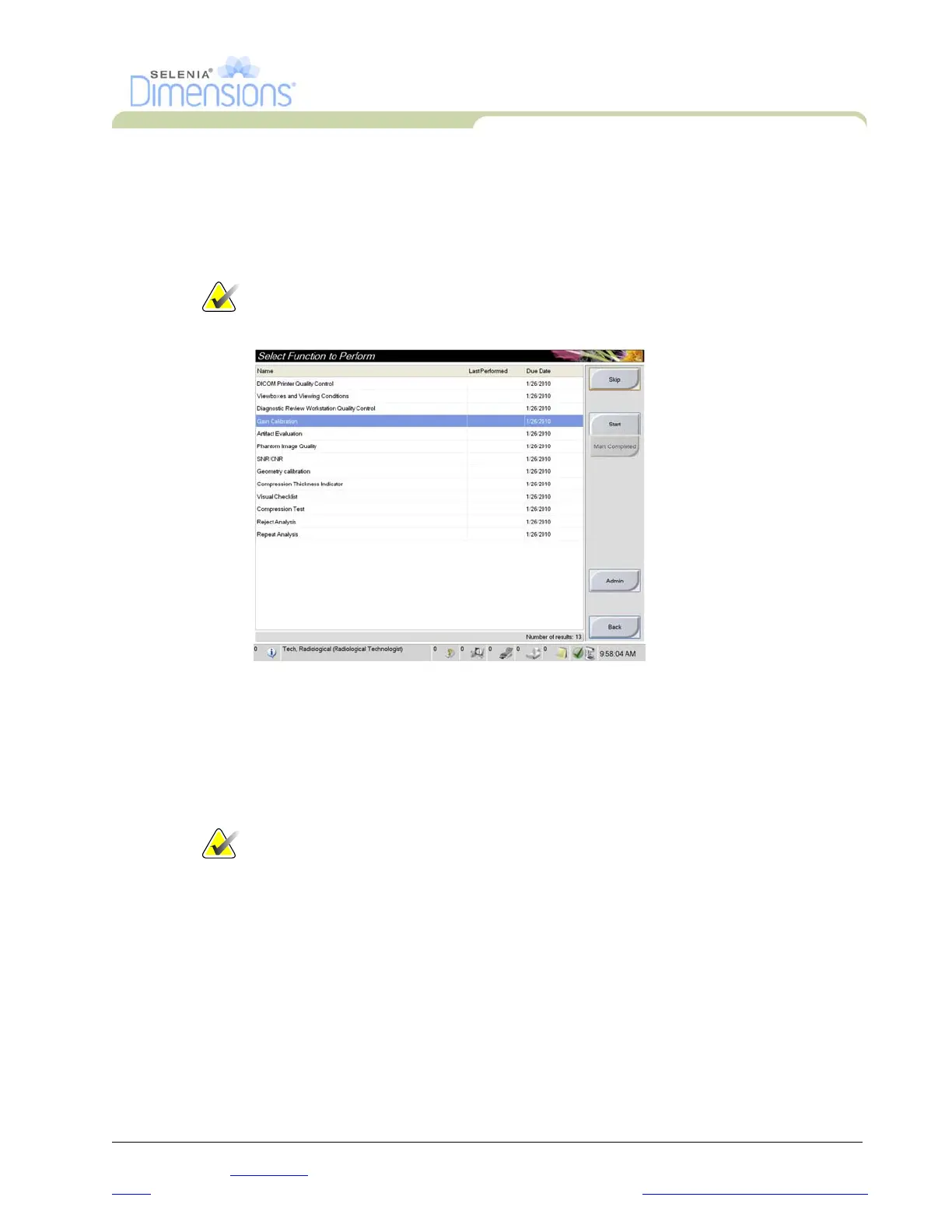
After you log in, the Select Function to Perform screen displays.
Note… The Select Patient screen appears if you are not scheduled to perform
any Quality Control tasks.
Figure 3-1: An Example Select Function to Perform Screen
1. Select an item in the list.
2. Select the Start button or the Mark Completed button. The Start button is not available
for all types of tests.
3. Follow the messages to complete the procedure.
If all Quality Control tasks will not be performed at this time, you can select the Skip button.
Note… If you select the Skip button, the Select Patient screen appears.













 To Next Page