42 P/N MAN-01964 Revision 001
DRAFT Preview copy—Generated 7/9/2010
User Manual
Chapter 4—The Images
How to Review the Images
2.0 How to Review the Images
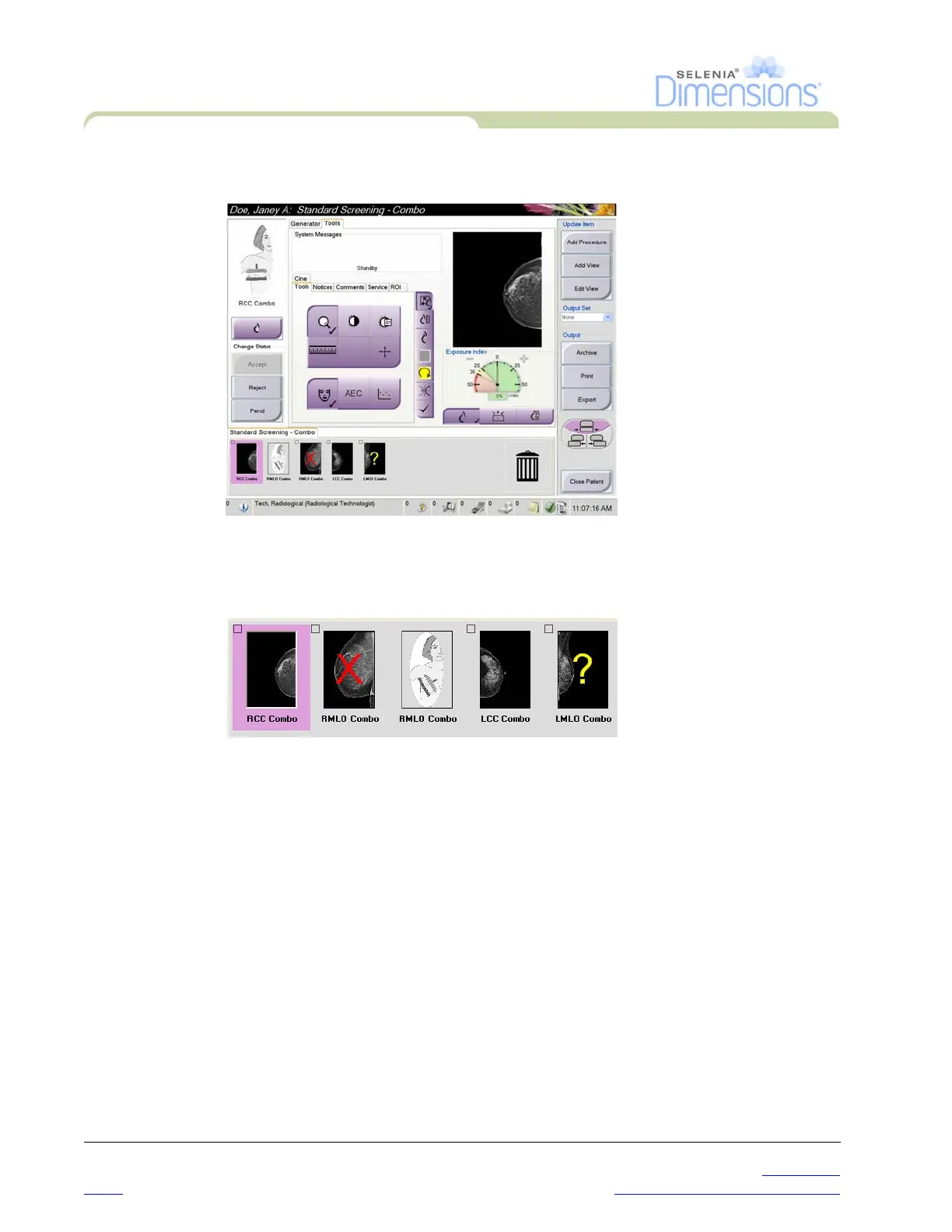
Figure 4-2: The Tools Tab in the Procedure Screen
Select any thumbnail image to display that image in the Preview screen. The thumbnail
image is marked if the image is not accepted.
Figure 4-3: Marked Images in a Procedure













 To Next Page