16 P/N MAN-01964 Revision 001
DRAFT Preview copy—Generated 7/9/2010
User Manual
Chapter 2—System Controls and Indicators
How to Turn On the Selenia Dimensions
4.3 Log In
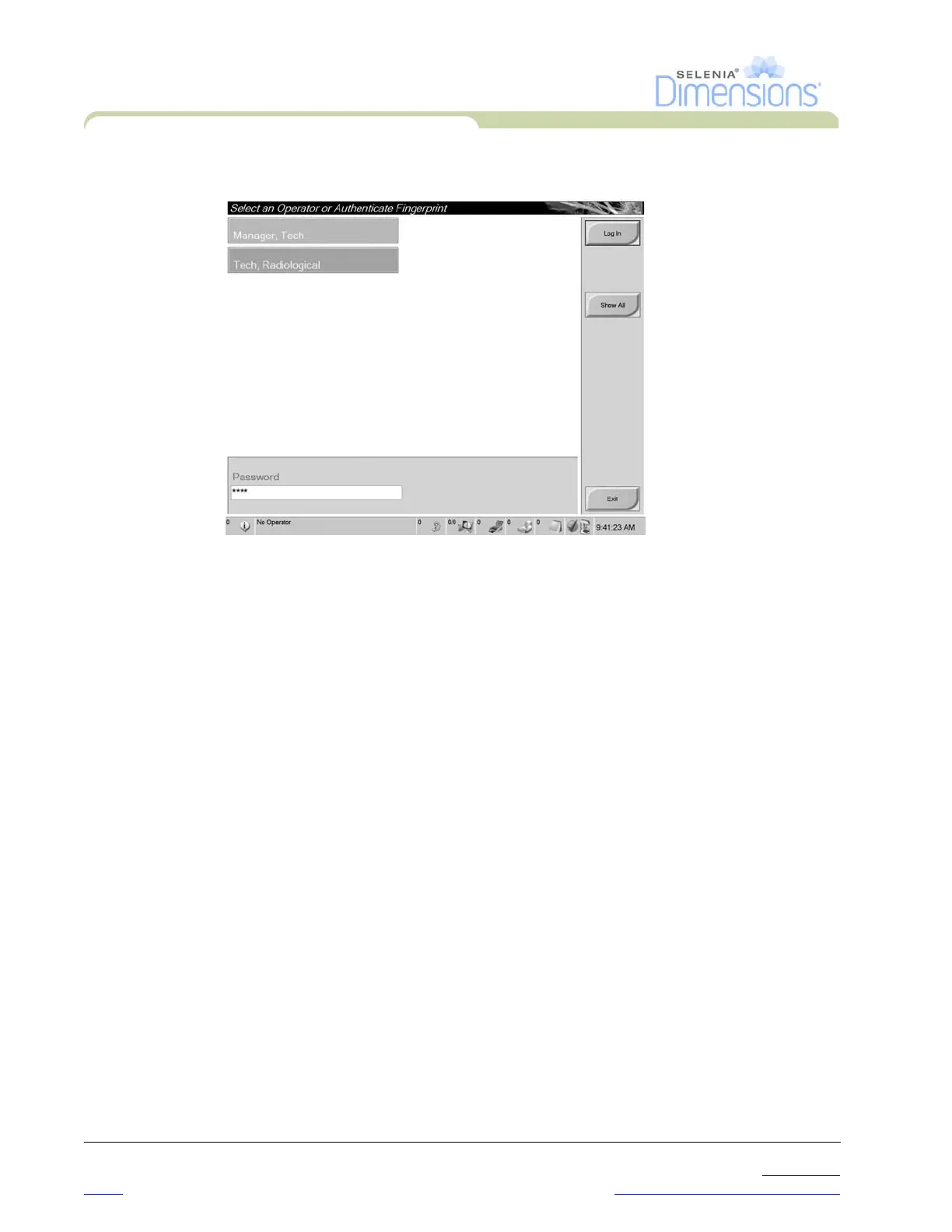
Figure 2-10: How to Log In
When the user Log In screen displays, all Managers and Technologists show in the list of
Operators.
1. To display the Service, Applications, and Physicists user names, select the Show All
button.
2. Select your user name, enter your password, and select the Log In button.
Or
Validate your fingerprint.













 To Next Page