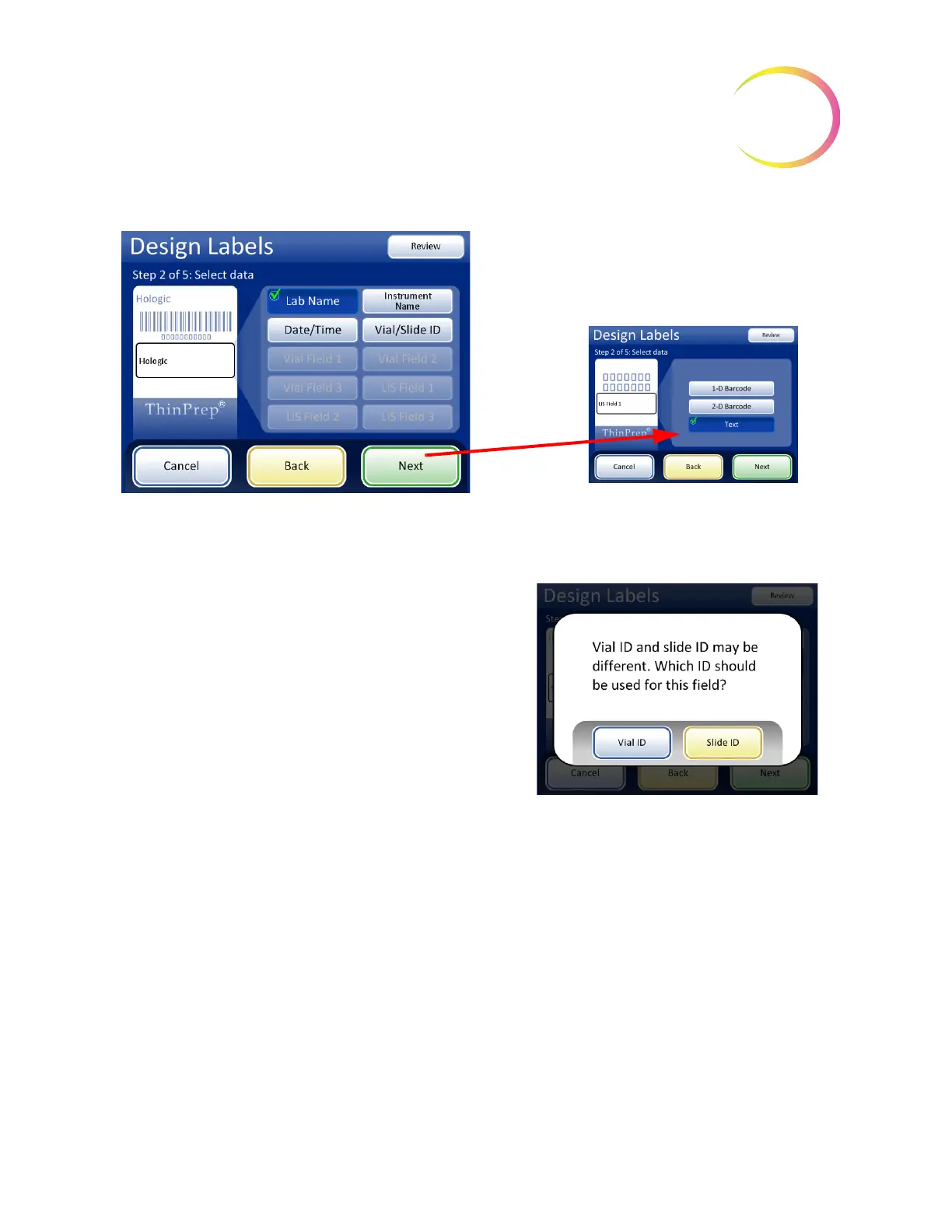
LIS fields are available only when LIS is enabled.
When using an LIS or Vial ID/Slide ID field, the Next
button prompts you to select the type of data
The Vial Field buttons are available only when the
instrument is configured for a vial label that has
additional information besides the accession ID.
Refer to “Configure Barcodes” on page 6.44
If your facility uses different IDs for Vial IDs and
Slide IDs, the Vial/Slide ID can be a text
version of the same slide ID in a barcode, or it
can be the accession ID portion of the vial ID.



 To Next Page