ThinPrep™ 5000 Processor with AutoLoader Operator’s Manual
6.45
USER INTERFACE
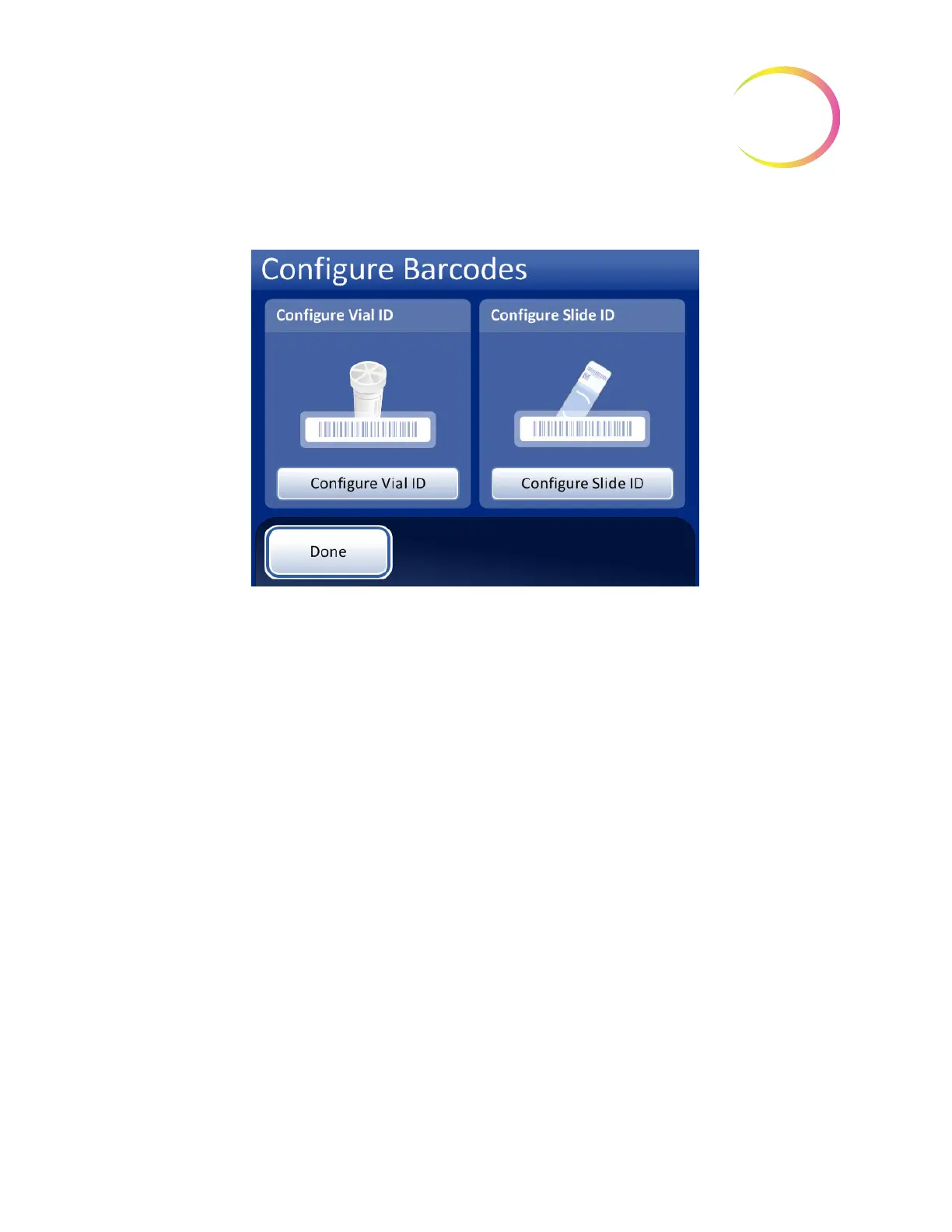
Figure 6-60 Configure barcodes screen
There are separate sections for configuring the vial ID and the slide ID. In each section, information
about the IDs must be entered. Each section ends with a screen with a
Test Configuration
or
Tes t
Settings
button that lets the instrument scan example labels from a vial and/or slide to check that the
ThinPrep 5000 processor is configured to read the ID labels used in your lab. The screen displays are
designed to guide the operator through the sequence of steps to configure all of the barcode
information. The sequence of steps is different if the slide IDs are exactly the same as the vial IDs, if
the slide labels are laser-etched by the AutoLoader, and if the slide labels are pre-applied. Each of the
steps is described below, followed by the full sequence of steps for configuring the vial ID and the
slide ID.



 To Next Page