USER INTERFACE
6.50
ThinPrep™ 5000 Processor with AutoLoader Operator’s Manual
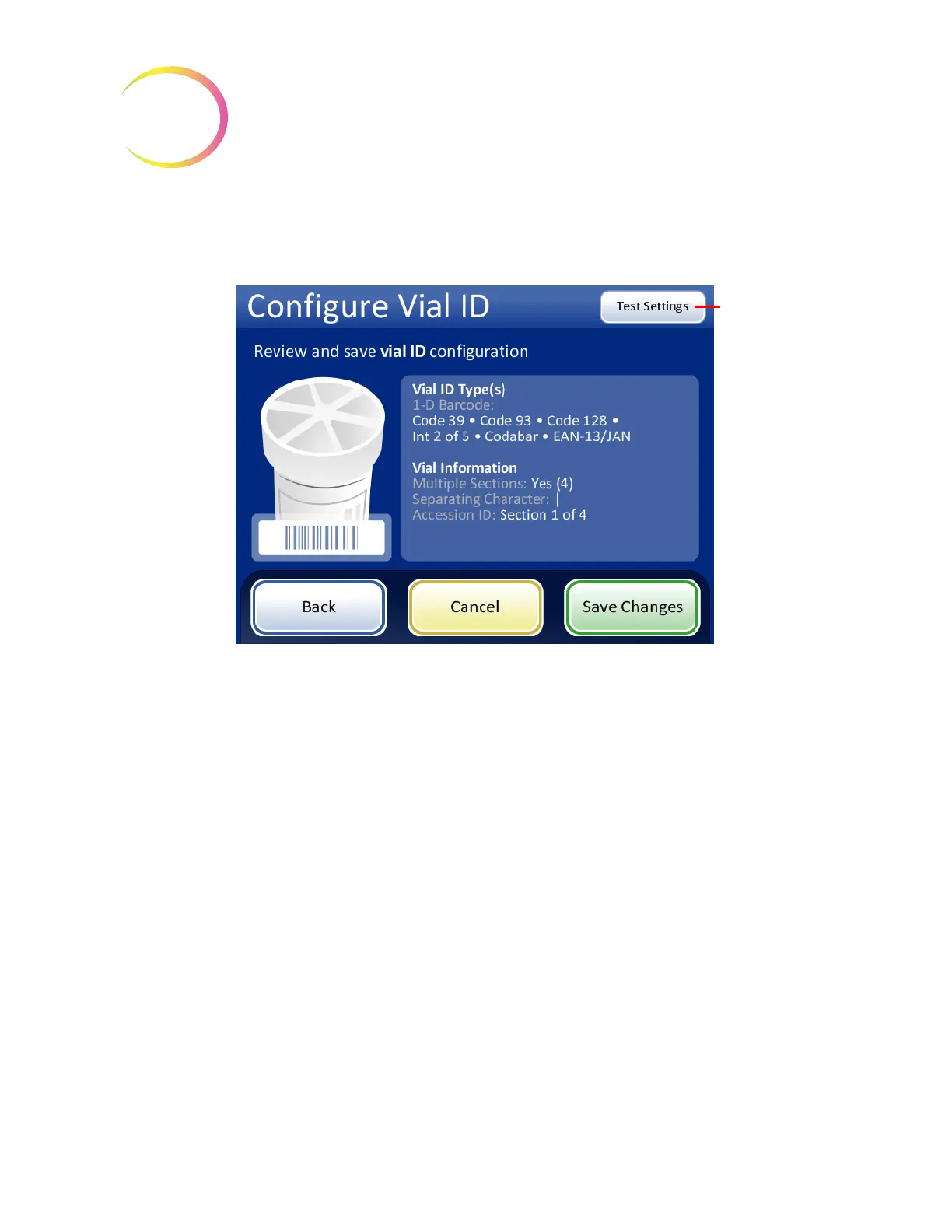
Review the summary of the vial ID configuration. To save the configuration, press
Save Changes
. To
change a setting, use the
Back
button. To check that the vial ID configuration matches vial IDs in
your laboratory, press the
Test Settings
button.
Figure 6-65 Configure vial ID summary screen
To test the vial ID configuration, use a labeled vial. Place the labeled vial into slot 1 of the input
carousel. Close the doors and press
Continue
to scan.
Use the
Test
Settings
button
to check the vial
ID configuration
by scanning a
vial label



 To Next Page