ThinPrep™ 5000 Processor with AutoLoader Operator’s Manual
6.71
USER INTERFACE
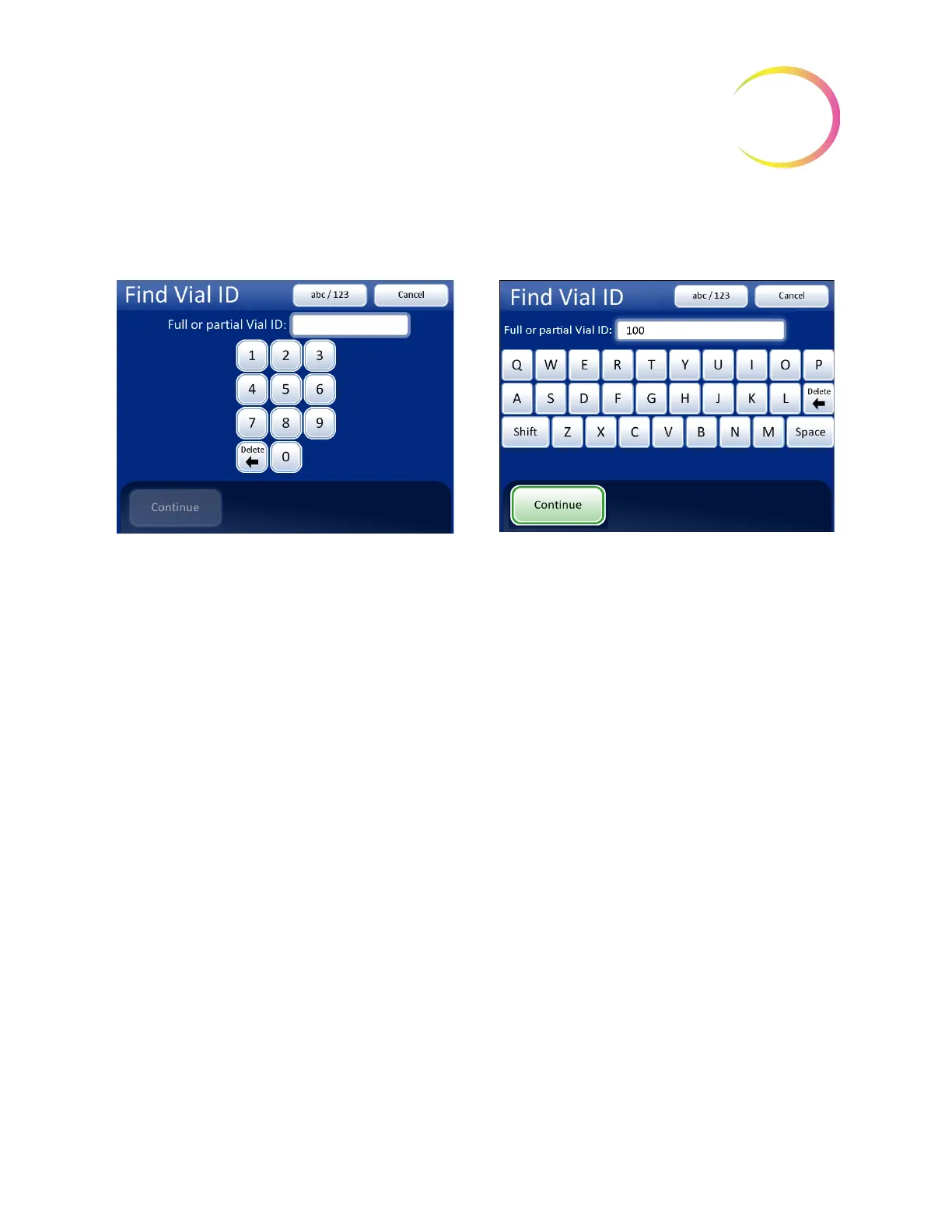
The same keypad/keyboard screen that is used for entering lab name/instrument name is displayed.
Type in all or some of the ID that is being searched for.
Figure 6-88 Enter Full or Partial Vial ID
Press the
Continue
button to search all batch reports for the ID. The report with that ID will be listed,
or a list of reports if a partial ID was entered. See Figure 6-89.
Keypad and keyboard display
Type in numbers or letters
Delete
to remove entries
abc/123
to switch between keypad and keyboard
Cancel
to return to Batches screen
Continue
to search for the ID



 To Next Page