USER INTERFACE
6.80
ThinPrep™ 5000 Processor with AutoLoader Operator’s Manual
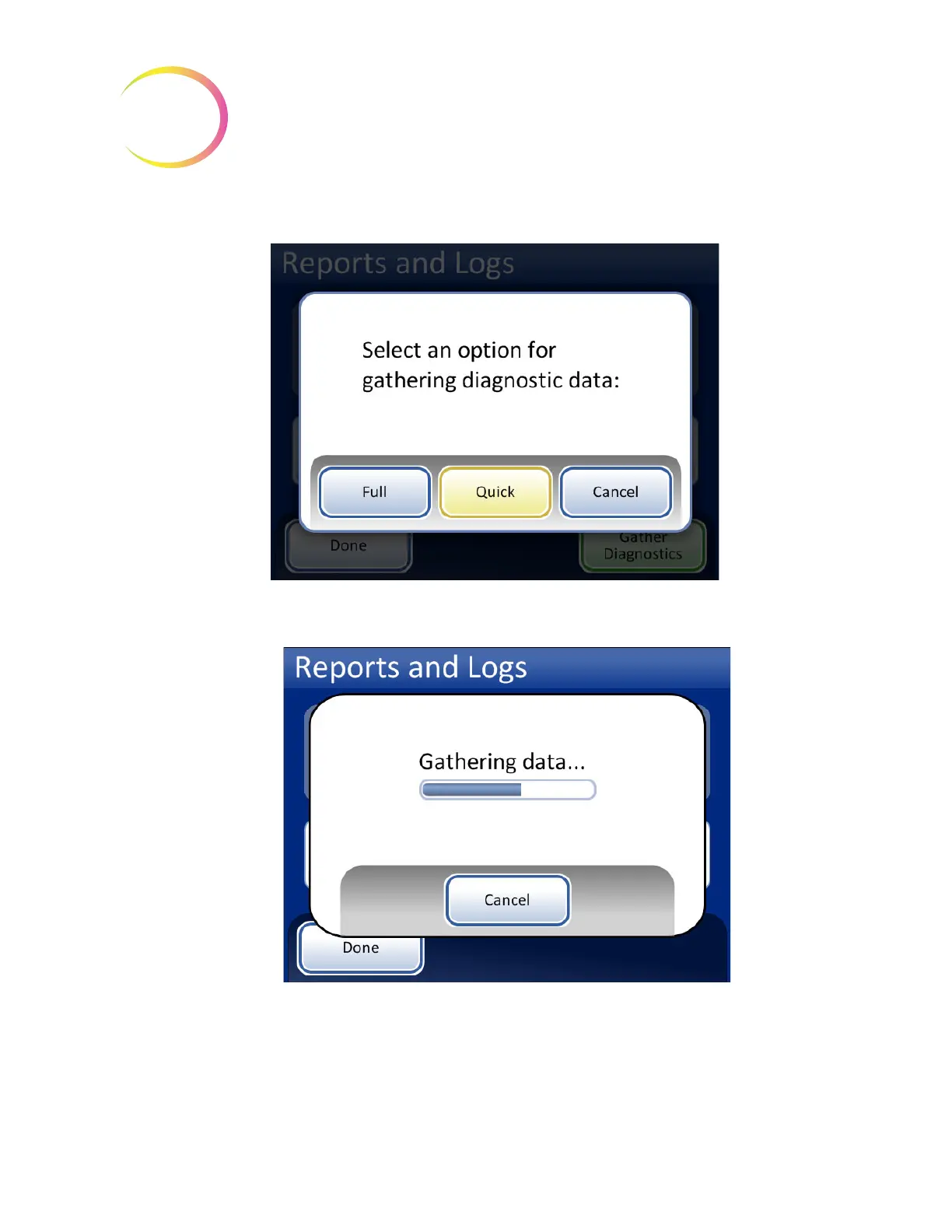
Select the
Full
or
Quick
option, based on the instructions from Hologic Technical Support..
Figure 6-100 Select the Option for Gathering Diagnostic Data
Figure 6-101 Gather Diagnostics Screen
The instrument operating information will be gathered into a folder on the USB device titled
T5000Logs. There will be three zipped files in the folder. These can be e-mailed to Hologic Technical
Support.



 To Next Page