OPERATING INSTRUCTIONS
7.10
ThinPrep™ 5000 Processor with AutoLoader Operator’s Manual
Load Vial Trays into the Instrument
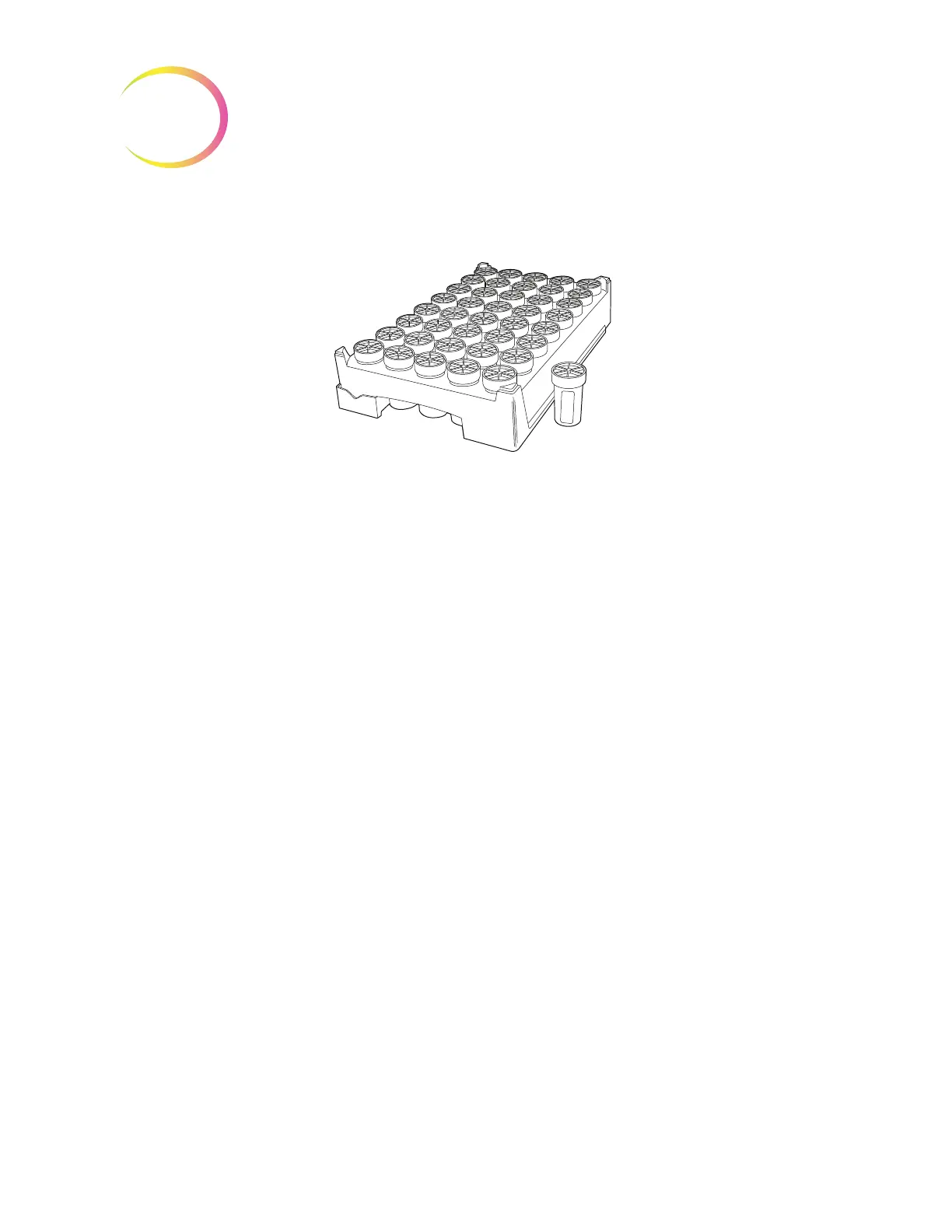
Figure 7-6 Vial Tray
The AutoLoader has four bays that hold ThinPrep sample vial trays. Each tray holds up to
40 samples. Each tray is considered a batch and a report will be generated at the completion of a tray.
Each tray can only have one sample type in order to ensure that the correct filter type and slide type
is used in processing the sample.
When the System Setting for tray processing is set to “Stop on empty”, then the samples must be
adjacent in the tray. The batch may have less than 40 vials, but the batch will end if the system comes
upon an empty position. The system will then move on to process the next tray of sample vials, if any
are on board and are ready for processing.
When the setting is “Search all” and the Autoloader encounters an empty position in a vial tray, the
instrument continues through all of the vial tray positions and loads any vial in the vial tray for
processing. When all of the positions in a vial tray have been searched, the system will then move on
to process the next tray of sample vials, if any are on board and are ready for processing.
See Figure 7-8 to see the robotic arm search pattern for sample vial trays.
The AutoLoader will not process a sample with a duplicate vial ID in the same tray. The first sample
will be processed and the second sample will be treated as a sample error. If the same vial ID must be
used, place the vials in separate trays.
Open the vial tray door and open the retaining latch. Slide the tray into the bay. Close the retaining
latch and then close the vial tray door. The presence of the vial tray will appear on the user interface
as soon as the sensor is activated by the presence of the tray. The operator must identify the type of
sample in the tray for processing. See “Vials” on page 6.8.
When the vial tray doors are unlocked, a light on each door is green. When the doors are locked, the
light is red.



 To Next Page