ThinPrep™ 5000 Processor with AutoLoader Operator’s Manual
7.11
OPERATING INSTRUCTIONS
Load Filter Trays into the Instrument
The AutoLoader has a filter compartment with three shelves that each hold a filter tray. There are
clear filters for use with gynecologic samples, blue filters for use with non-gynecologic samples and
yellow filters for use with UroCyte (urine) samples. Each filter tray contains 100 filters.
Note:
Never touch the filter membrane or the inside of the filter cylinder prior to processing.
Note:
When loading a new tray of filters, look closely to confirm that the filters are membrane-side
down in the tray. Filters must be oriented with the open end up, to receive the filter plug for
processing. Otherwise an error will occur.
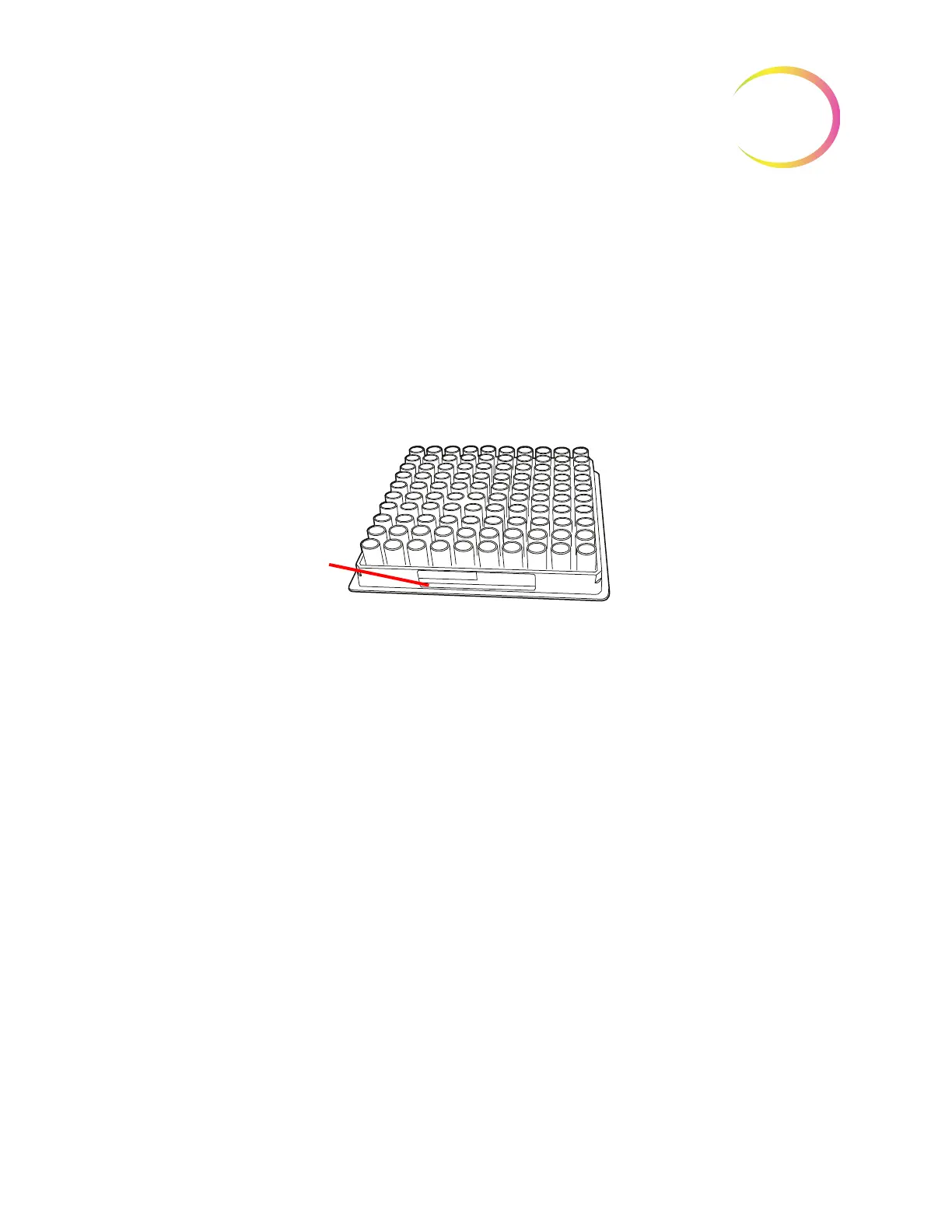
Figure 7-7 Filter Tray
Unwrap and remove the cover of the filter tray. Open the door to the filter tray compartment and
pull out a shelf. Slide the filter tray onto the shelf and push it fully into the compartment. The label
on the filter tray must be facing out (facing you). Then close the compartment door. The presence of
the filter tray will appear on the user interface as soon as the sensor is activated by the presence of the
tray. The operator must identify the type of filter in the tray. See “Filters” on page 6.14.
If a partially used tray is loaded, load the empty portion first (toward the back of the instrument). If
the instrument finds a filter in the left rear corner, it assumes the tray is full. If it subsequently misses
picking a filter after assuming a tray is full, it will throw an error. If it does not find a filter in the left
rear corner, it begins a search pattern from back to front to locate the first populated filter row and
then assumes all rows are populated from that point on. See Figure 7-8 to see the robotic arm search
pattern for filters.
When the filter tray is loaded in
the AutoLoader, the label on
the filter tray must be facing
out (facing you).



 To Next Page