ThinPrep™ 5000 Processor with AutoLoader Operator’s Manual
7.19
OPERATING INSTRUCTIONS
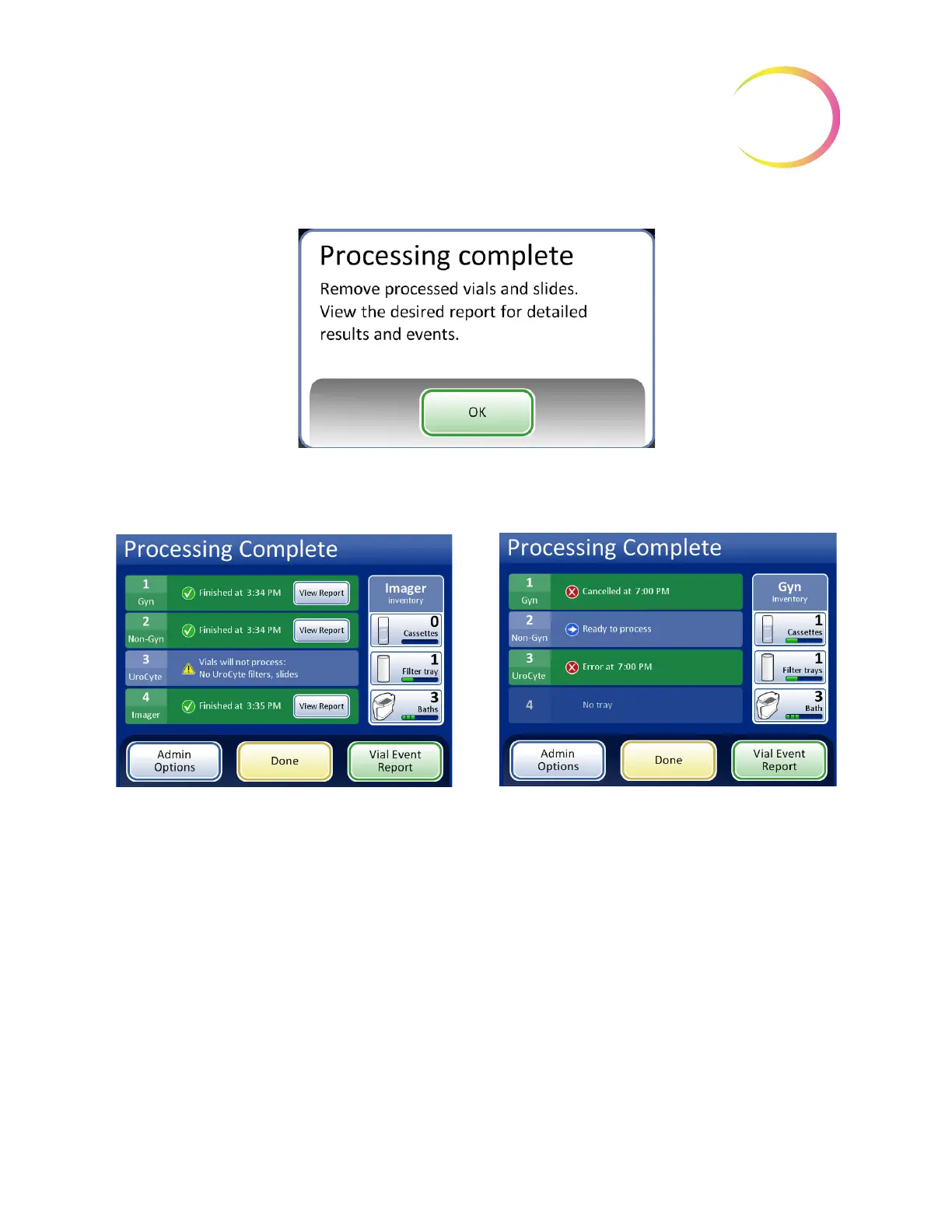
Figure 7-16 Processing Complete Message Window
Press the
OK
button to acknowledge. The Processing Complete screen is displayed.
Figure 7-17 Examples of Processing Complete Screens
The batch reports are available for viewing, printing or saving to USB device. Refer to “Batch
Reports” on page 6.68 for complete details of interpreting a batch report.
To leave this screen and return to the main screen, press the
Done
button.
Processing Complete, no errors. One tray was
skipped due to an unresolved conflict.
Processing Complete, due to operator cancella-
tion of the batch.



 To Next Page