ThinPrep™ 5000 Processor with AutoLoader Operator’s Manual
7.27
OPERATING INSTRUCTIONS
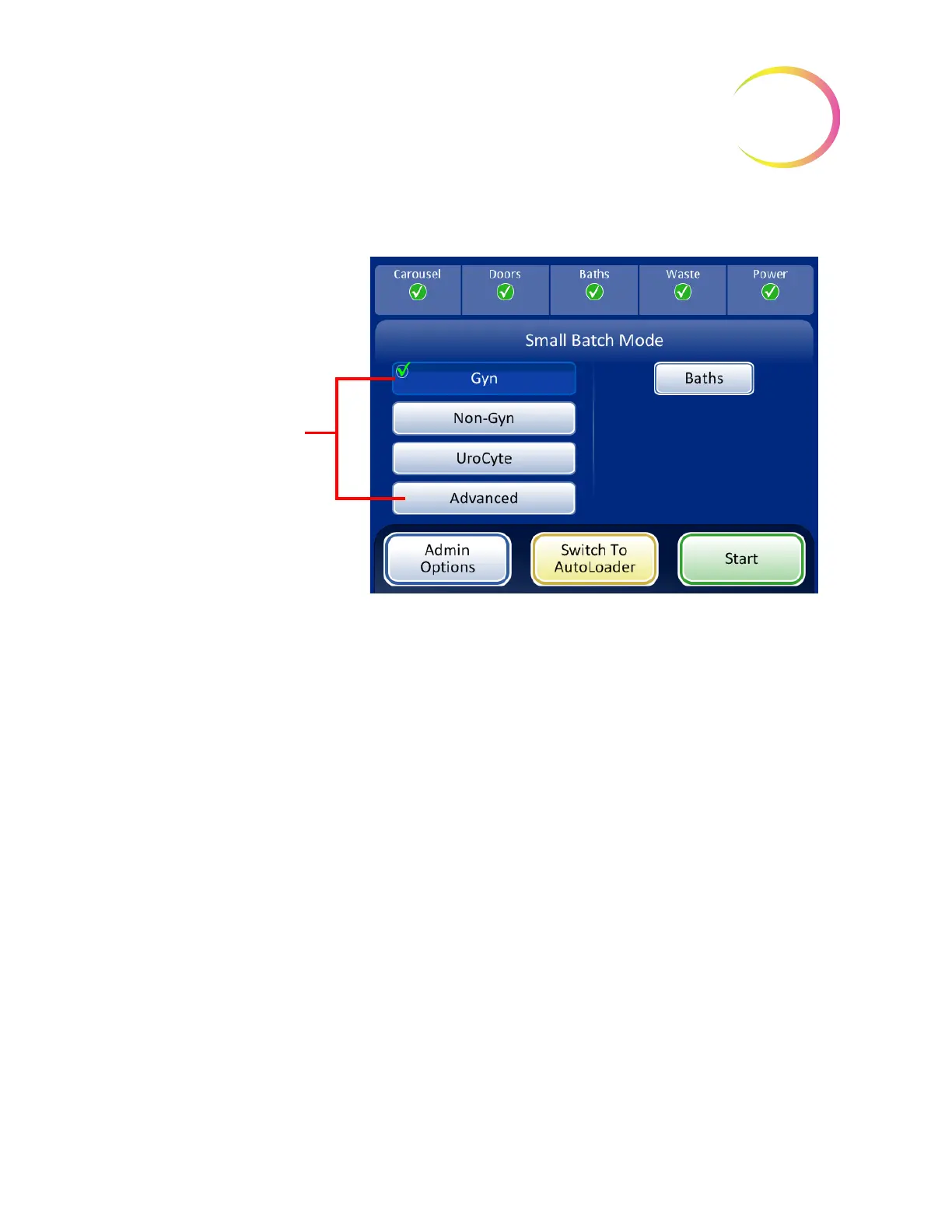
Select the Sample Processing Sequence
Figure 7-25 Sample Processing Sequence
Gyn
for running a batch of gynecologic samples
Non-Gyn
for running a batch of non-gynecologic samples
UroCyte
for use with urine in the Vysis
®
UroVysion assay
Advanced
enables selection of:
Disable Slide ID Match
, which allows one sample to be run with the vial/slide ID match turned off.
One vial of any sample type may be processed: gynecologic, non-gynecologic or UroCyte. A “Chain
of custody is off” message displays on the screen during processing.
Multiple slides per vial,
which processes a non-gynecologic specimen and extracts from 1 to
10 samples from the same vial. The system will bypass the fluid level too low check when processing
multiple samples per vial.
Select the desired pro-
cessing sequence for
the batch
SMALL BATCH MODE



 To Next Page