ThinPrep™ 5000 Processor with AutoLoader Operator’s Manual
7.29
OPERATING INSTRUCTIONS
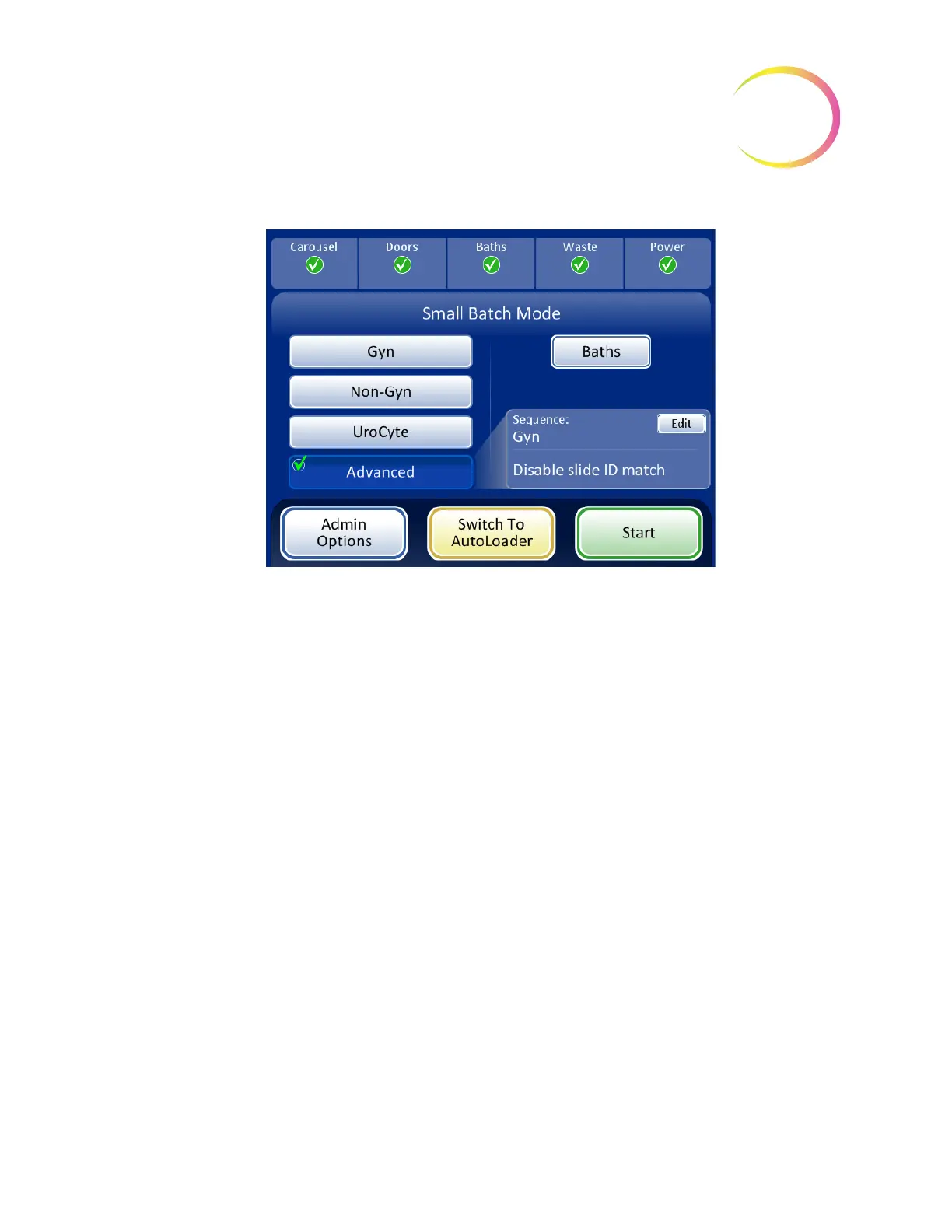
Figure 7-27 Disable Slide ID Match Selected
Note:
When the sample has been processed, the system reverts to Slide ID Match ON. To process
another sample without the vial/slide ID match, repeat the steps above.
Note:
Only one vial may be loaded into the carousel. Prior to processing, the instrument checks that
it senses only one vial. If more than one vial is present, the batch will not proceed.
SMALL BATCH MODE



 To Next Page