ThinPrep™ 5000 Processor with AutoLoader Operator’s Manual
9.21
TROUBLESHOOTING
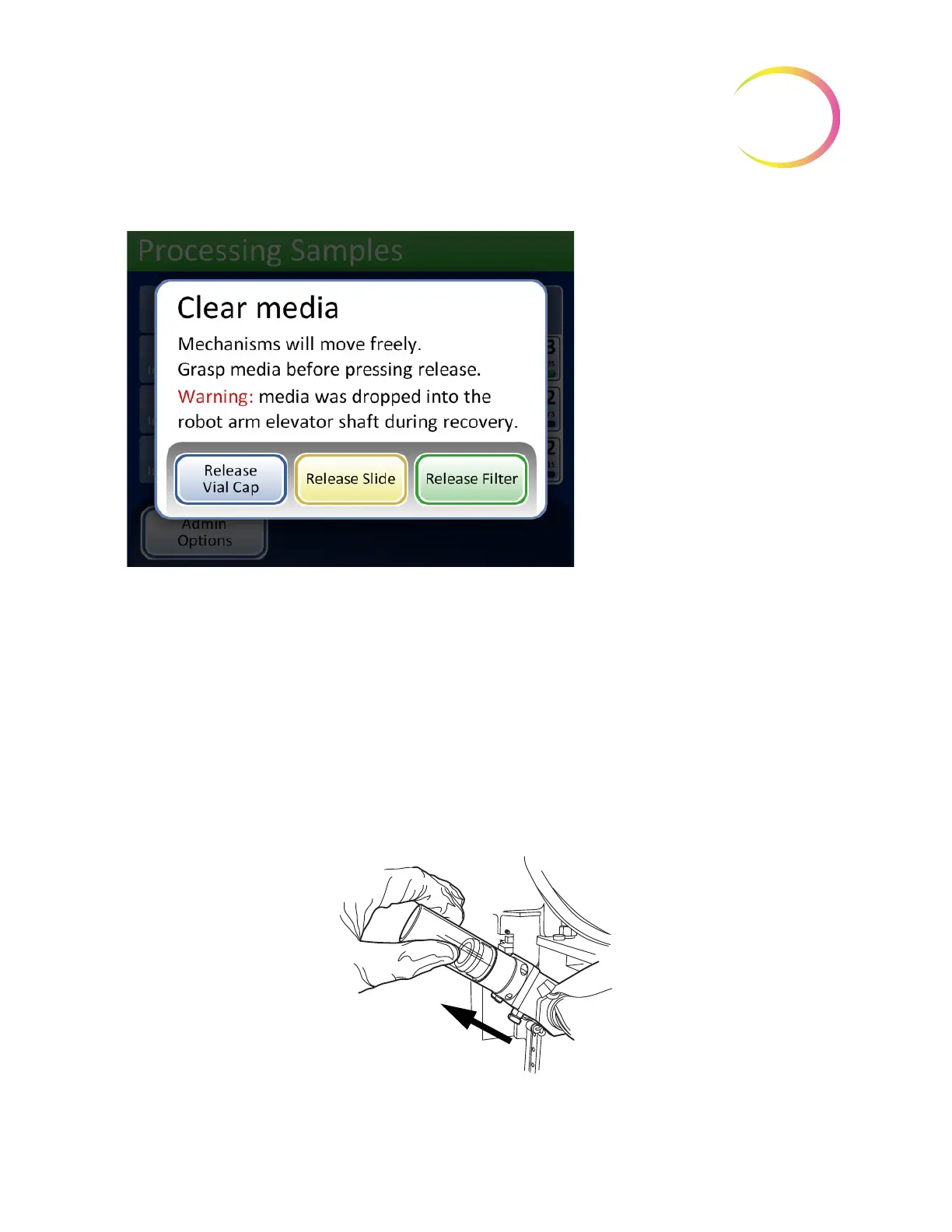
Figure 9-3 Clear Media Screen
It may be difficult to view and reach the filter or vial cap. Gently slide the filter/vial transport arm to
the middle of the processing area to access the media. The slide transport arm may be moved in the
same way.
Release Filter
The filter plug keeps a slight pressure in the filter once it has been picked, to keep it from dropping.
To remove a filter that is left on the filter plug, press the
Release Filter
button. Then gently pull the
filter off.
CAUTION:
Never forcibly remove a filter from the filter plug without releasing the system
pressure, as damage to the instrument could occur.
Figure 9-4 Release Filter
Release Vial Cap
will open the fin-
gers of the vial gripper to drop the
vial cap
Release Slide
will release the slide
gripper fingers to let go of the slide
and release the suction vacuum of
the slide holder cups at the cell
transfer area.
Release Filter
vents the filter plug,
so that the filter may be pulled off.



 To Next Page