INSTALLATION
2.2
ThinPrep™ 5000 Processor with AutoLoader Operator’s Manual
2-2.) The components of the ThinPrep
™
5000 processor with AutoLoader should be close enough to
comfortably make all connections.
During operation the ThinPrep 5000 processor with AutoLoader is sensitive to vibrations. It should
be located on a flat, sturdy surface that can support the 660 lbs/300 kg that it weighs. It should be
placed away from any vibrating equipment.
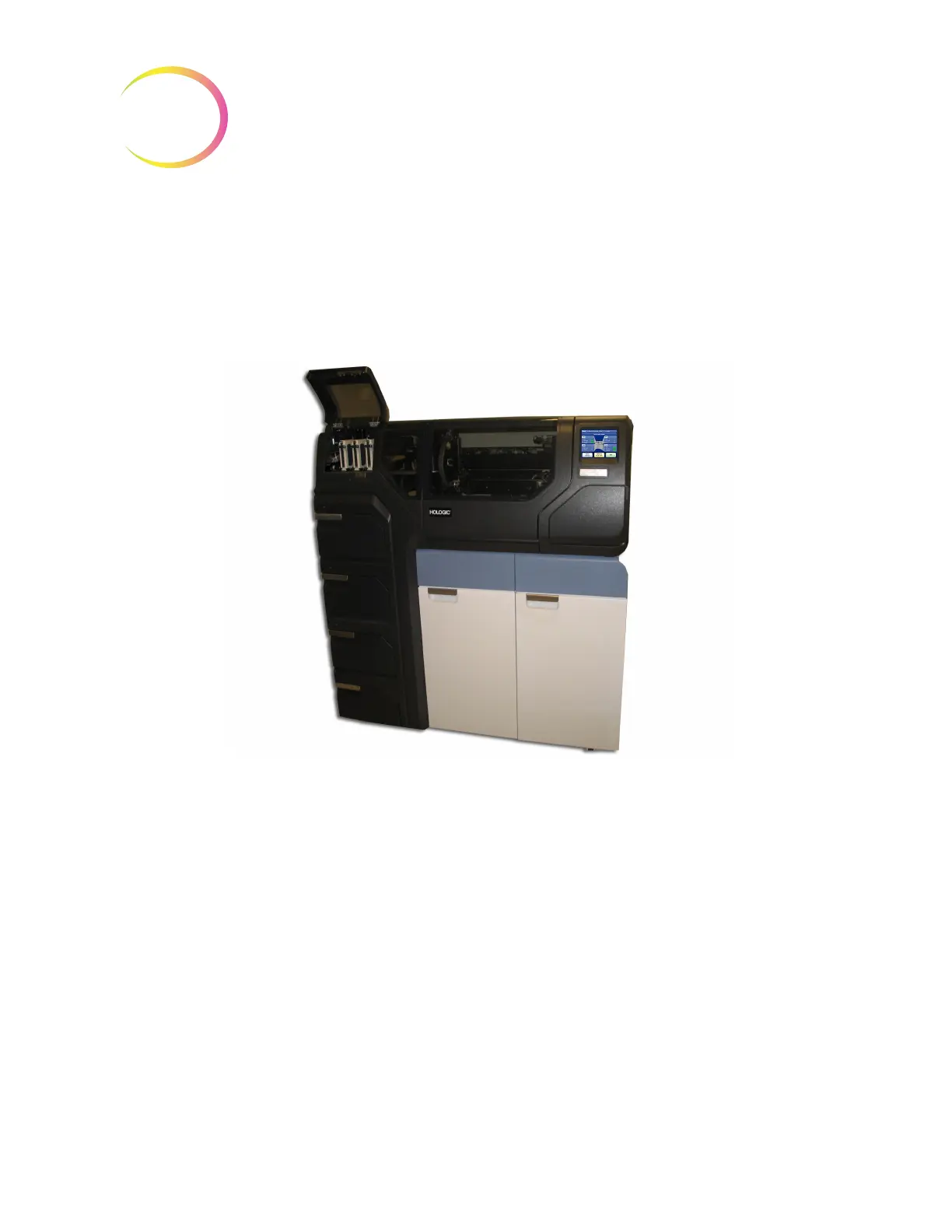
Figure 2-1 A Typical ThinPrep 5000 Processor with AutoLoader
CAUTION
: Route all connectors carefully to avoid pinching the cables. To avoid tripping over or
disconnecting cabling, do not place cabling near foot traffic.
Network Connectivity
The ThinPrep 5000 processor with AutoLoader can be connected to an external network router
(provided by Hologic). Optional connection for the router includes a Hologic supplied Network
Attached Storage (NAS), customer Laboratory Information System (LIS) or a Hologic supplied
network printer. See Figure 2-2 for an example of a network configuration.
Each site must have a secure firewall and strong network security for devices connected to the NAS.



 To Next Page