31
Getting Started
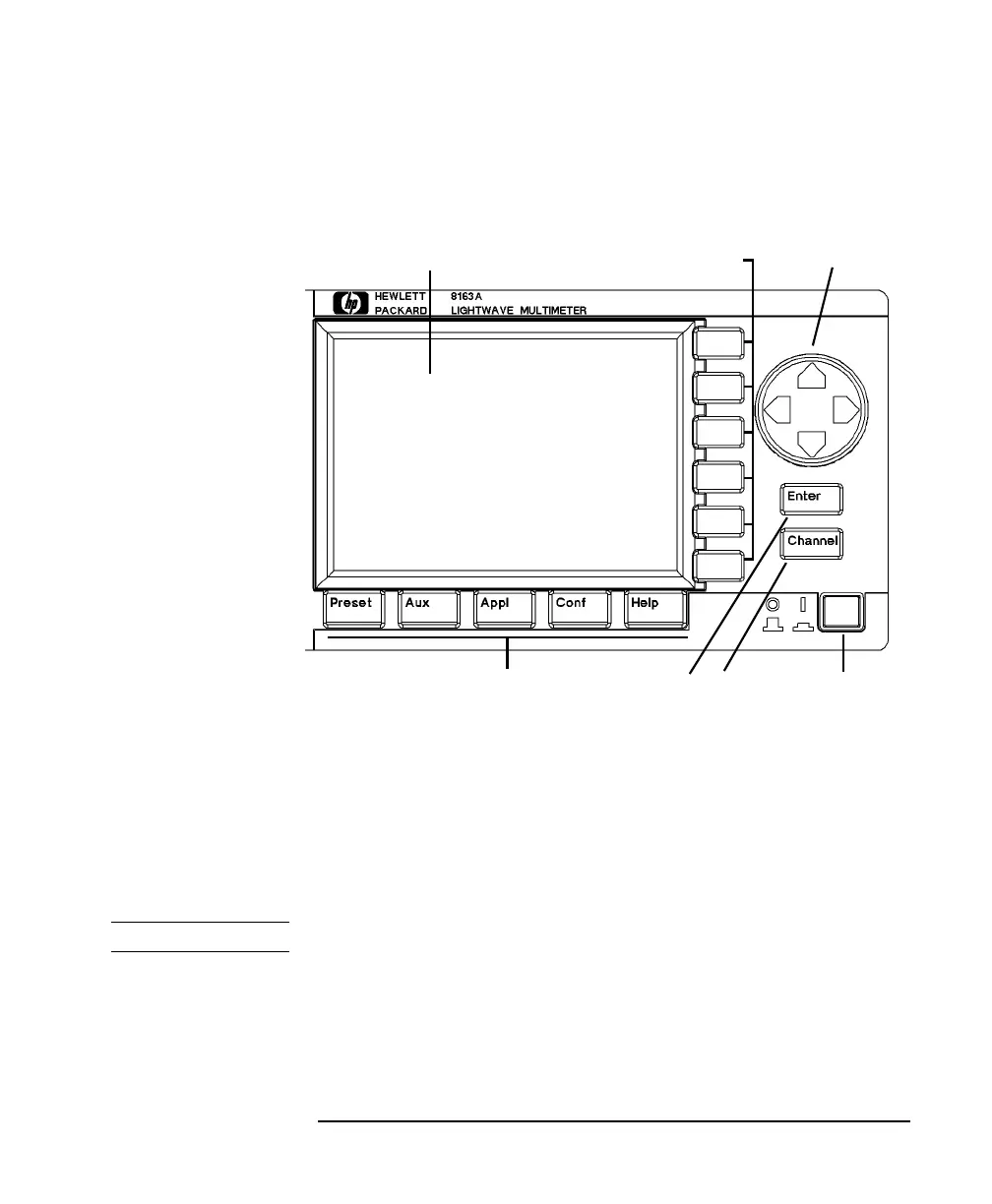
A Description of the User Interface
Password
When you use this instrument with high-power Laser Source
modules or Tunable Laser modules, you must enter the password to
unlock the instrument.
NOTE The default password is
1234
.
If You Forget Your Password
If you forget your password, contact your nearest Hewlett-Packard
Sales/Service Office.
Figure 1-4 The HP 8163A Lightwave Multimeter User Interface
Power Key
Display Cursor Key
Enter ChannelHardkeys
Key Key
Softkeys



 To Next Page