30
Getting Started
A Description of the User Interface
1.3 A Description of the User Interface
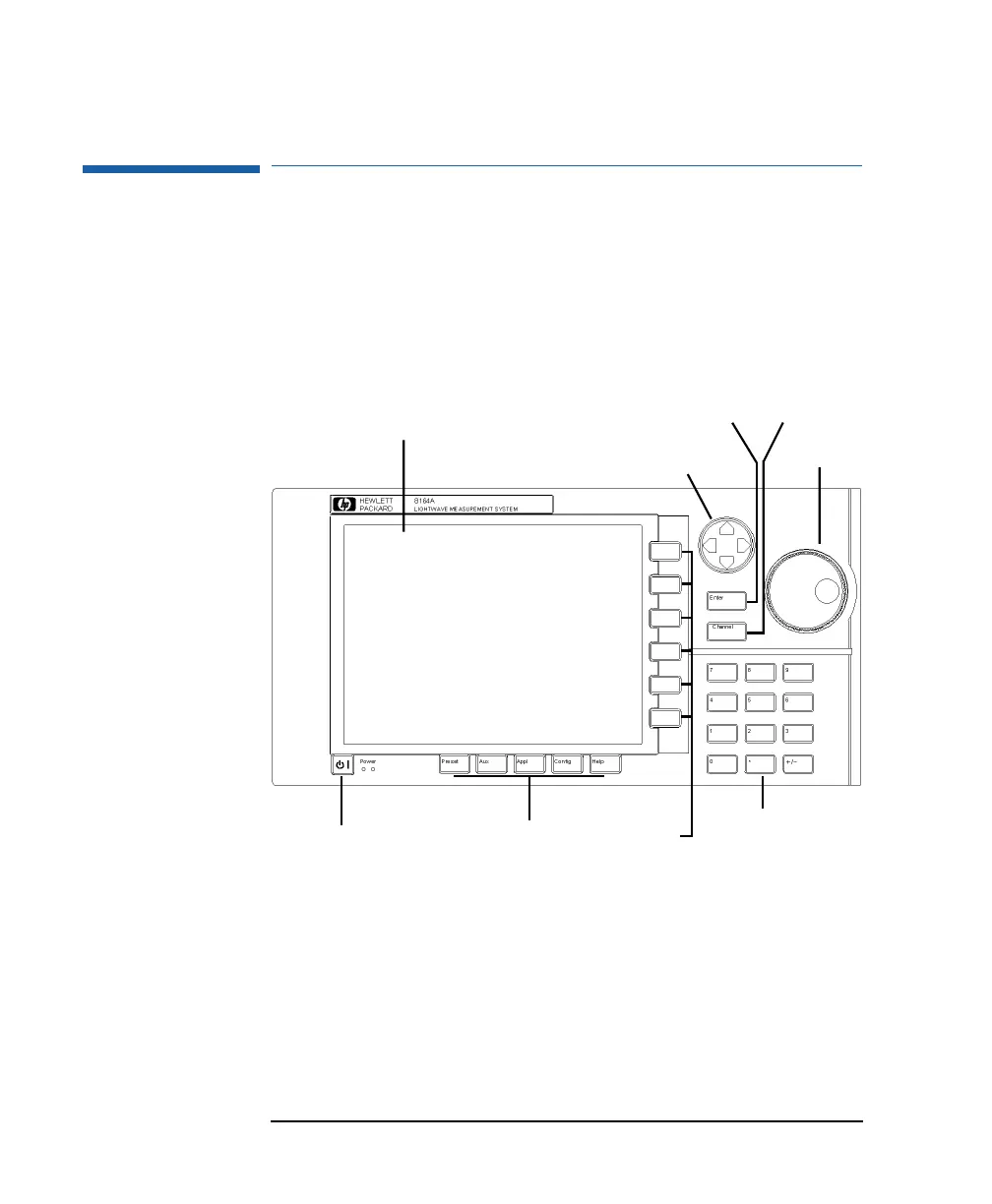
Figure 1-3 and Figure 1-4 show the user interface of the HP 8164A
and the HP 8163A, respectively, and the names used in this manual
to describe the groups of keys.
The HP 8163A does not provide the following two features of the
HP 8164A’s user interface:
• the Modify Knob, and
• the Numeric Keypad.
Figure 1-3 The HP 8164A Lightwave Measurement System User Interface
Power Key Hardkeys Softkeys Keypad
Display Key Key
Modify
Knob
Cursor Key
Enter Channel
Numeric



 To Next Page