36
Getting Started
A Description of the User Interface
How to Change Channel
You can navigate between module channels by pressing the
CHANNEL hardkey. You can use this key when either the overview
screen or the details screen is displayed.
How to Access the Details Screen
You can access the parameters of a module that are not shown on
the overview screen by pressing CHANNEL to select the channel and
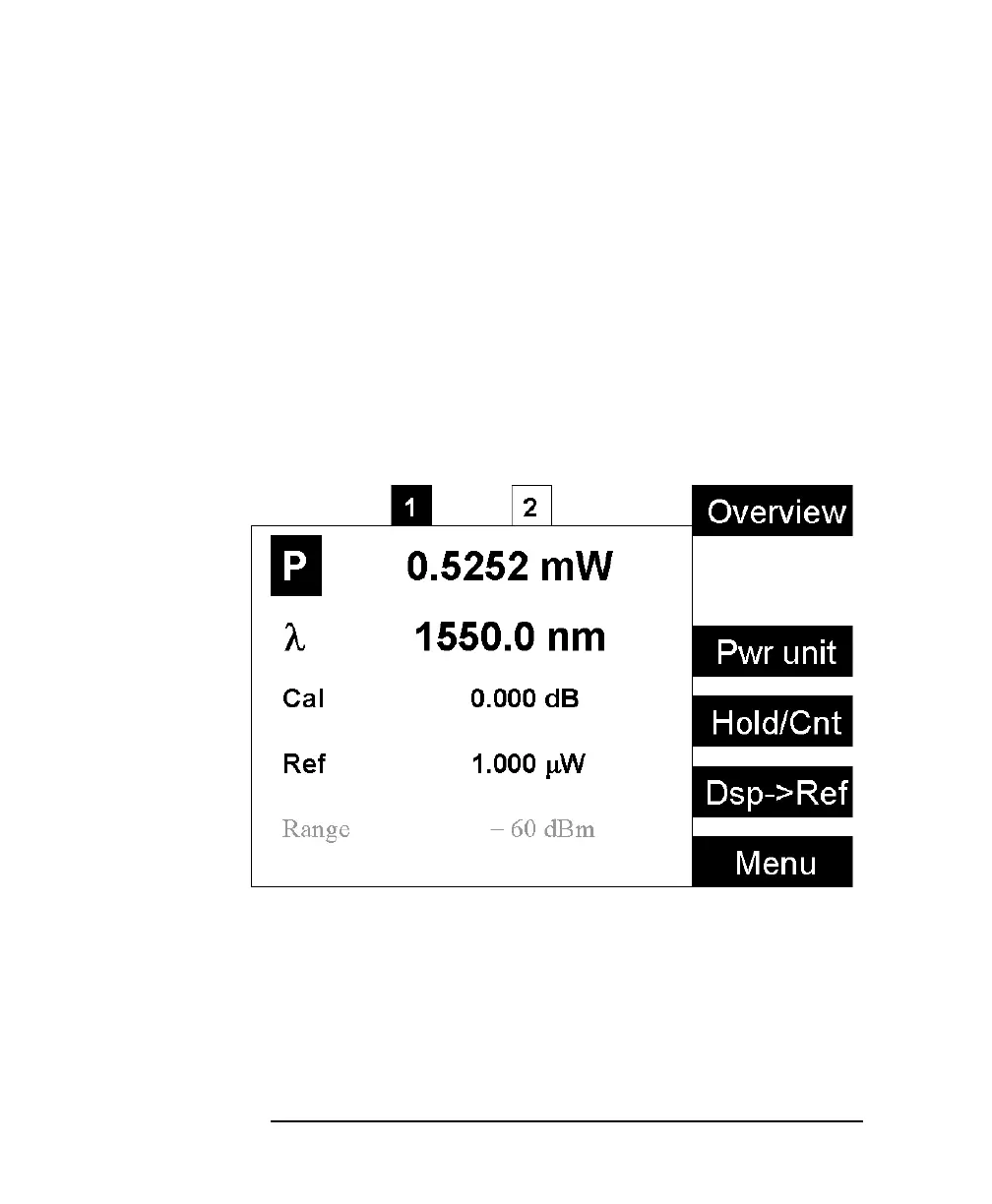
pressing the [Details] softkey. You should see the Details screen as
shown in Figure 1-9 or Figure 1-10.
Figure 1-9 The HP 8163A’s Details Screen for a Power Sensor Channel



 To Next Page