78
Power Measurement
How to Measure Power
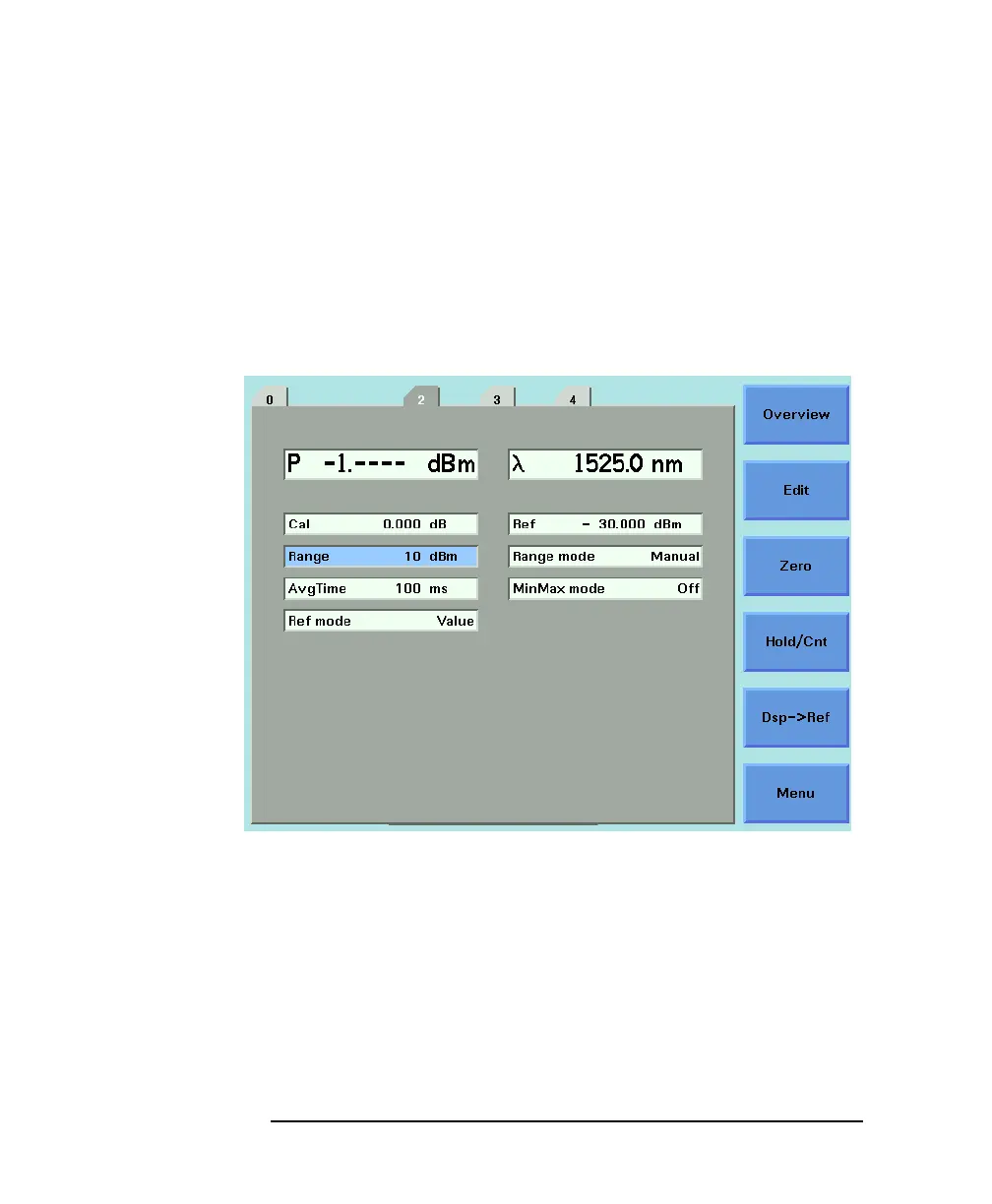
If the measured power is more than 40 dBm less than the range
setting, it is impossible for power to be displayed. The power value,
-1.--- dBm, as shown in Figure 3-10, is shown. This means that
the measured power is greater than the resolution at this [RANGE]
value. You must increase the [RANGE] value.
See Table 3-1 on page 80 for more details.
Figure 3-10 Out of Range - Power Less Than Resolution



 To Next Page