Basic Call Features
107
To configure static forward
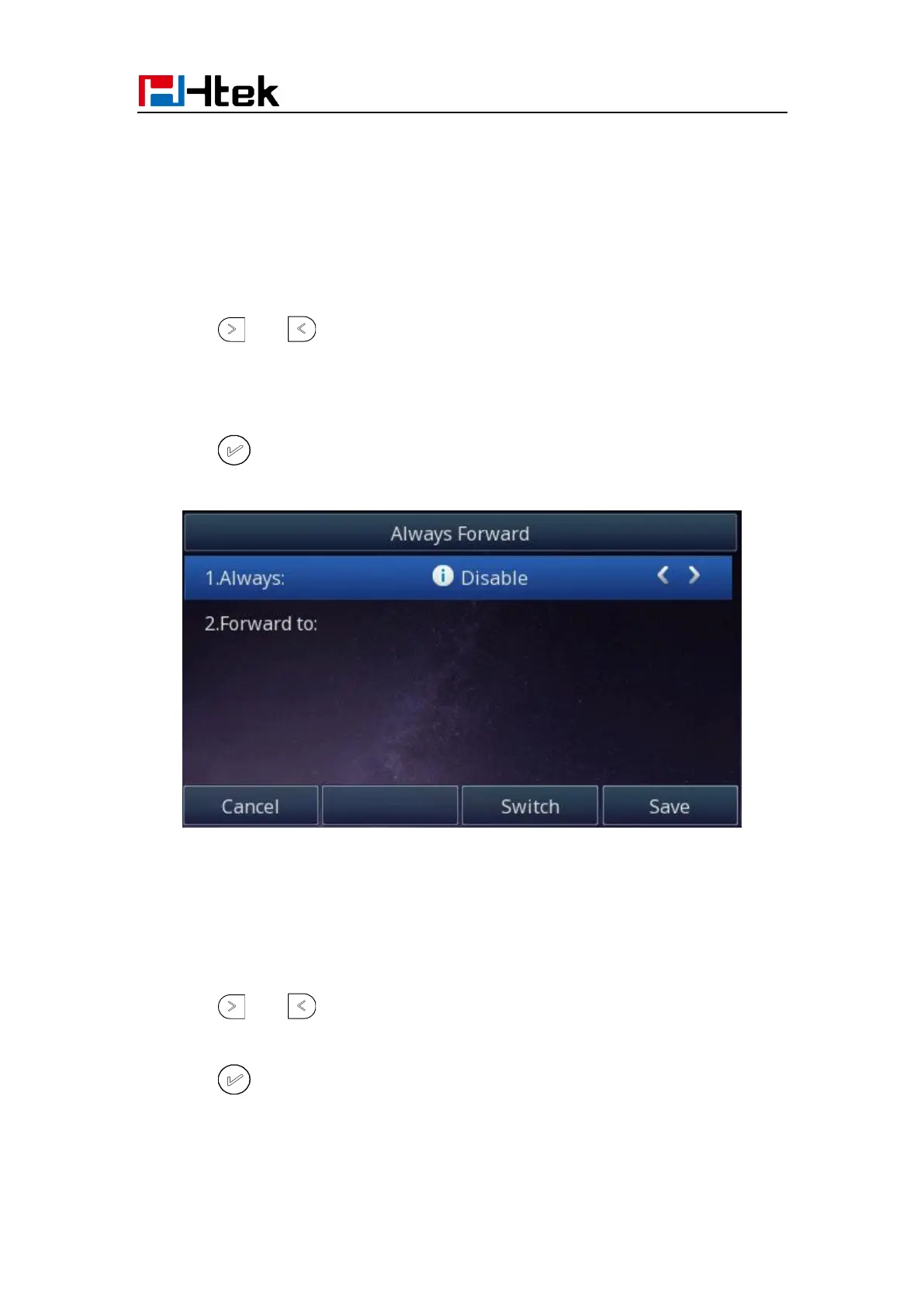
To configure always forward
With this feature, all incoming calls will forward immediately to configured number.
1. Press Menu → Features → Call forward →Always Forward.
2. Press and to select the enable choice
3. Enter the Forward To number.
4. Press or Save soft key to save the configuration.
To configure busy forward
With this feature, the incoming calls are immediately forwarded if the phone is busy.
1. Press Menu →Features → Call forward →Busy forward.
2. Press and to select the enable choice.
3. Enter the Forward To number.
4. Press or Save soft key to save the configuration.



 To Next Page