Basic Call Features
108
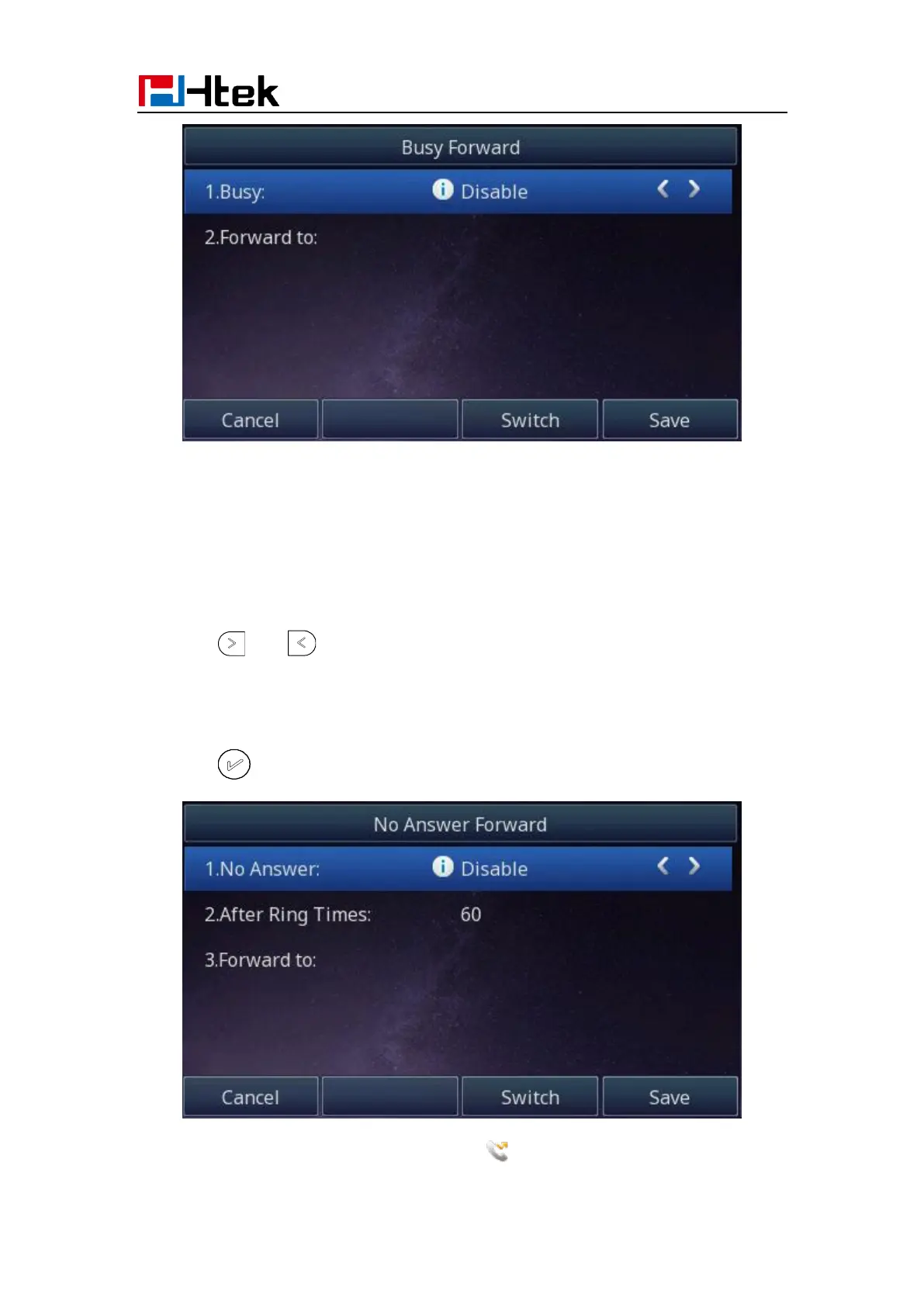
To configure no answer forward
No Answer Forward: Incoming calls are forwarded if not answered after some time.
1. Press Menu →Features → Call forward →No answer forward.
2. Press and to select the enable choice
3. Enter the Forward To number and After Ring Times.
4. Press or Save soft key to save the configuration.
When the Forward feature is enabled, the Icon will display on Top of the LCD.



 To Next Page