Basic Call Features
109
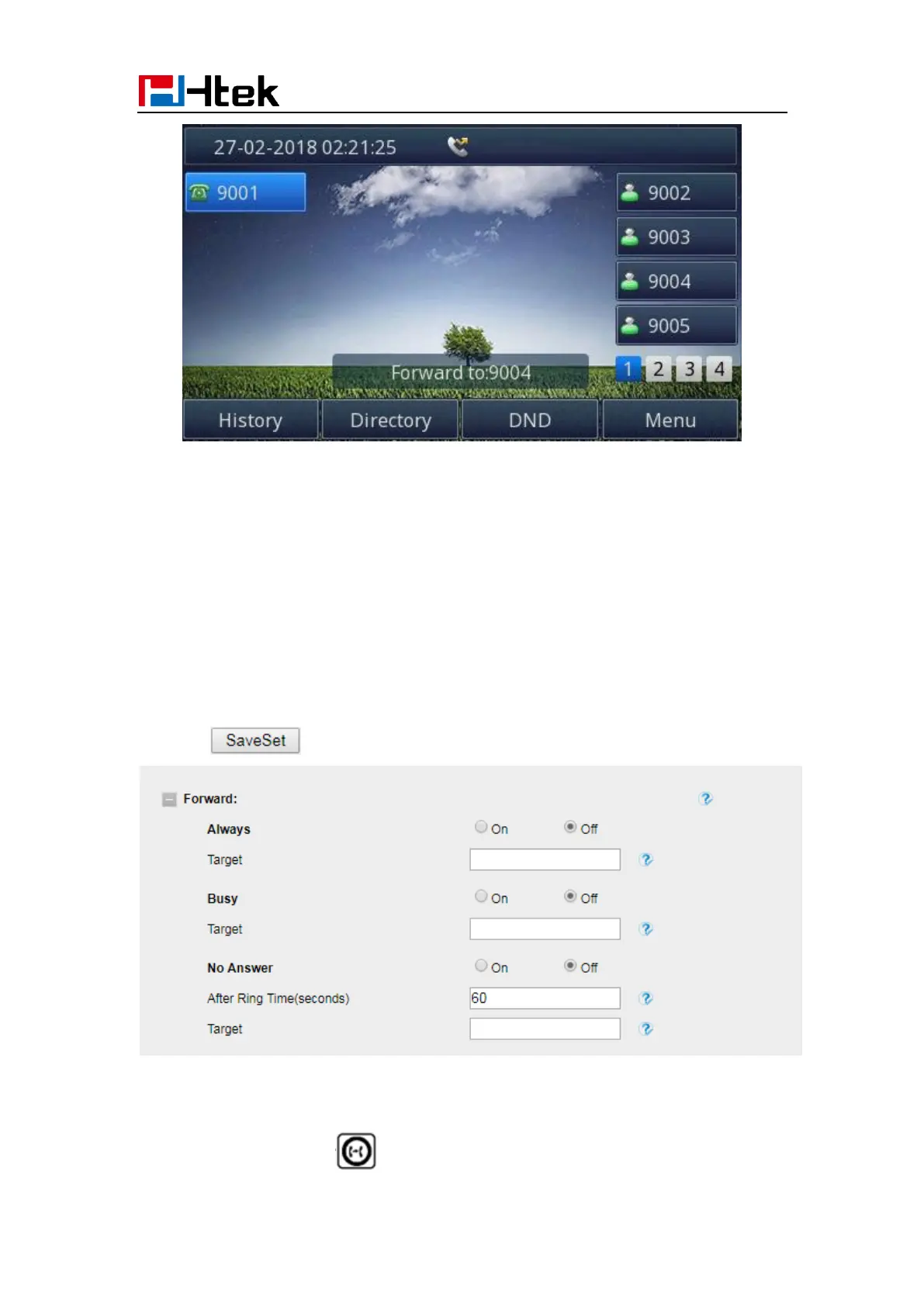
To configure Forward via Web interface
1. Setting → Features
2. Click On for the Always/Busy/No Answer
3. Fill the Target Number
4. Fill the After Ring Time
5. Click to save the configuration
To cancel the forward feature via Phone interface
1. Option 1: To press the key to disable the forward feature.



 To Next Page