BT Feature
156
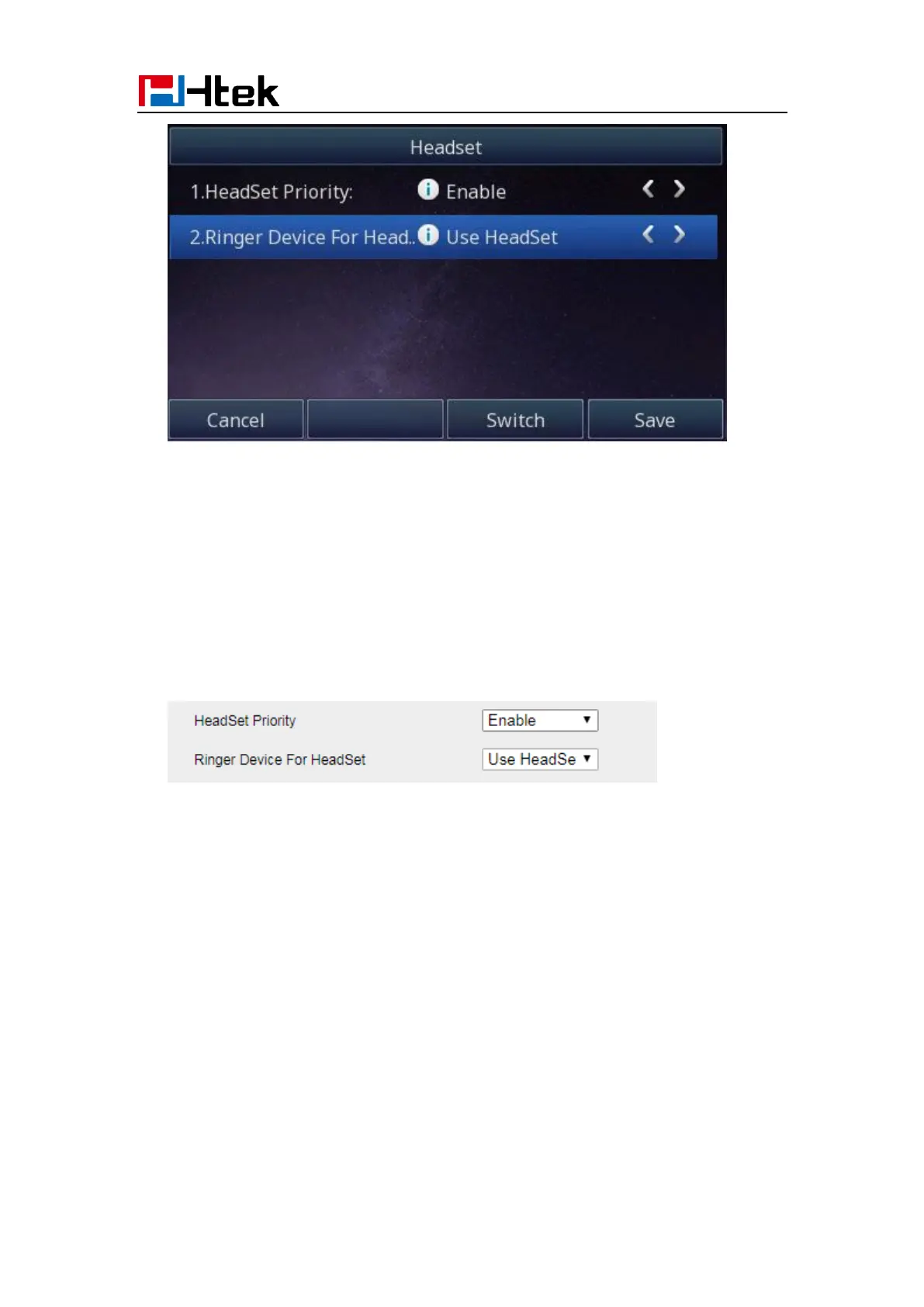
2. Enable the Headset Priority
3. Choose the “Use HeadSet” or “Speaker&Headset” from “Ringer Device For Headset”
option
4. Press the save button to save the configuration.
To configure the headset mode via Web interface:
1. Login the phone’s webpage (Username: admin, Password: admin)
2. Setting->Preference. Enable the Headset priority. Choose the “Use HeadSet” or
“Speaker&Headset” from “Ringer Device For Headset” option.
3. Click the “SaveSet” button to save the configuration
To enable the headset mode:
1. Press the headset key on phone’s during the idle status when you accomplish the
above-mentioned configuration.
2. Headset icon will display on phone status bar.



 To Next Page