BT Feature
157
How to Activate Bluetooth?
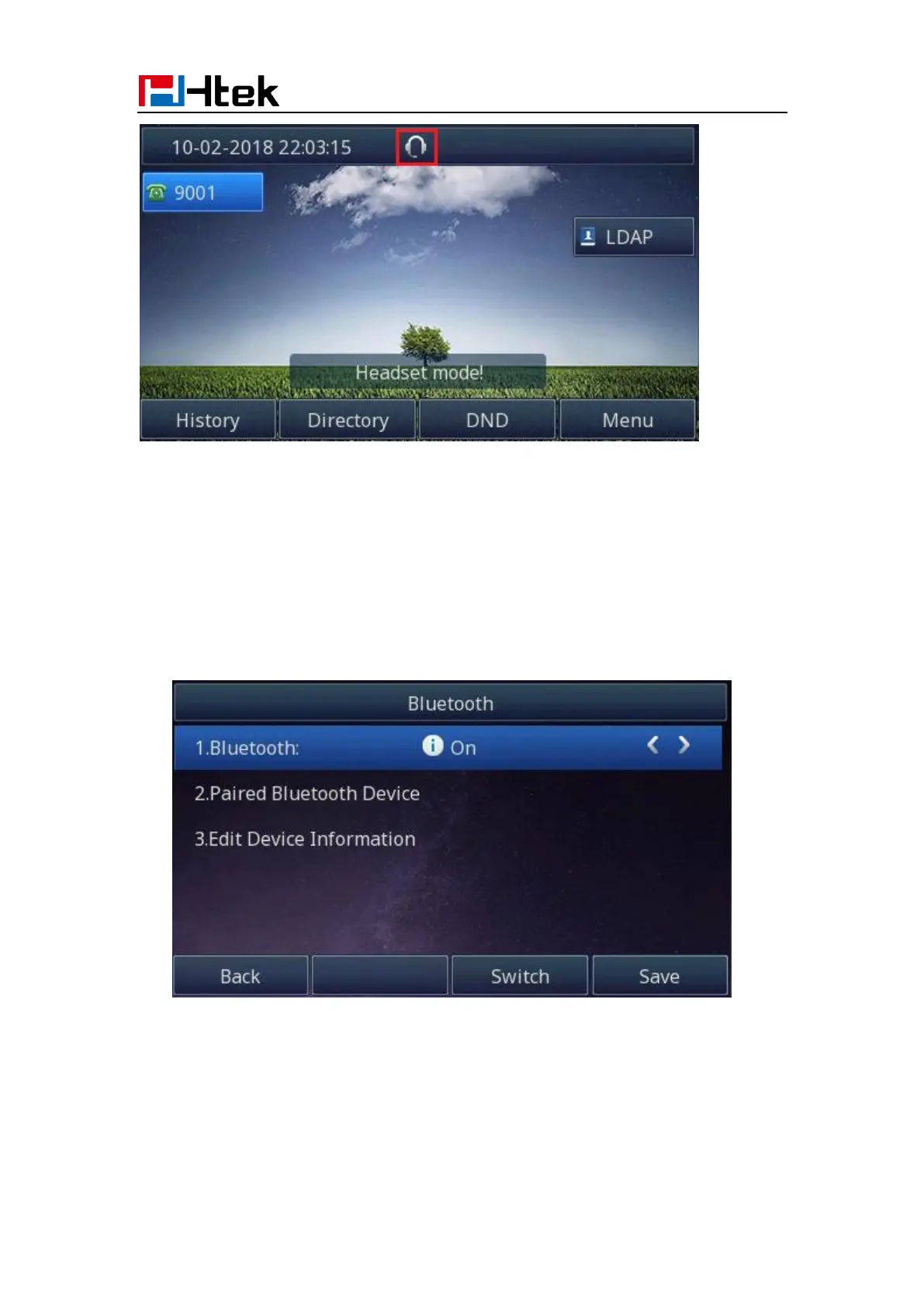
To activate Bluetooth via Phone interface:
1. Find Menu then navigate as follows:
Menu->Settings->Basic Setting->Bluetooth:
2. Press the save button to save the configuration
3. You will see the Bluetooth icon on phone’s homepage status bar during the idle status.
(This icon means that phone has no pair the Bluetooth device)



 To Next Page