BT Feature
158
How to Pair the Bluetooth Headset to the Phone?
Open the Bluetooth pairing mode on Bluetooth headset:
1) Turn on the Bluetooth headset.
2) Long press the multifunction key on the Bluetooth headset until the indicator LED
alternately flashes red and blue.
The Bluetooth headset is in pairing mode.
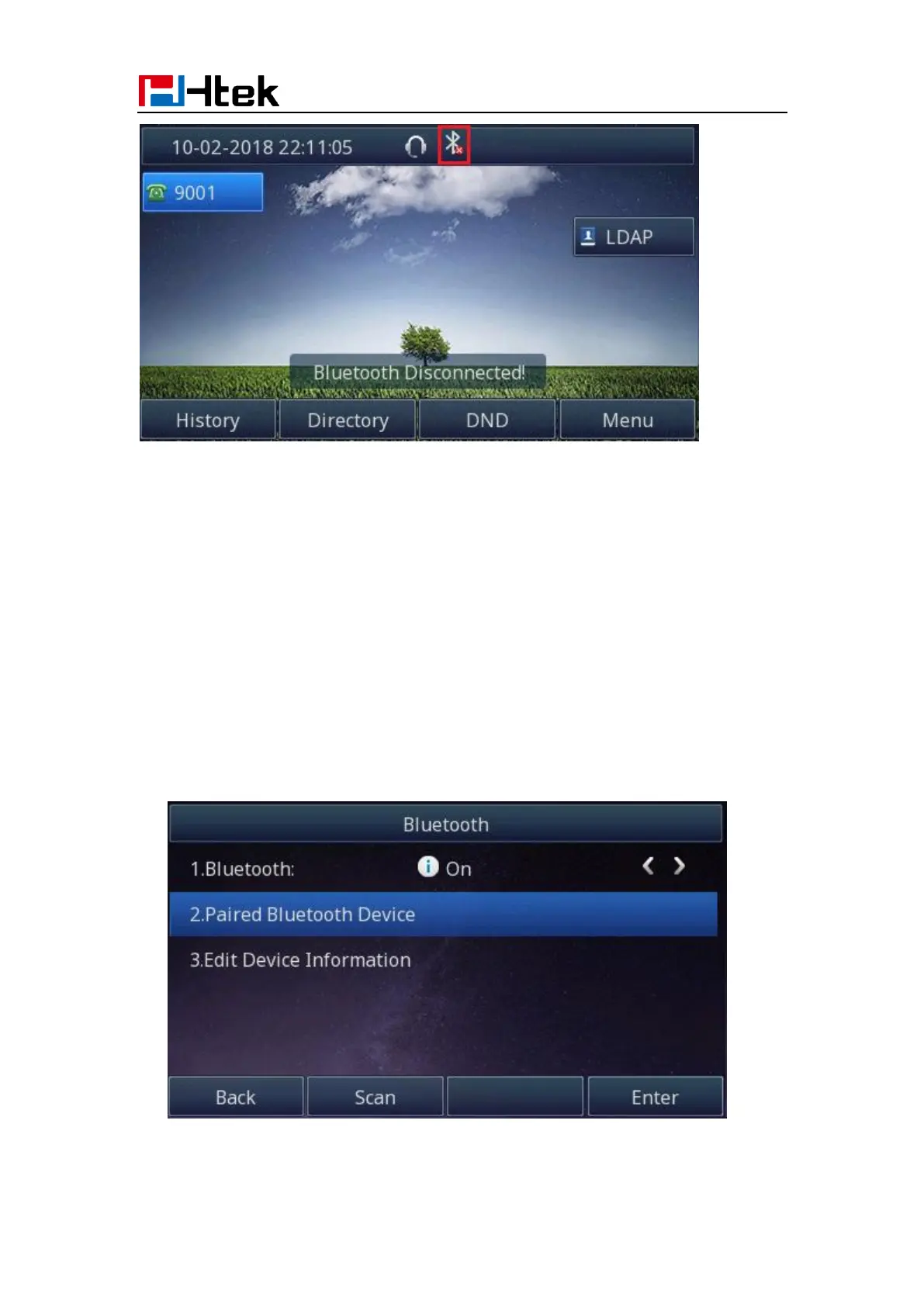
How to scan the Bluetooth headset device on phone interface:
1. Select "Paired Bluetooth Device". Press the "Scan" button on phone interface:
2. The phone will enter the scan interface.



 To Next Page