Basic Setting Configuration
48
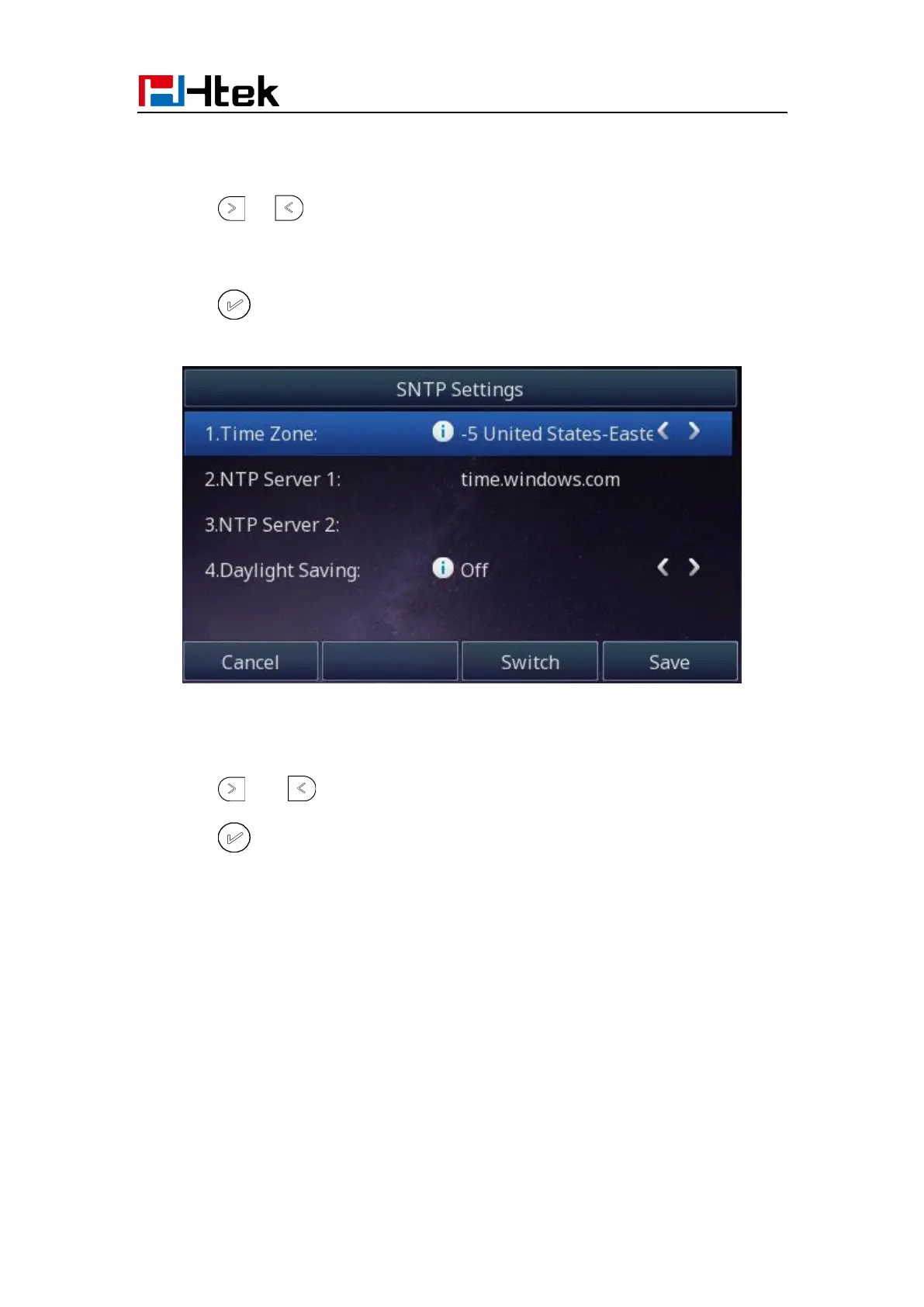
To configure the time and Date by SNTP setting via Phone interface
1. To press Menu → Settings → Basic Setting → Time & Date → SNTP Settings
2. Press or to change the Time zone.
3. Fill the NTP server1, NTP Server2, and select the mode of Daylight Saving.
4. Press or Save soft key to save the configuration.
To configure time and date manually via Phone interface
1. To press Menu → Settings → Basic Setting → Time & Date → Manual Settings
2. Press and or change the right time, or you can input the right time.
3. Press or Save soft key to save the configuration.



 To Next Page