Basic Setting Configuration
49
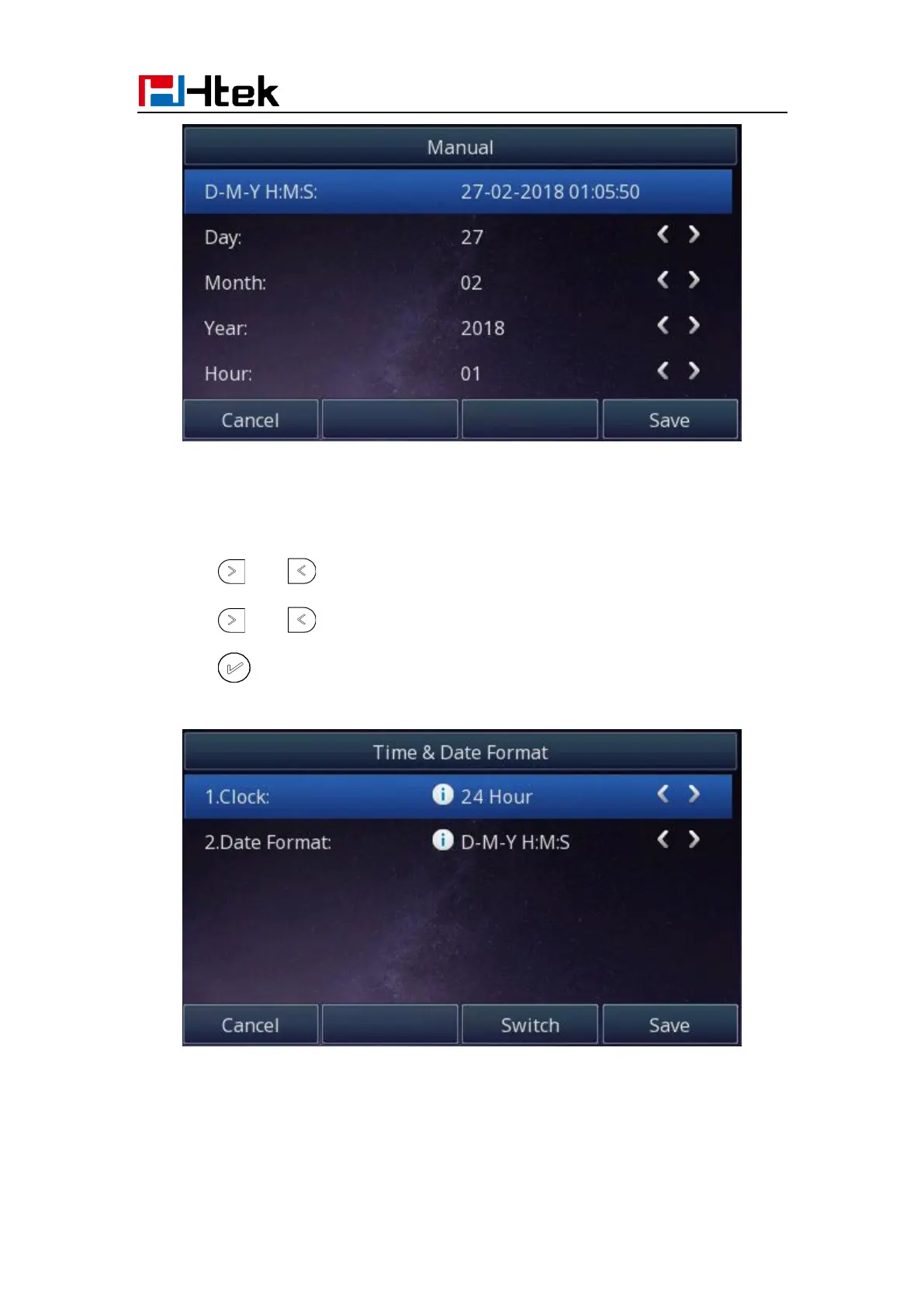
To configure the Time & Date Format via Phone interface
1. Press Menu → Settings → Basic Setting → Time & Date Format
2. Press and to change between 12 Hour or 24 Hour time display.
3. Press and to change date display format.
4. Press or Save soft key to save the configuration.
To configure the DHCP time via Phone interface
1. To press Menu → Settings → Basic Setting → DHCP time



 To Next Page