Basic Setting Configuration
64
3. Click the OK button, then the phone will reboot.
To configure PC router via Phone interface:
1. Press Menu→ Settings→ Advanced Setting (password: admin) → Network→ PC Port
→ Router mode.
2. Enter the IP, Netmask and DHCP server
3. Click Save
4. Click the OK button, then the phone will reboot
To configure PC, Connect to Expansion Module via Phone interface:
1. Press Menu→ Settings→ Advanced Setting (password: admin) → Network→ PC
Port → Connect to Module.
2. Click Save
3. Click the OK button, then the phone will reboot
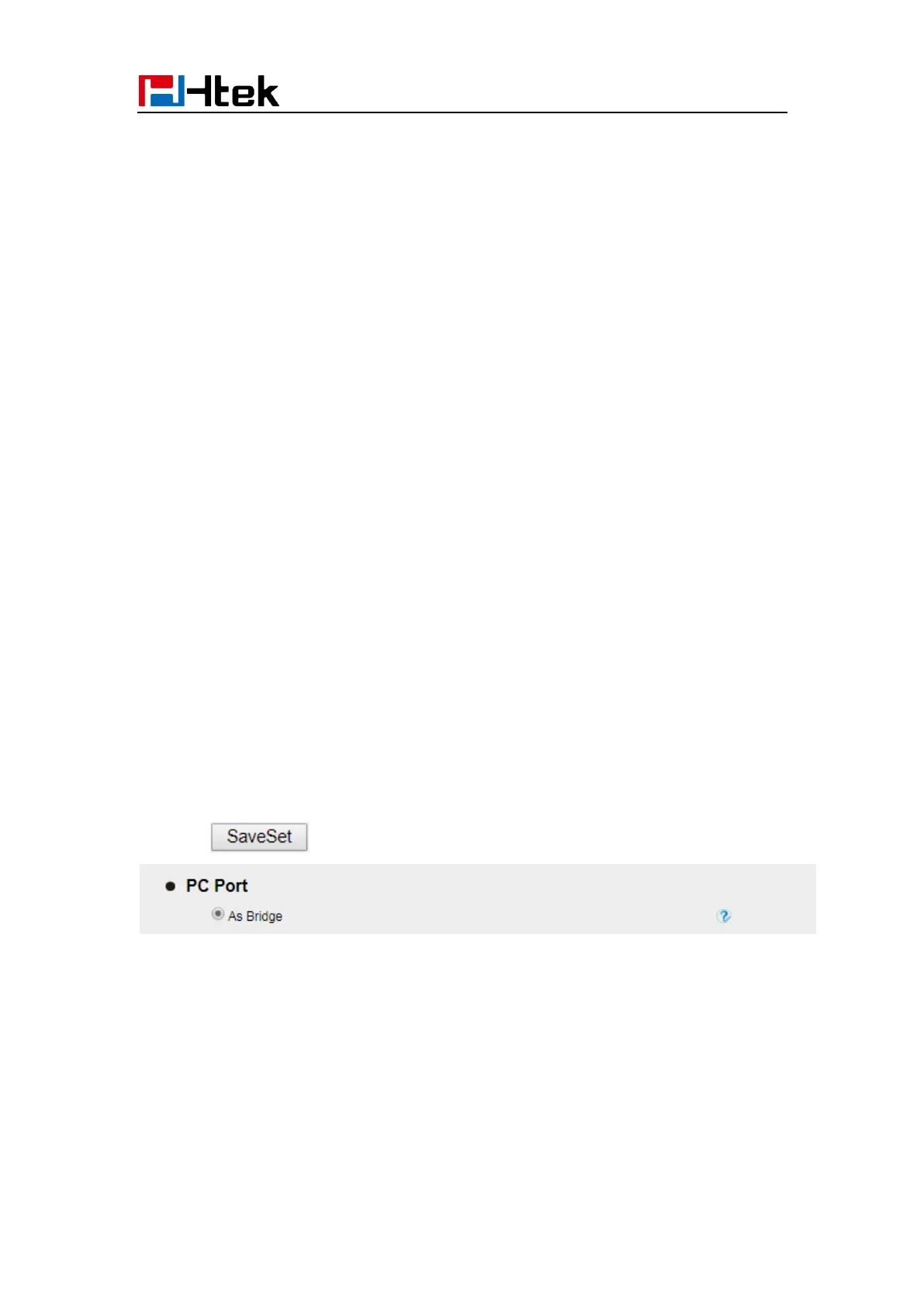
To configure Bridge via Web interface:
1. Click Network→ PC Port
2. Select As Bridge
3. Click and the phone will reboot automatically
To configure Router via Web interface:
1. Click Network→ PC Port
2. Select As Router
3. Fill the IP address and other necessary information.



 To Next Page