Basic Setting Configuration
65
4. Click and the phone will reboot automatically
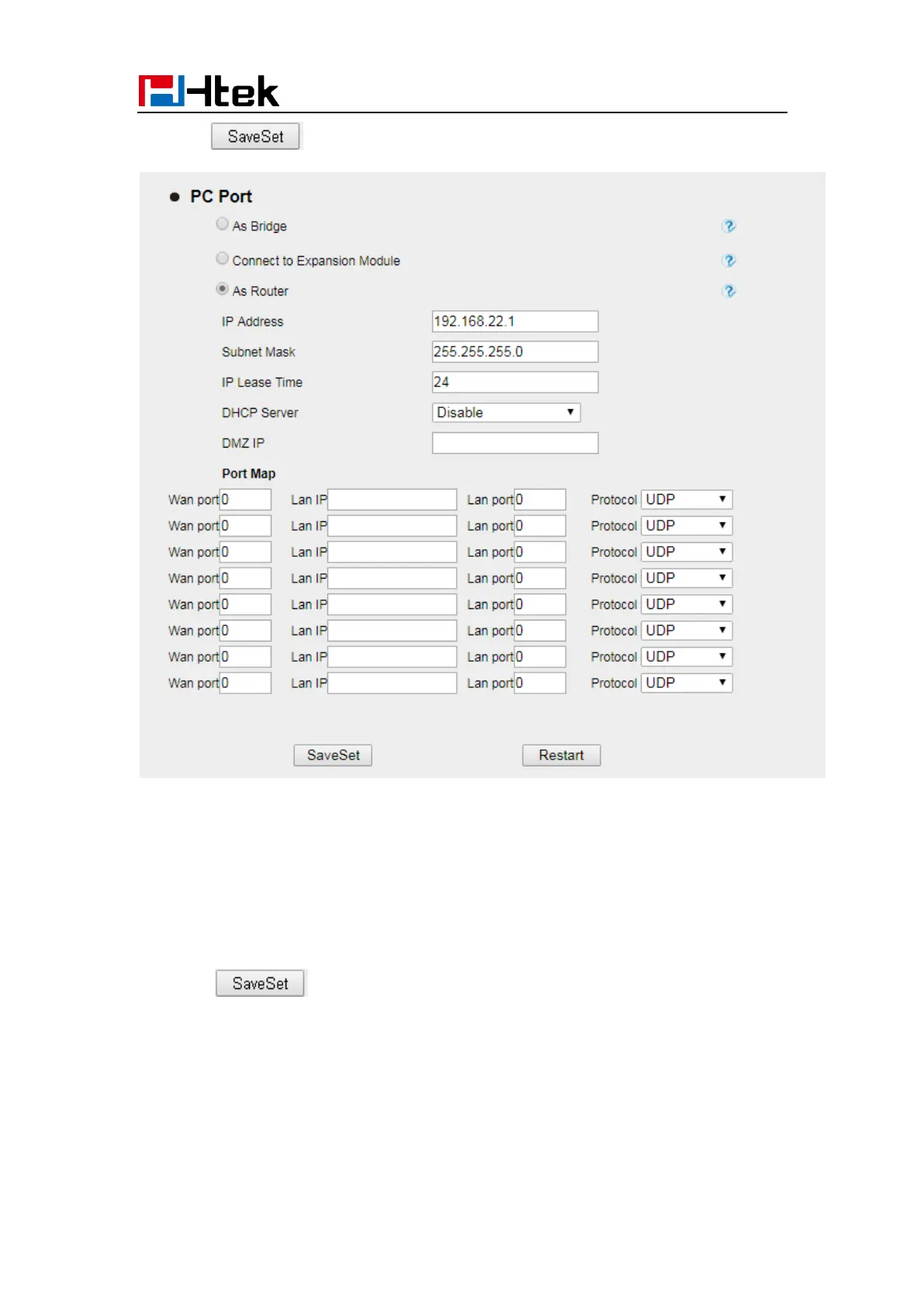
To configure PC, Connect to Expansion Module via Web interface:
1. Click Network→ PC Port
2. Select as Connect to Expansion Module
3. Click and the phone will reboot automatically



 To Next Page