Basic Setting Configuration
69
6. Enter the added Group, then press Add soft key.
7. Enter the necessary information as Name, Phone number…
8. Press Save soft key or to add the contacts successfully.
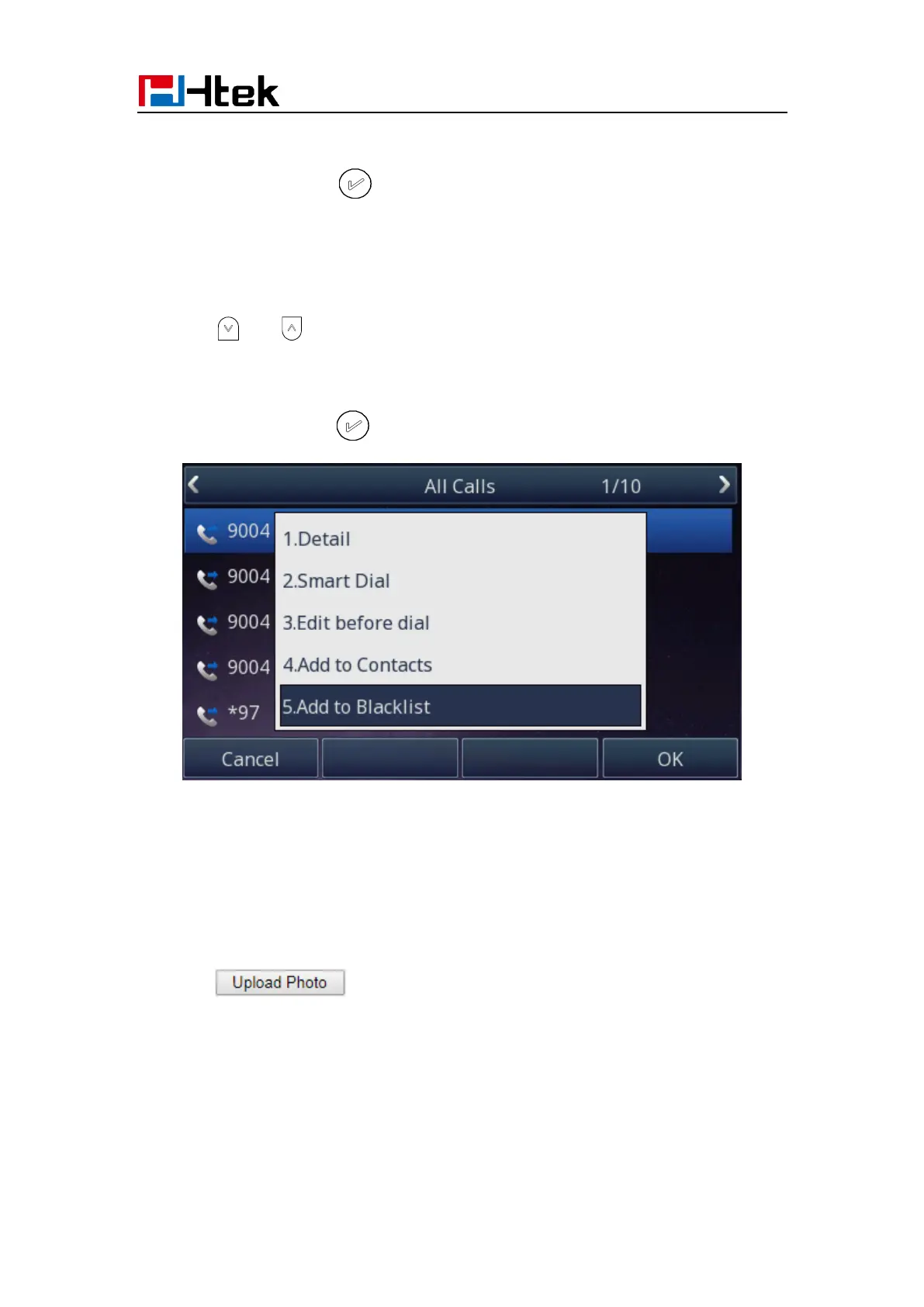
To add blacklist from history via Phone interface:
1. Press History soft key or press Menu → History → Local History
2. Press and to select the targeted one.
3. Press Option soft key → Add to Blacklist
4. Edit the necessary information as Name, Phone number…
5. Press save soft key or to add successfully.
Upload Contacts photo via Web interface:
1. Click Directory and select the desired contact.
2. Click Choose file to select the photo for the contact
3. Click to upload the photo.



 To Next Page