Basic Setting Configuration
68
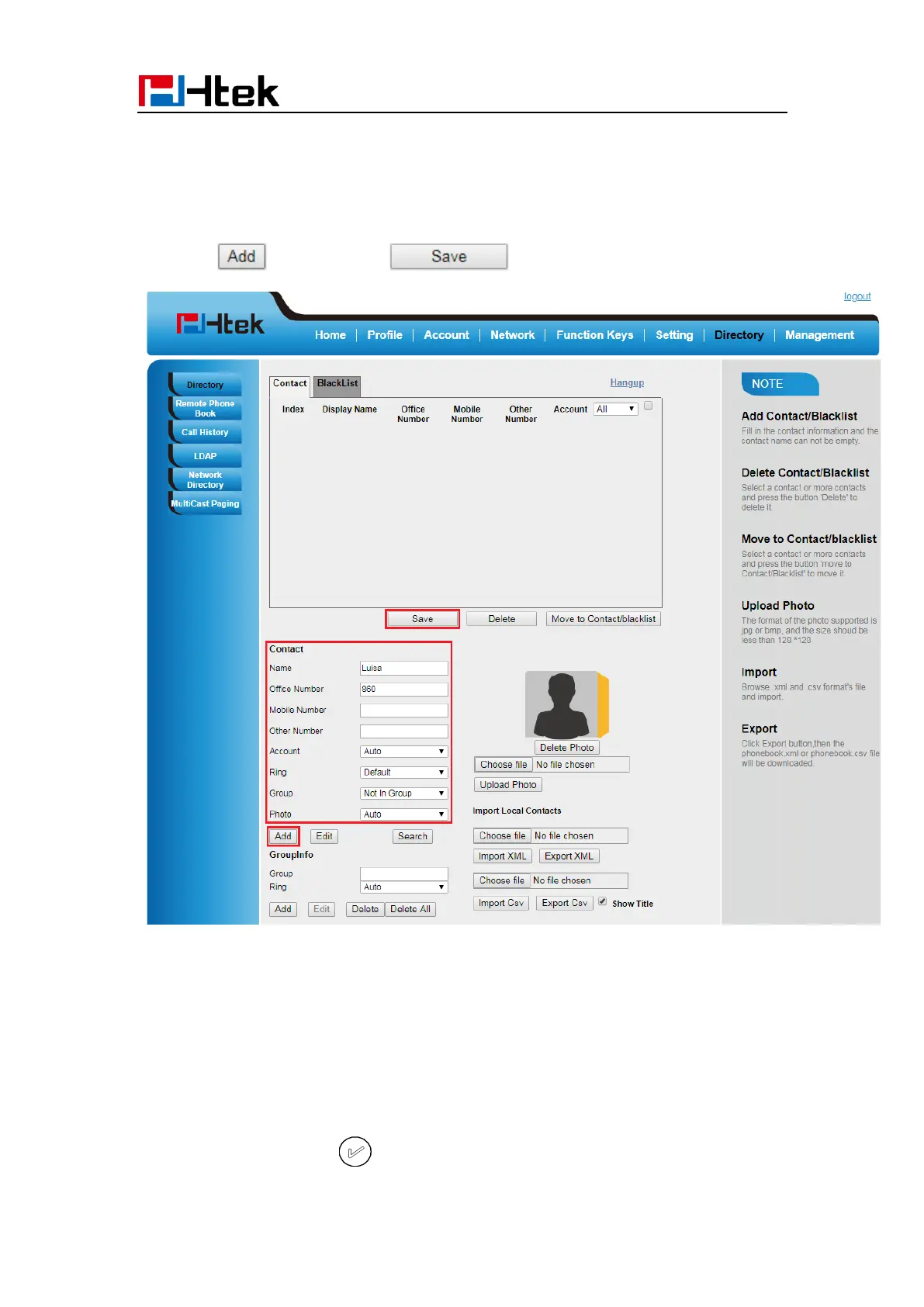
1. Click Directory→ Directory
2. Enter the name, number and some other information.
3. Press and then press button.
B: To add contacts into blacklist
To add blacklist manually via Phone interface:
1. Press Menu → Directory → BlackList
2. Press Group soft key.
3. Press Add soft key.
4. Enter the Name and select the Ring Tone.
5. Press Save soft key or to add the Group successfully.



 To Next Page