Copyright © Huawei Technologies Co., Ltd.
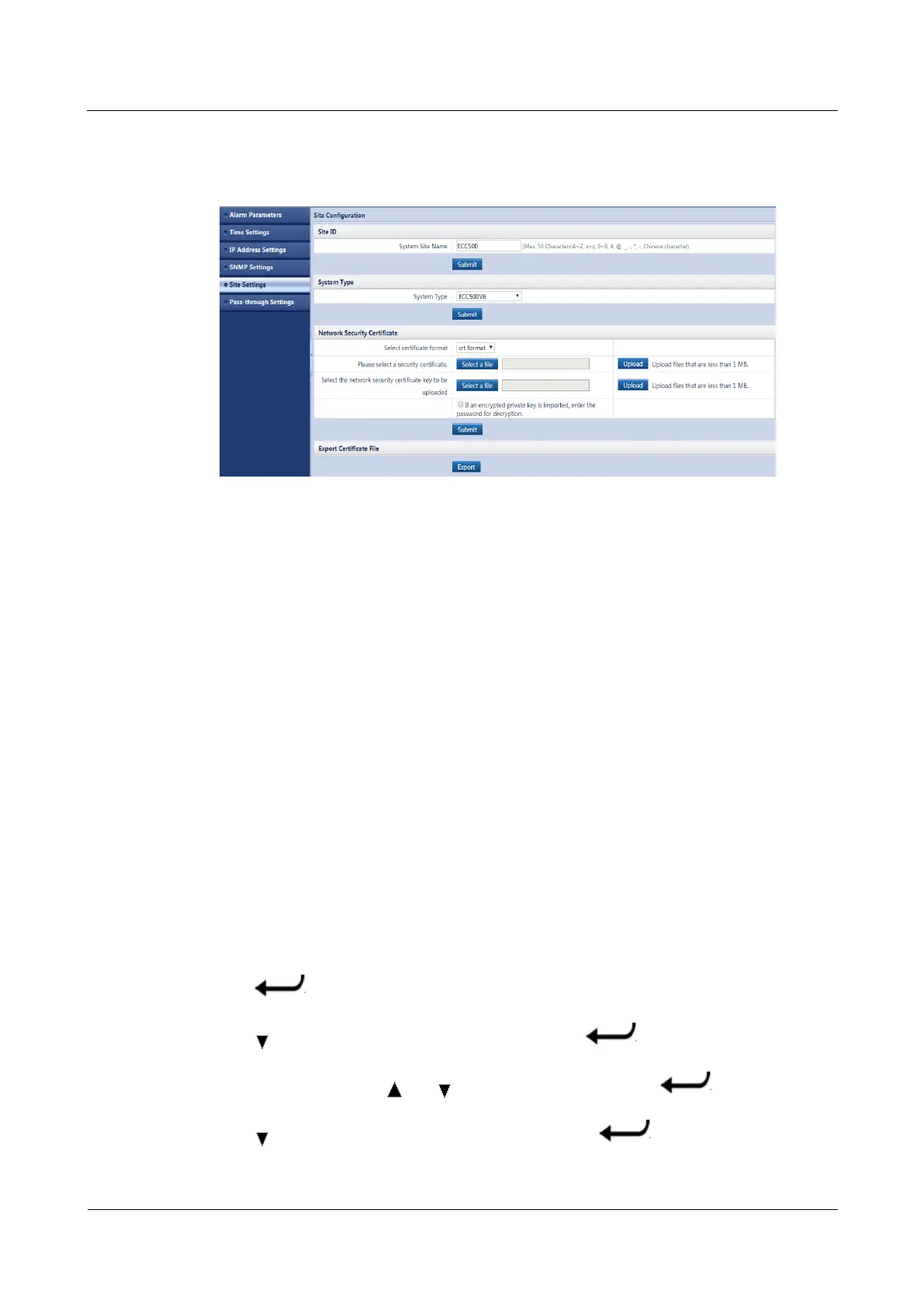
Step 8 Click Submit, as shown in Figure 7-1.
Figure 7-1 Uploading a network security certificate
----End
7.4 How Can I Change the ECC500 IP Address on the LUI?
Prerequisites
You have obtained the LUI password. The preset password used for first login is 000001.
To ensure access security, change the password upon first login. For details, see 7.6 How
Can I Change the ECC500 LUI Password?.
You have installed hardware for the ECC500 and powered it on.
You have obtained the IP address, subnet mask, and default gateway information planned
for the ECC500.
Context
A unified IP address (192.168.1.168) is configured for all ECC500s before delivery.
Reconfigure an IP address for the ECC500 as required to ensure normal communication with
a server.
Procedure
Step 1 Press on the ECC500 LUI.
Step 2 Press to move the cursor to Basic Settings and press .
Step 3 Enter the password, press and to modify the value, and press .
Step 4 Press to move the cursor to Comm. Settings and press .



 To Next Page