3 Configurations and Port
Copyright © Huawei Technologies Co., Ltd.
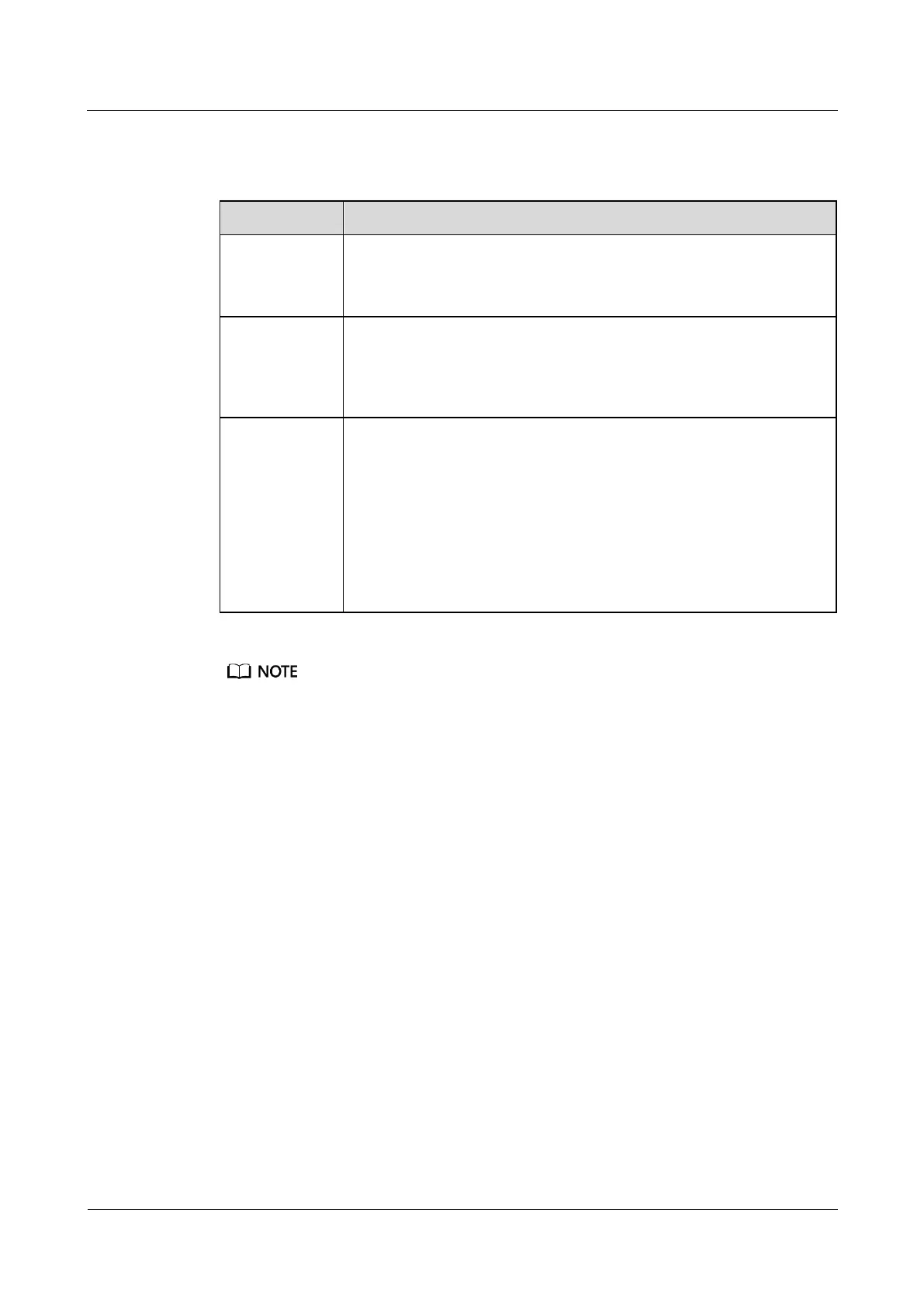
Table 3-9 describes ports on the front panel of the AI/DI expansion card.
Table 3-9 Description of ports on the front panel of the AI/DI expansion card
Provides the DO control function.
NO
COM
Provides a 12 V DC output for supplying less than 300 mA power to
devices such as the audible and visual alarms.
12 V DC, 300 mA
GND
AI/DI_1,
AI/DI_2,
AI/DI_3, and
AI/DI_4
Provide 12 V DC outputs for sensors and are compatible with 4 mA to
20 mA current signals, signals from current-based smoke sensors and
water sensors, dry contact signals, and NTC signals.
Pin definition:
3: 12 V DC, 54 mA
6: D-
7: D+
8: GND
Do not connect an active sensor to an AI/DI port. Otherwise, the port will be invalid.
Sensors including 4 mA to 20 mA sensors, door status sensors, water sensors, and smoke sensors
provide data for the ports.
The power supply of each AI/DI port can be separately controlled. Each port provides a maximum of
14.6 V, 54 mA output power.
3.2.5 Independent Deployment AI/DI Unit
Independent deployment AI/DI units can only be connected to COM4 and COM5 ports on
RS485 expansion cards in slots 3 and 4. A maximum of two independent deployment AI/DI
units can be connected to each port, and the Independent Deployment AI/DI Unit addresses
can only be 1 or 2.
When the AI/DI expansion card installed in the ECC500 has insufficient space for AI/DI data
collection, you can connect an Independent Deployment AI/DI Unit to the AI/DI expansion
card using an RS485 bus. The eight AI/DI input ports on the module can collect more AI/DI
signals. The Independent Deployment AI/DI Unit can be mounted in a 19-inch rack or on a
wall. Figure 3-7 shows ports on its front panel.



 To Next Page